App Center
The system manages applications through application groups and provides the function of creating applications, which can be created through templates.
The system provides out of the box application templates that do not require secondary development and can be directly deployed and used in applications.
Manage Apps
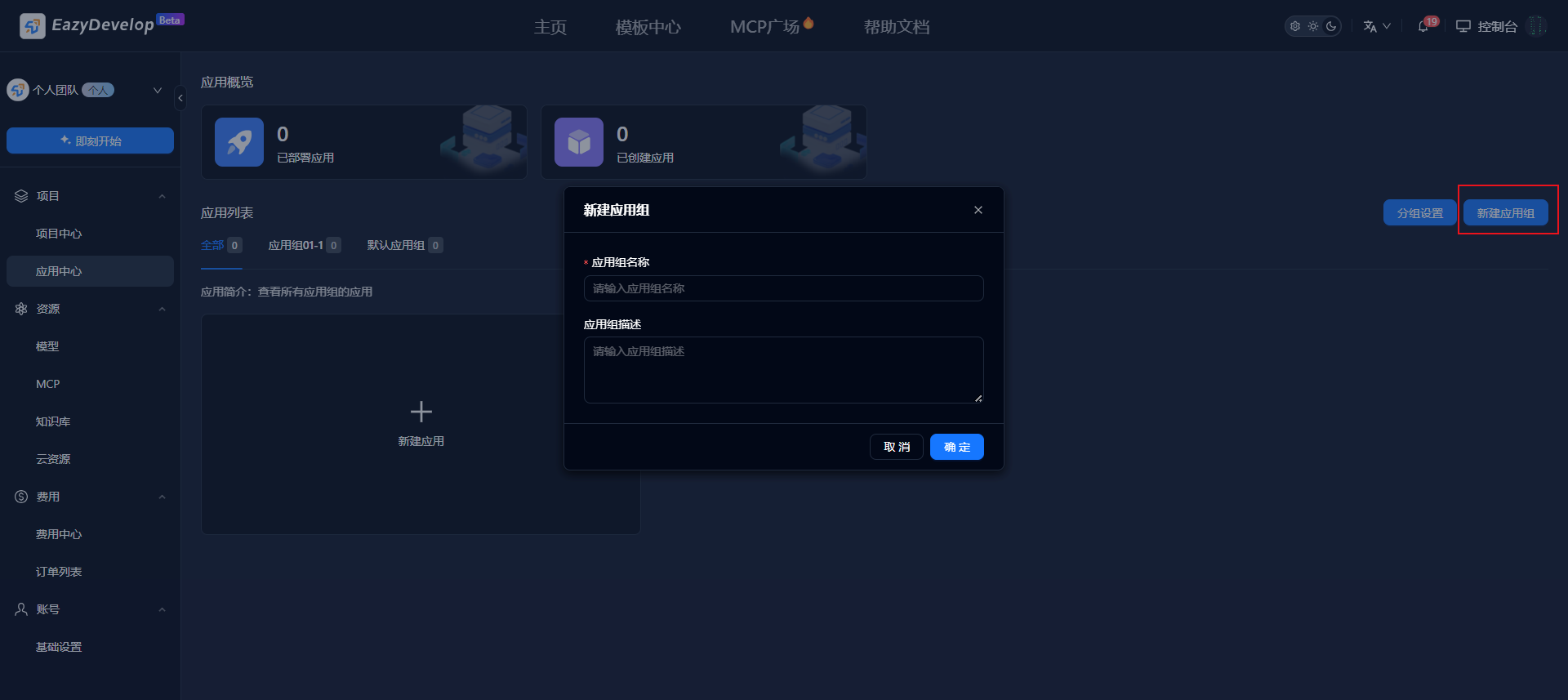
Click [Create App Group] to create an app group. In team mode, you can set member permissions for app groups.
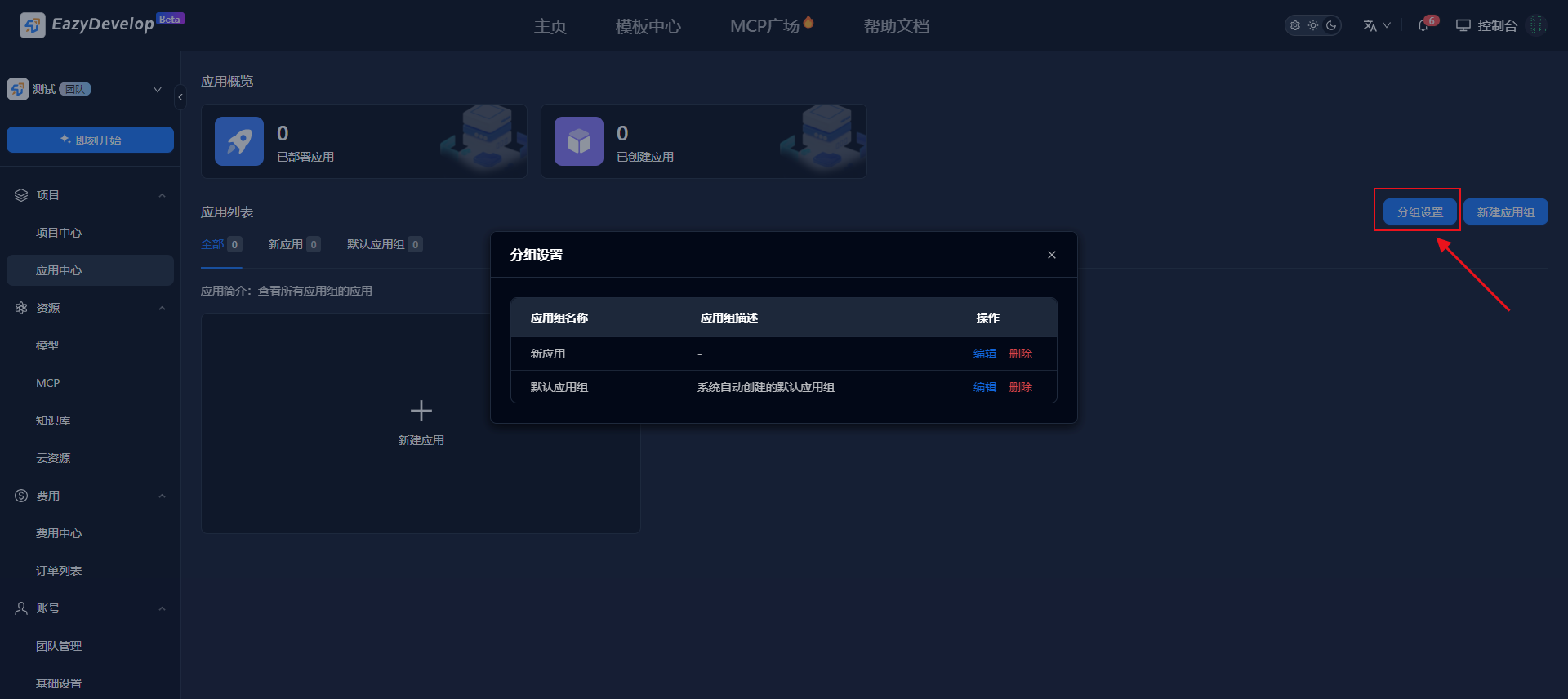
Click [Group Settings] to configure app group information.
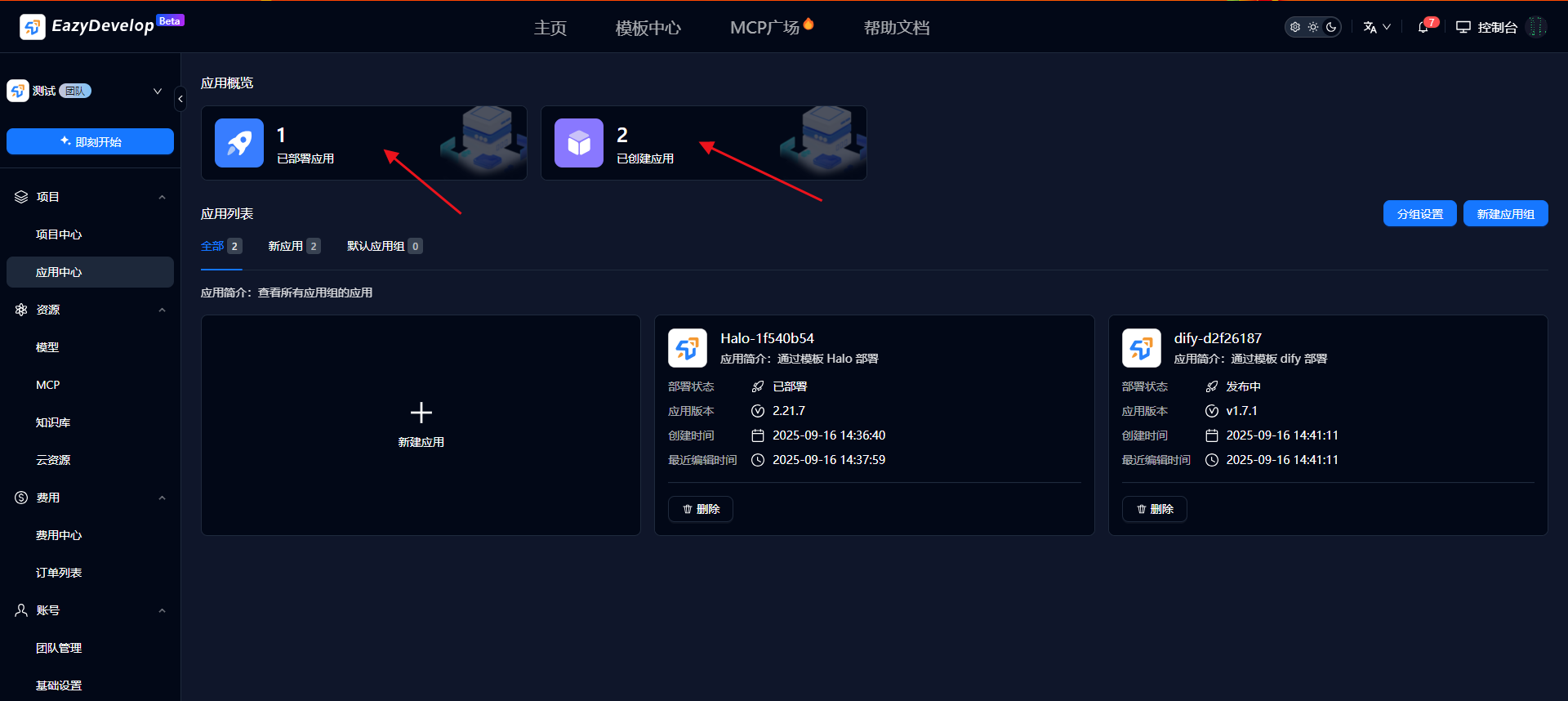
The top section shows statistics for deployed apps and created apps. Click to filter accordingly.
Create Apps
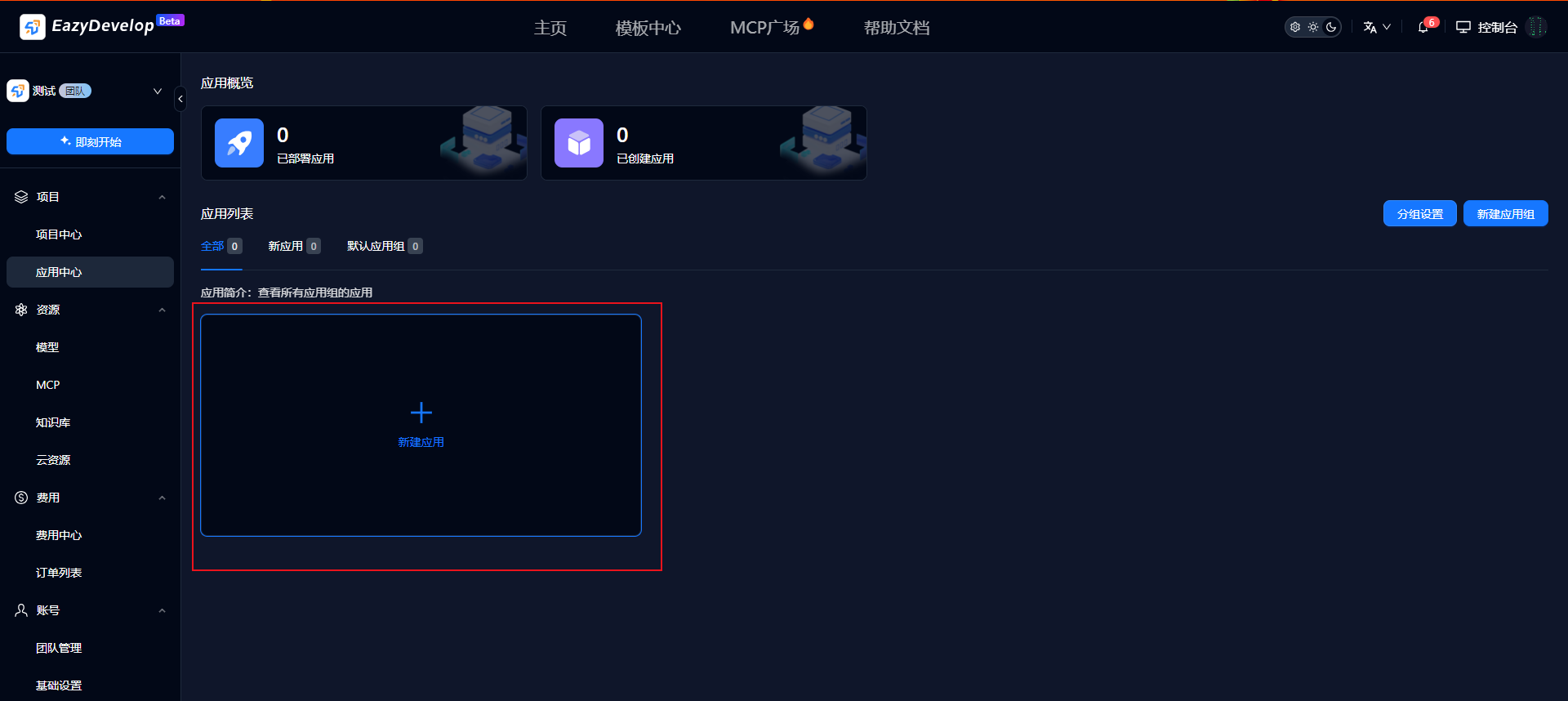
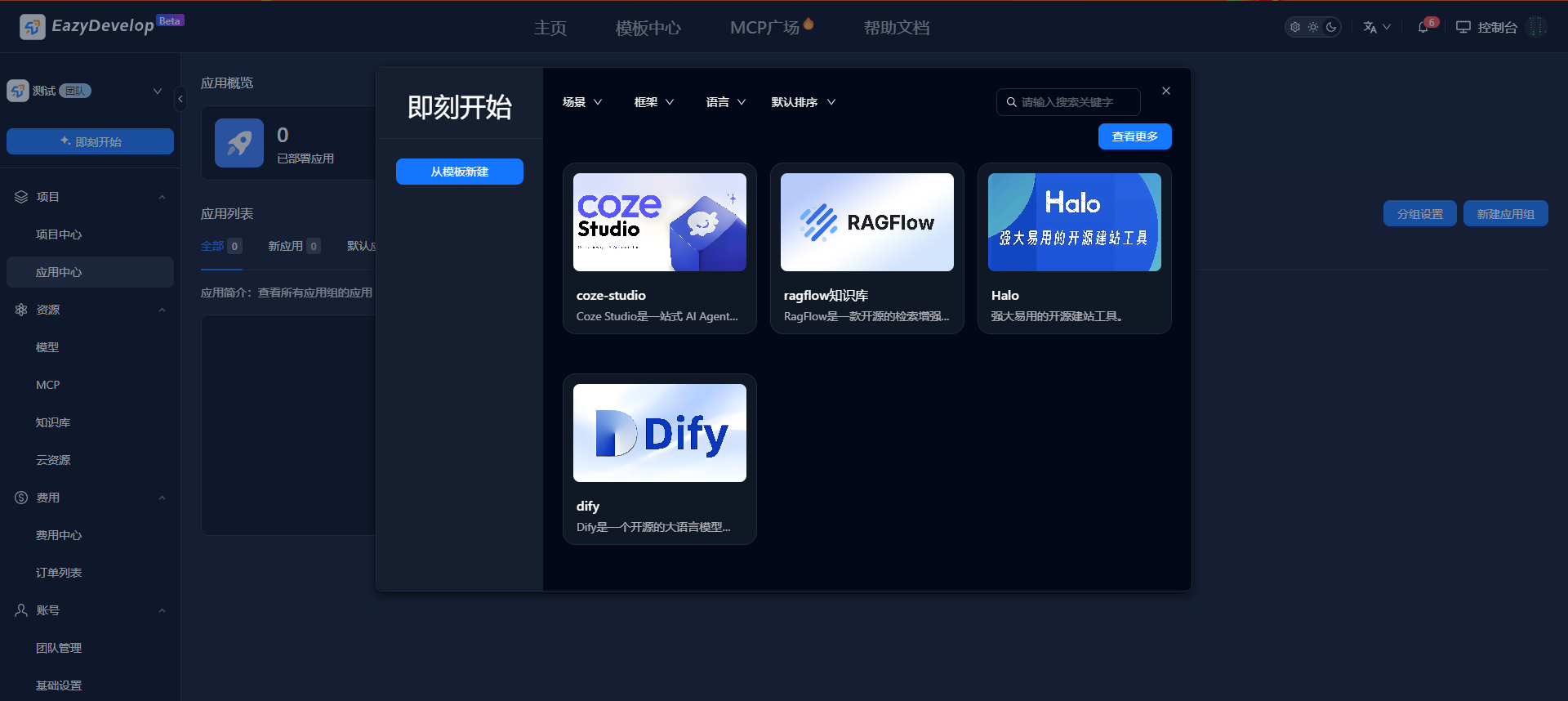
Click [Create App] to select from ready-to-use app templates and directly create and deploy applications.
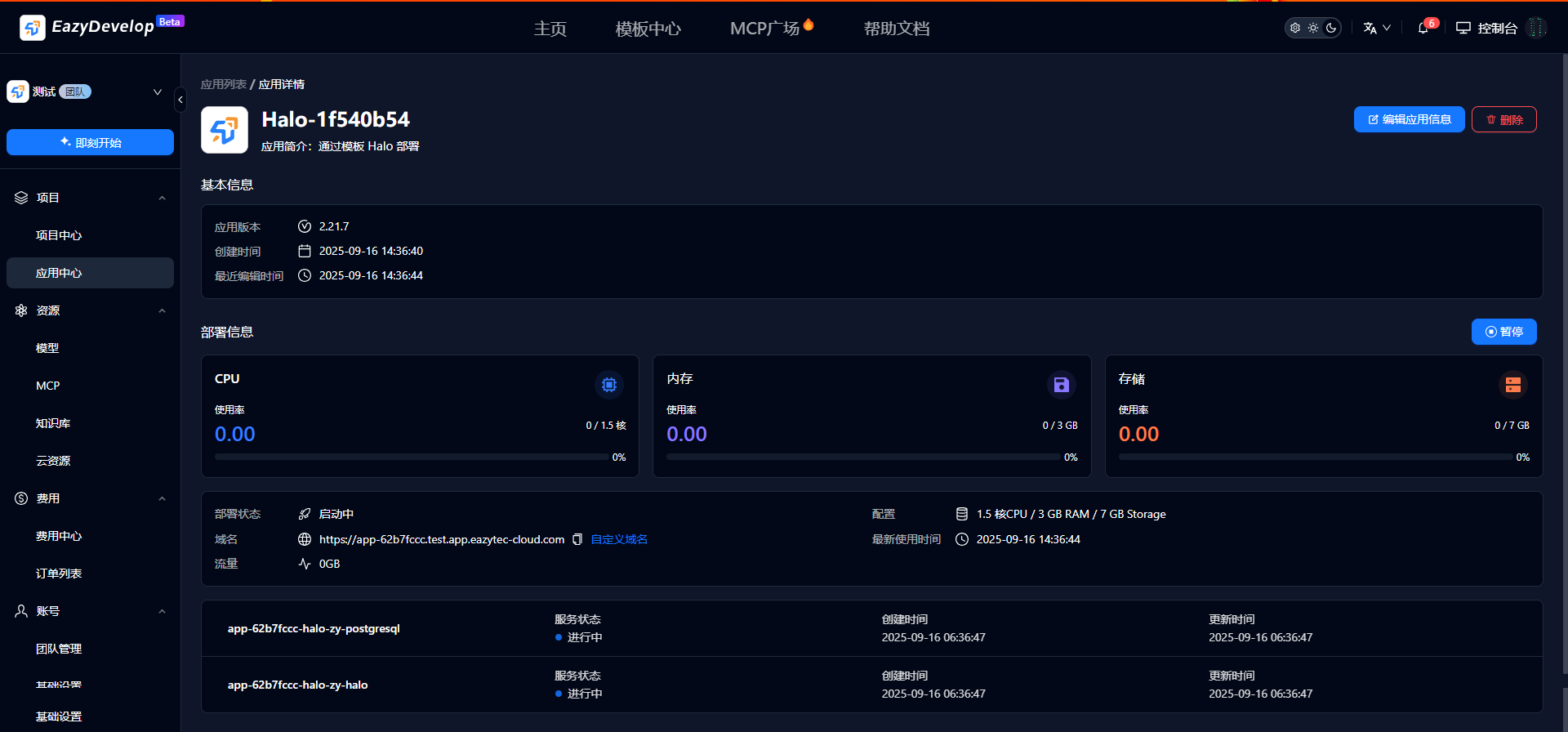
Use Apps
After the app deployment is complete, copy the domain name and open it to try the application.
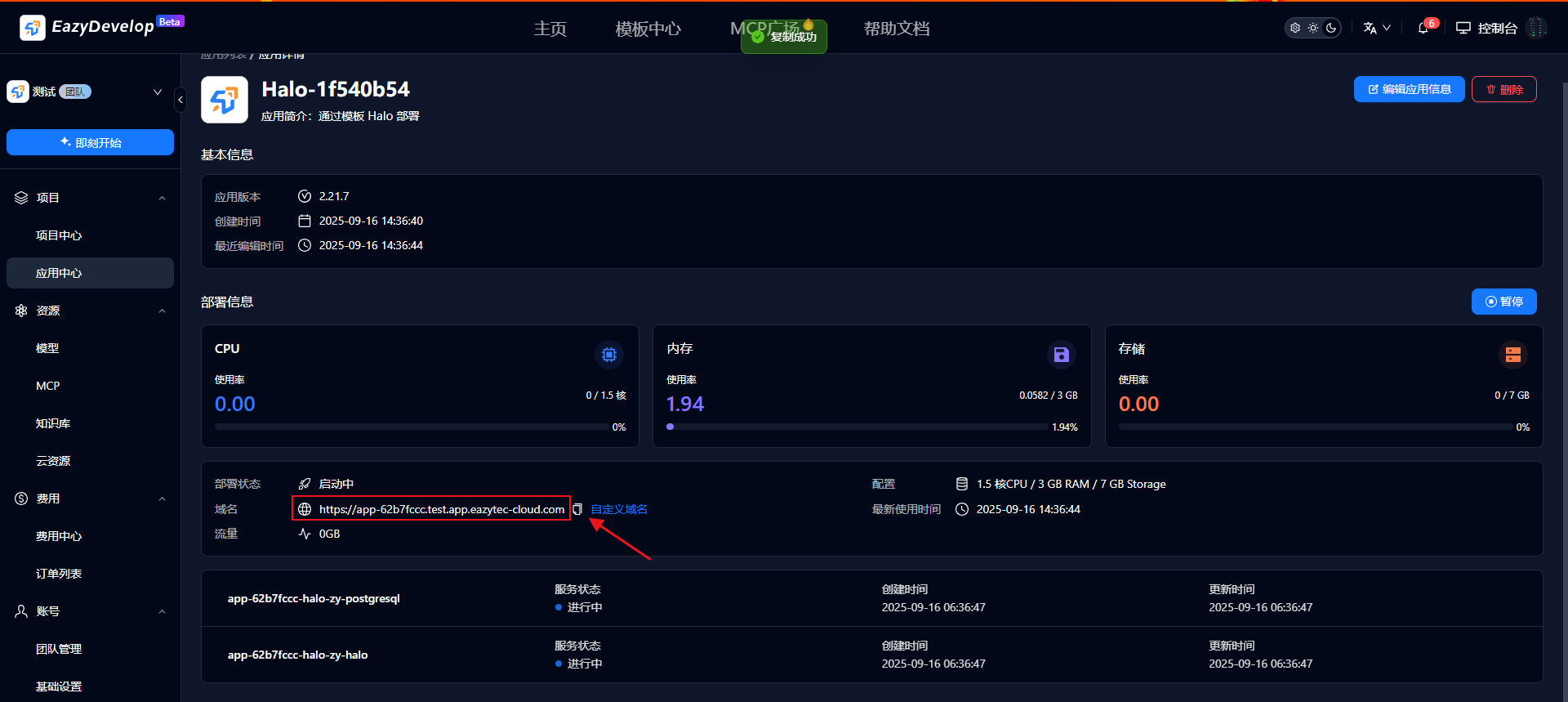
If you need to pause usage, click [Pause].
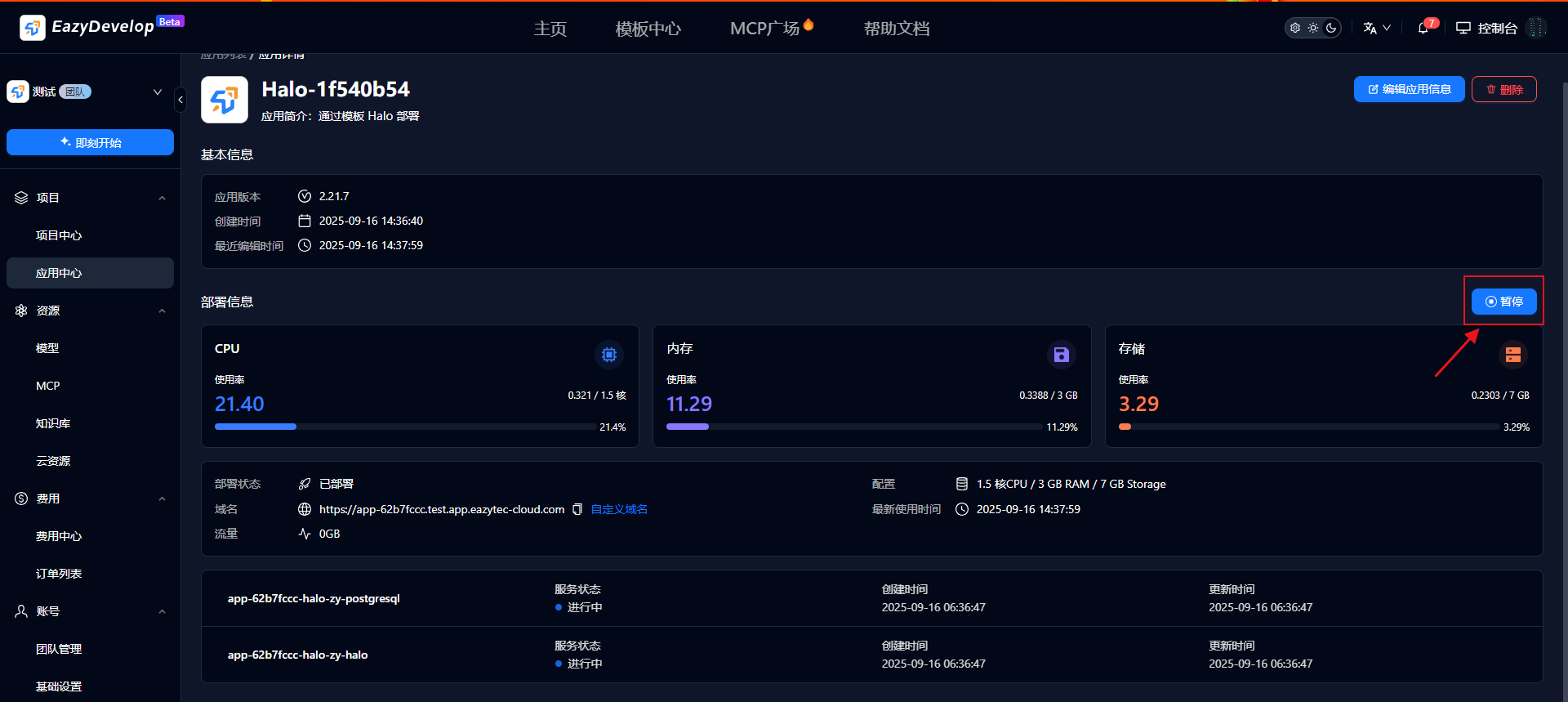
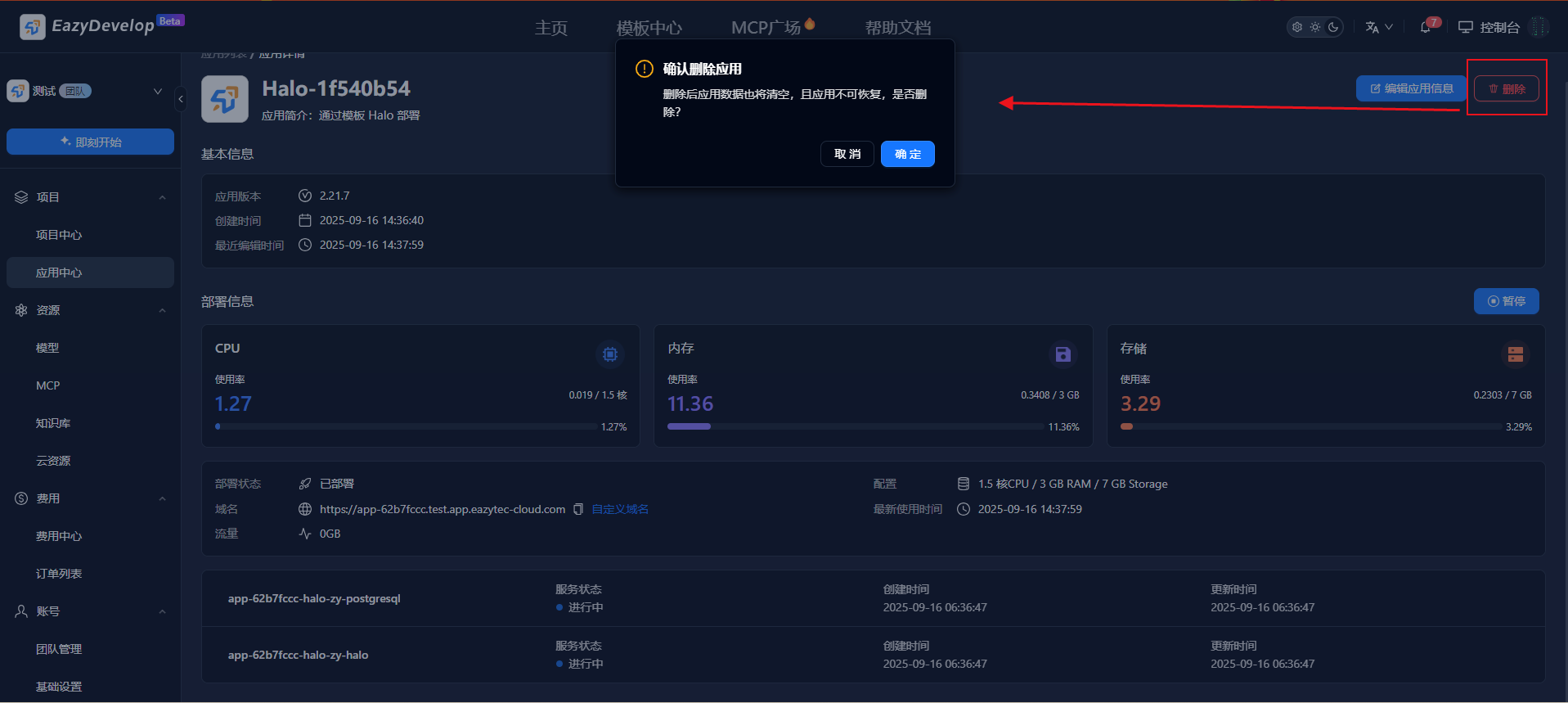
If you no longer need this app, click [Delete] to destroy the application. After deletion, app data will also be cleared, and the app cannot be recovered (proceed with caution!!!).