
OpenClaw Integration Guide
OpenClaw is a personal AI assistant that runs on your own devices, can connect to various messaging platforms, and supports AI conversations, file operations, task automation, and other features.
1. Get API Key
- Refer to Model Activation Help Documentation
2. Install OpenClaw
Prerequisites: Node.js 22 or newer
Step 1: Install via Script
macOS/Linux:
bash
curl -fsSL https://openclaw.ai/install.sh | bashWindows (PowerShell):
powershell
iwr -useb https://openclaw.ai/install.ps1 | iexStep 2: Manual Installation
Install via npm:
bash
npm install -g openclaw@latestStep 3: Verify Installation
bash
openclaw --version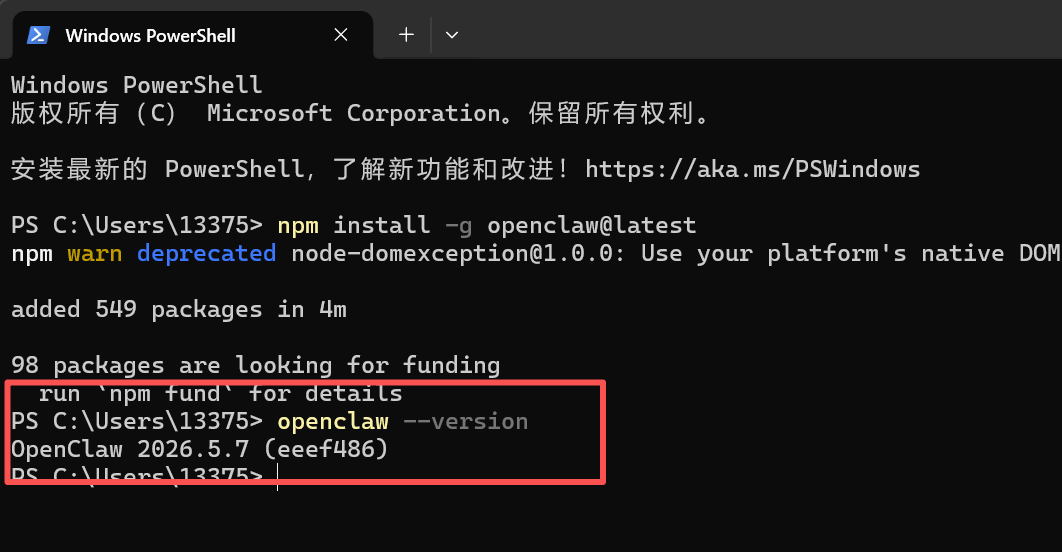
3. Setup OpenClaw
Step 1: Create Configuration File
- Linux/macOS:
~/.openclaw/openclaw.json - Windows:
C:\Users\YourUsername\.openclaw\openclaw.json
Step 2: Fill in Configuration Content
Replace <OPENAI_API_KEY> with your API key, and <OPENAI_API_MODEL> with the model name:
json
{
  "models": {
    "mode": "merge",
    "providers": {
      "EazyDevelop": {
        "apiKey": "<OPENAI_API_KEY>",
        "baseUrl": "https://api-maas.eazytec-cloud.com/v1",
        "api": "openai-completions",
        "models": [
          {
            "id": "<OPENAI_API_MODEL>",
            "name": "<OPENAI_API_MODEL>",
            "contextWindow": 204800,
            "maxTokens": 16384
          }
        ]
      }
    }
  },
  "agents": {
    "defaults": {
      "model": {
        "primary": "EazyDevelop/<OPENAI_API_MODEL>"
      }
    }
  }
}
Step 3: Complete Setup
bash
openclaw setup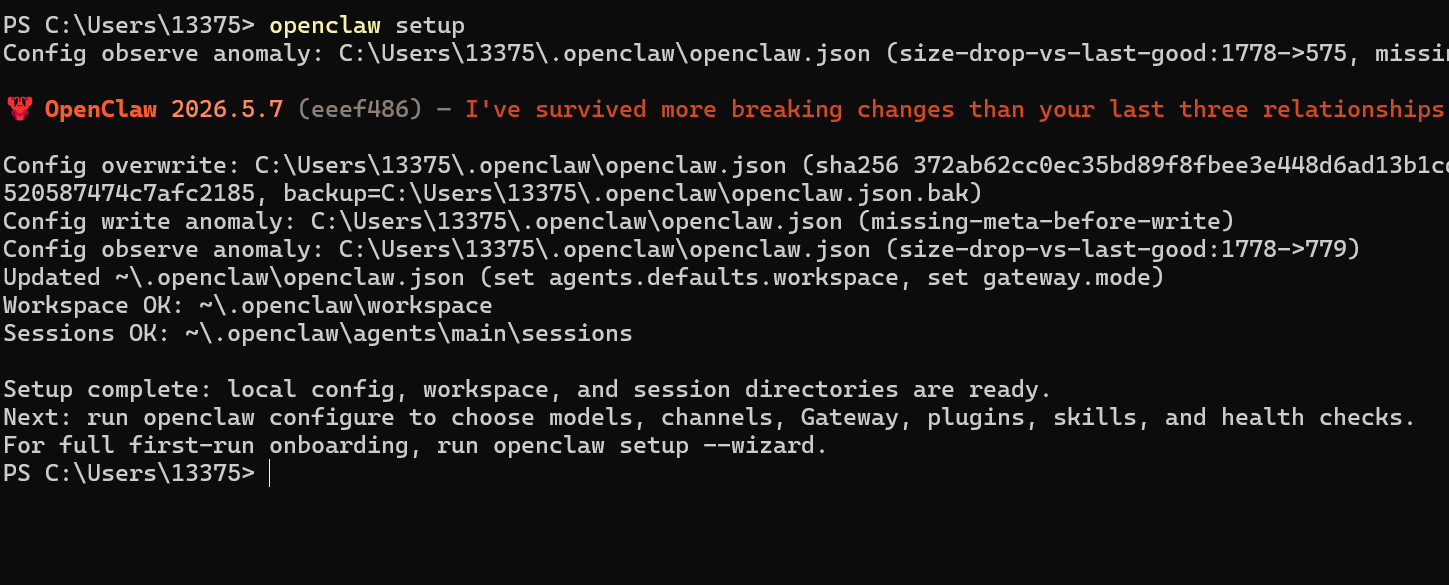
4. Start
After starting, keep the terminal window open. Closing it will stop the service.
bash
openclaw gateway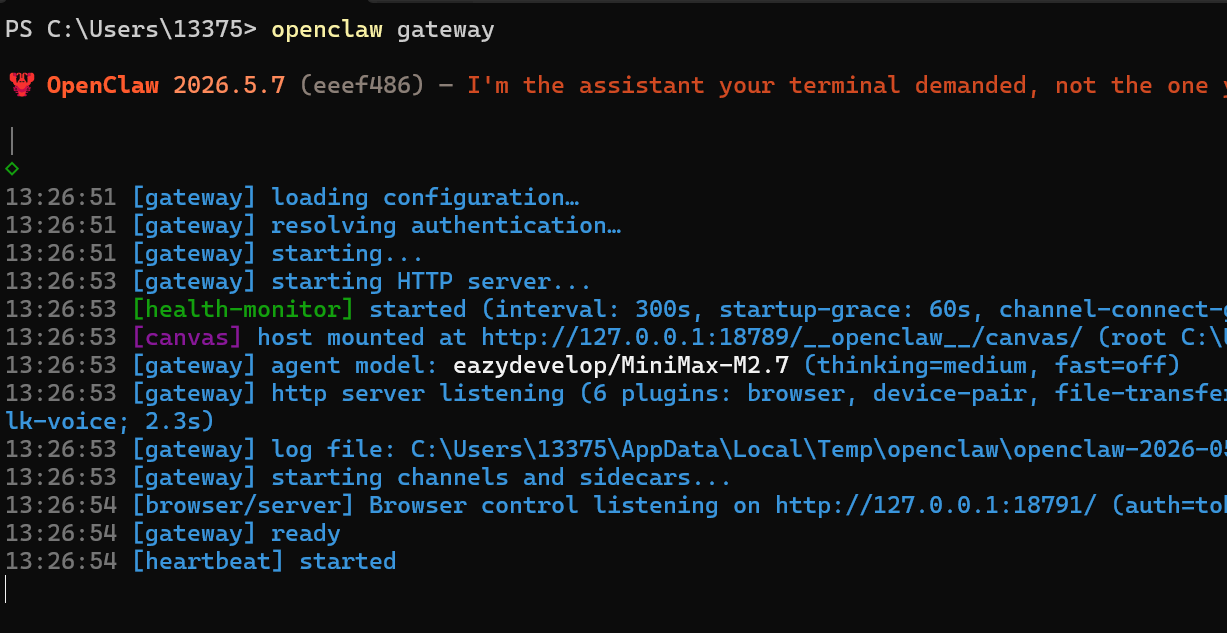
5. View Model List
bash
openclaw models list
6. Start Conversation
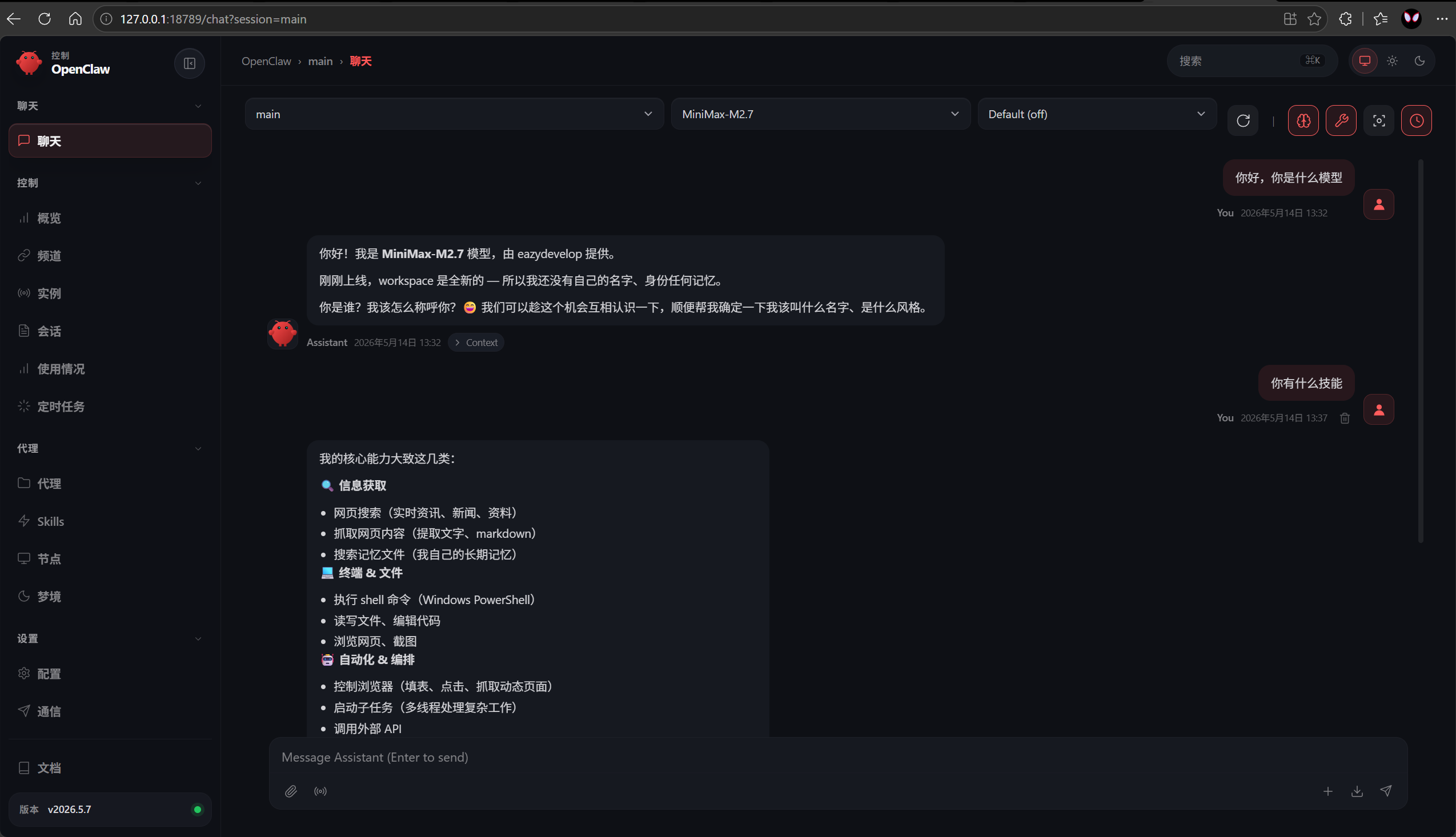
Command line method is suitable for quick interactions, while graphical interface is suitable for long-term use.
Method 1: Command Line
bash
openclaw chat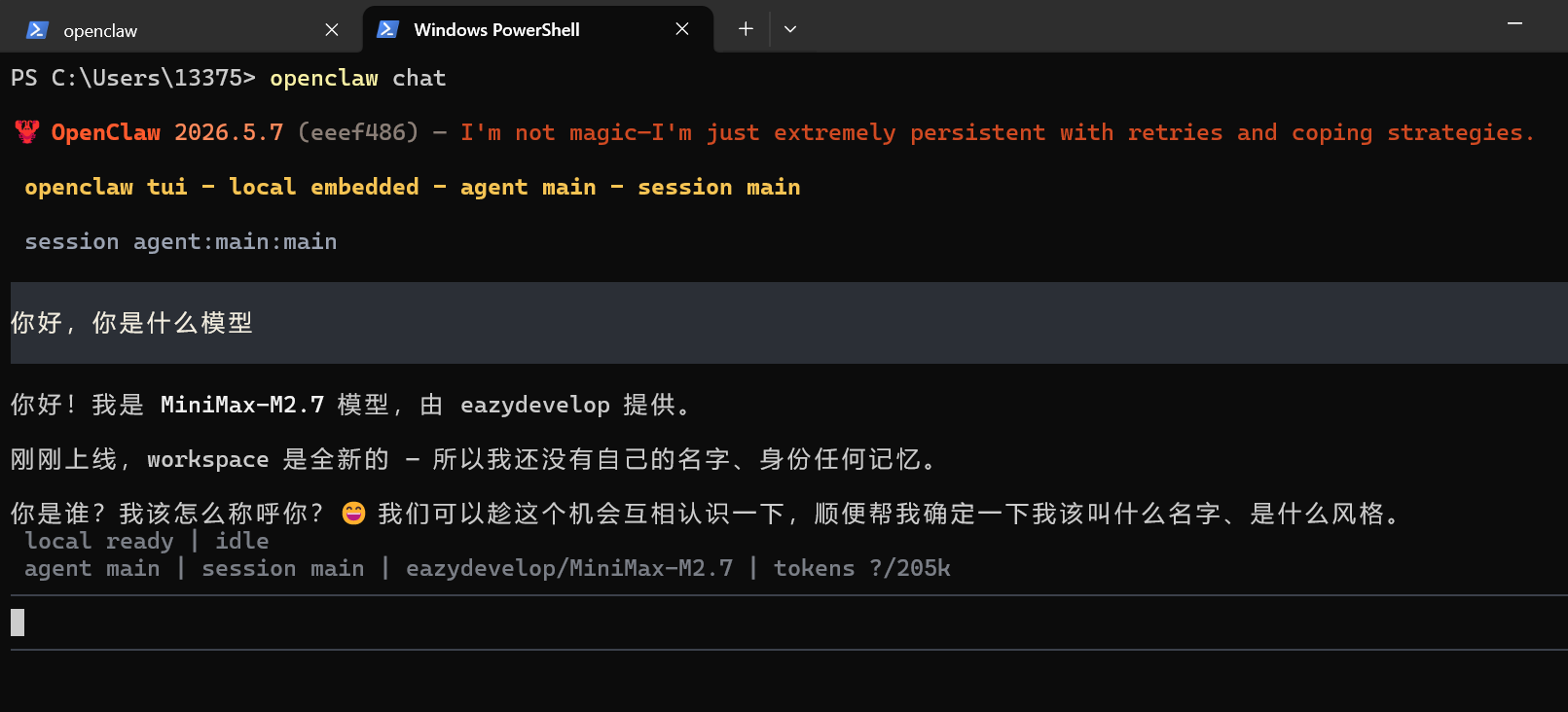
Method 2: Graphical Interface
Executing the command will automatically open the browser
bash
openclaw dashboard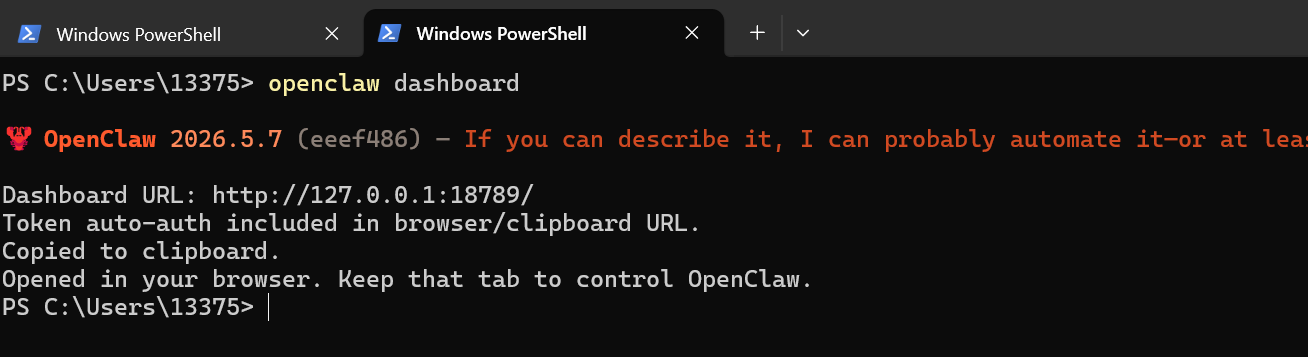
Notes
- Node.js version must be 22 or higher; older versions may cause installation failures
- If
openclaw setupgets stuck, you can try manually editing the configuration file and then restarting - After starting, keep the terminal window open. Closing it will stop the service