FinBot Solution
FinBot Installation
In the top navigation bar, click Solutions → FinBot (Financial Edition) to open the FinBot solution page.
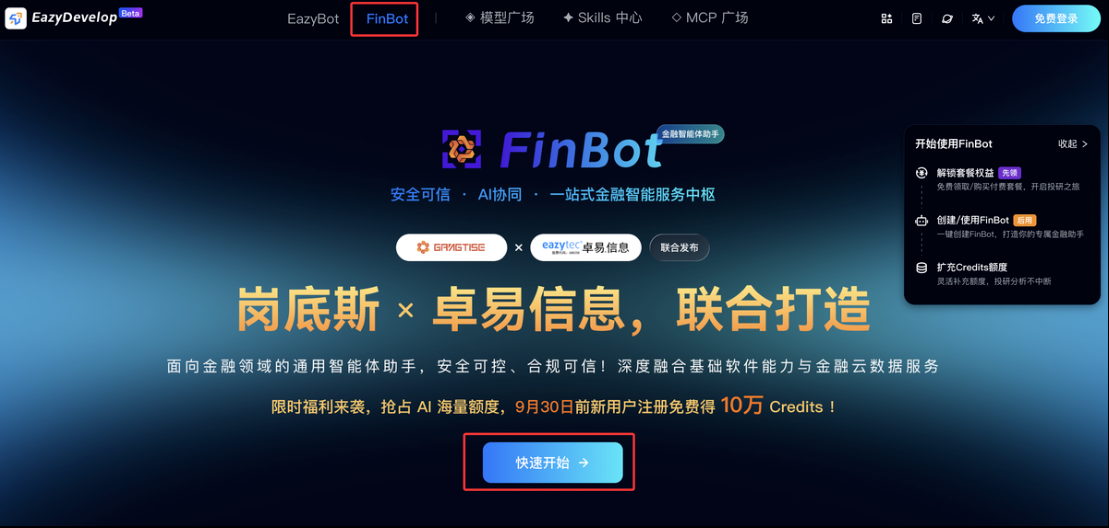
Sign In / Register
Click Get Started to sign in or register.
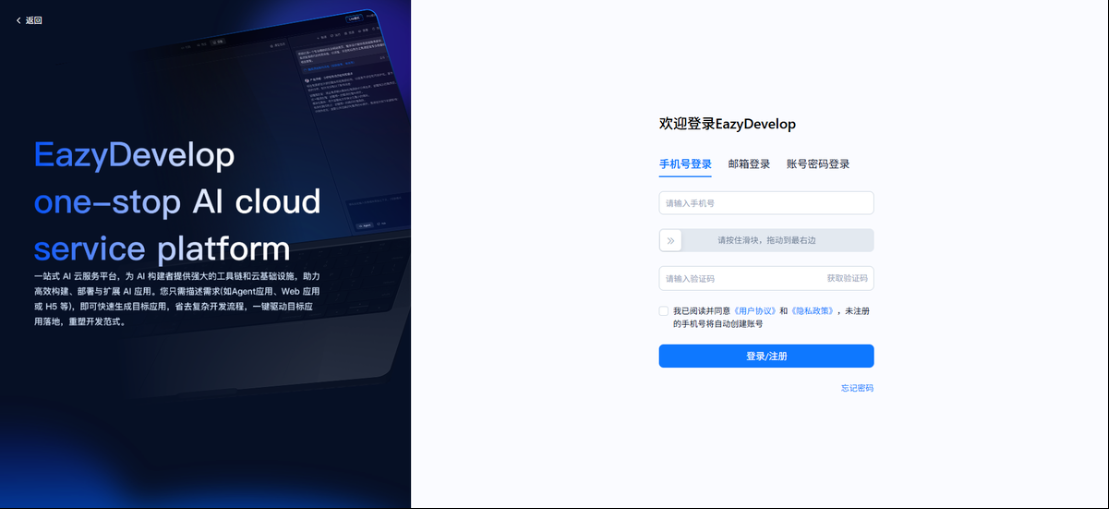
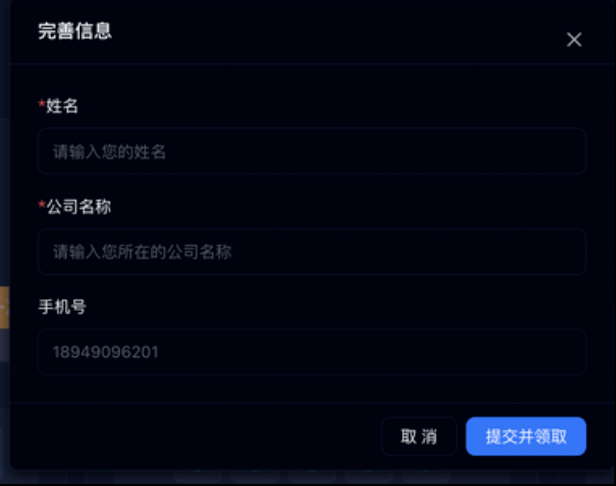
Claim Free Plan
After signing in, under FinBot Plan – Personal, claim the free plan. You need to complete your name, company name, and other information first. Once completed, the free plan is claimed successfully.
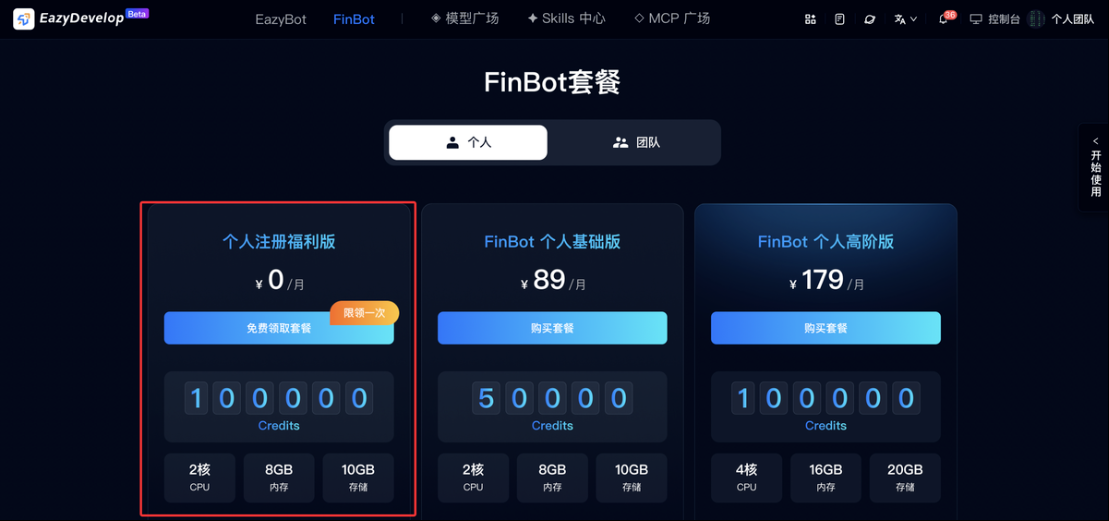
Deploy FinBot
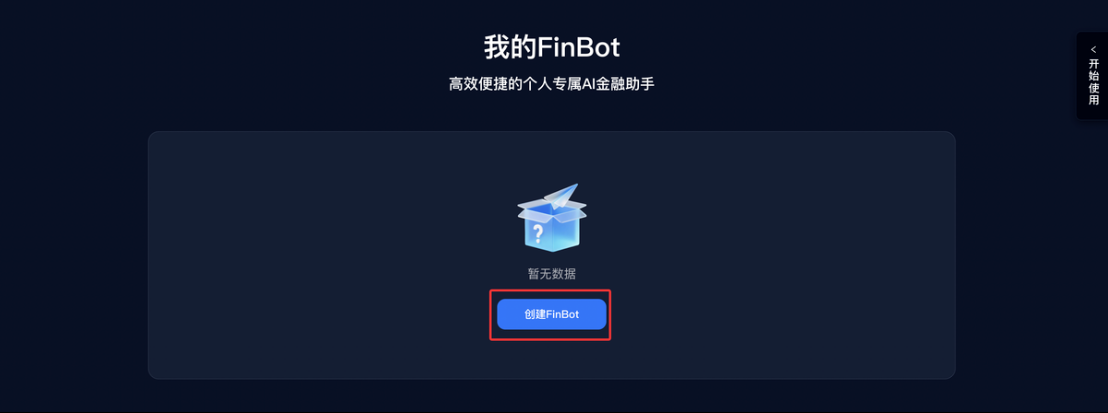
After claiming, click Create FinBot to deploy FinBot. Multiple FinBot instances are supported.
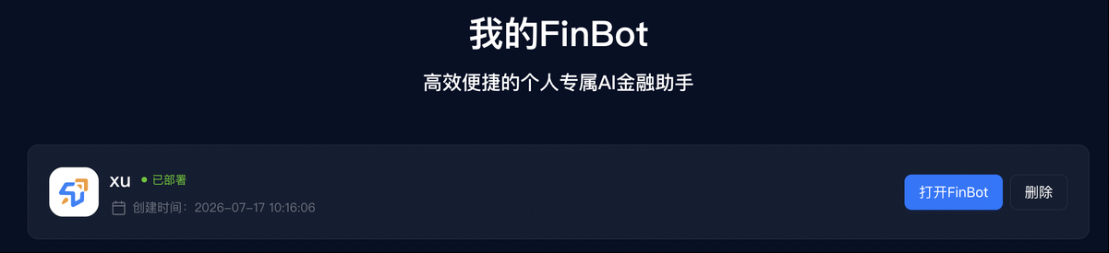
When the status changes to Deployed, click Open FinBot to access FinBot.
Get Started
After registration, you enter the FinBot chat page. Models are pre-configured by the system—start a conversation directly.
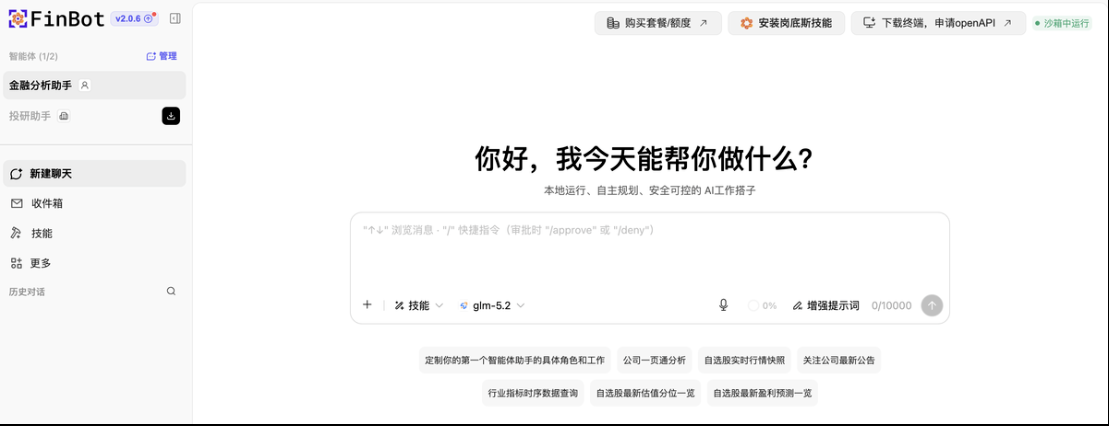
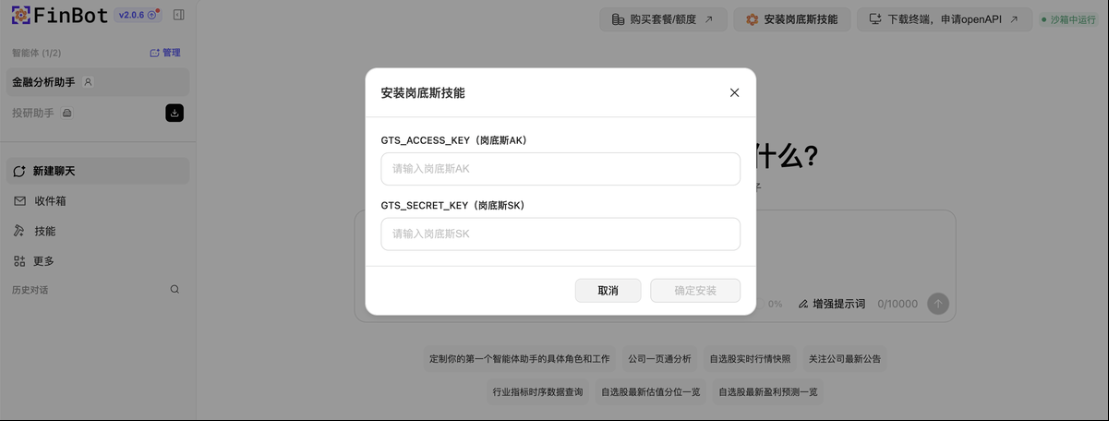
Install Gangdise Skills
After entering FinBot, you can install Gangdise skills as needed.
Delete Application
Click Delete. After deletion, application data will also be cleared, and the application cannot be recovered. Delete with caution.
FinBot Plan Purchase
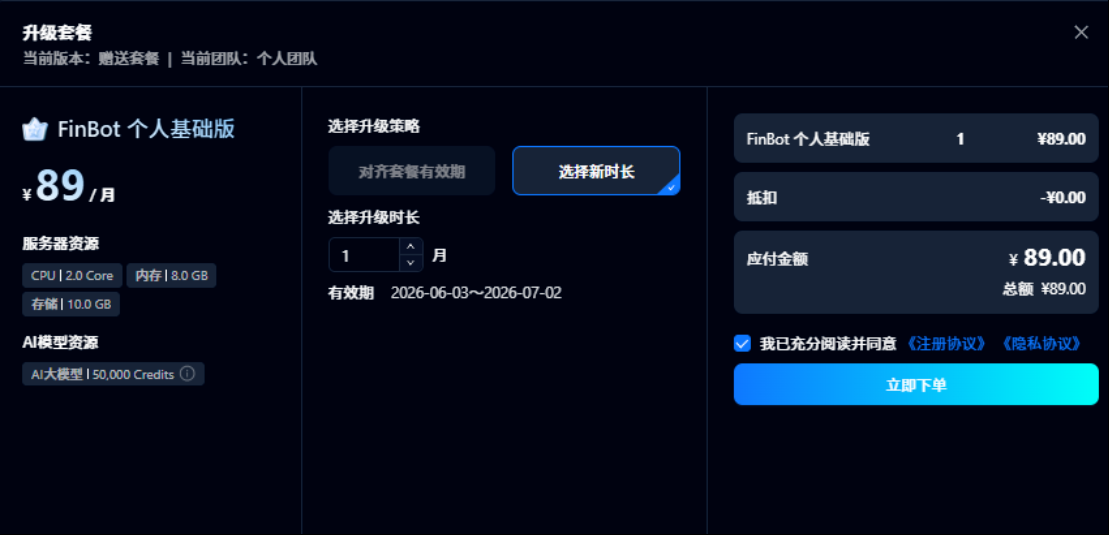
After a personal registration plan expires, you can claim one complimentary plan per month. If plan quota is insufficient, click Upgrade Plan to purchase and select a new duration to upgrade.
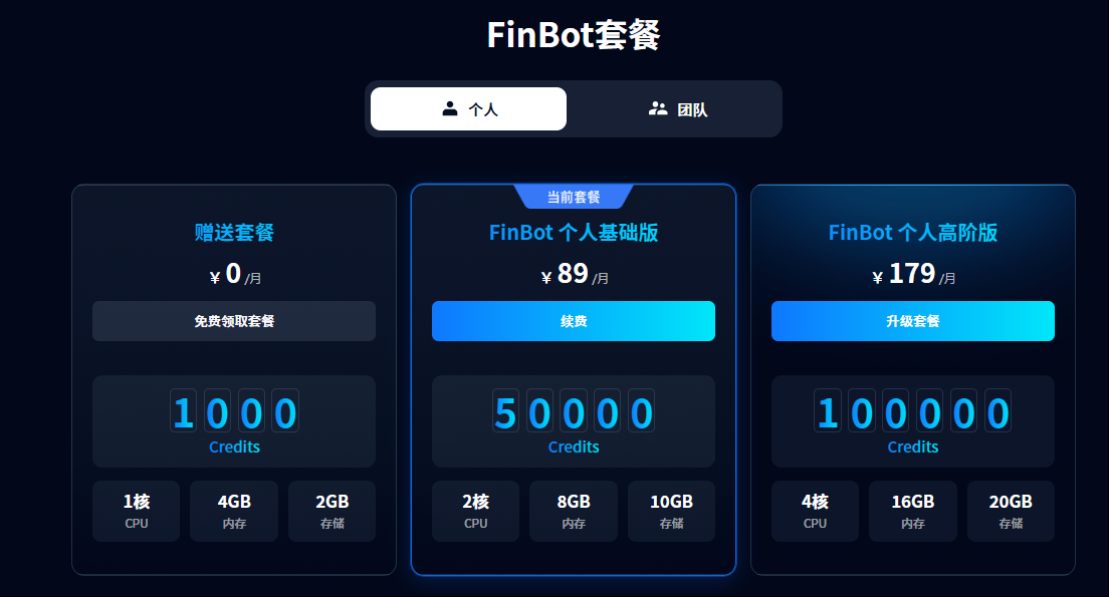
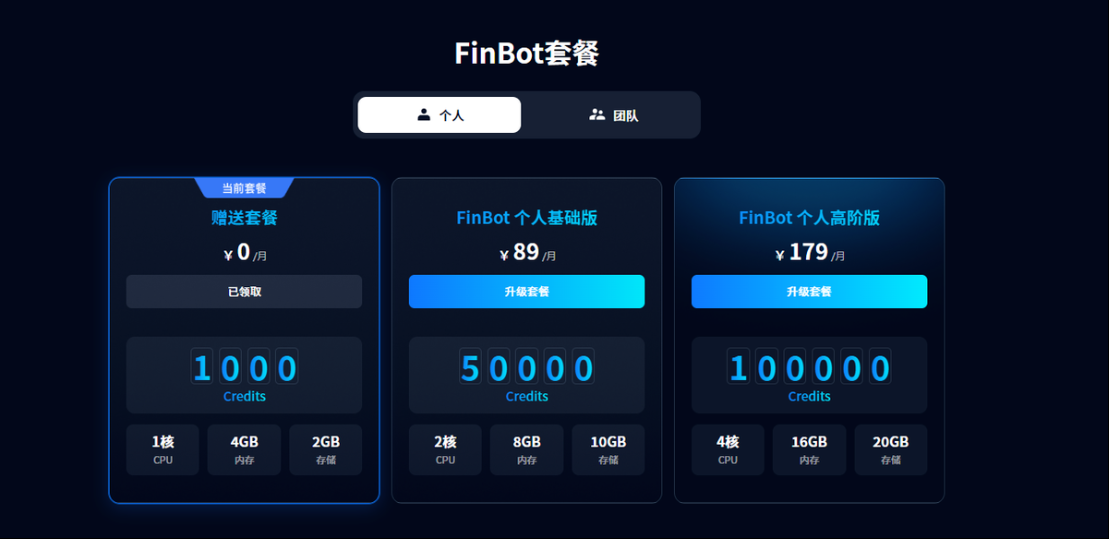
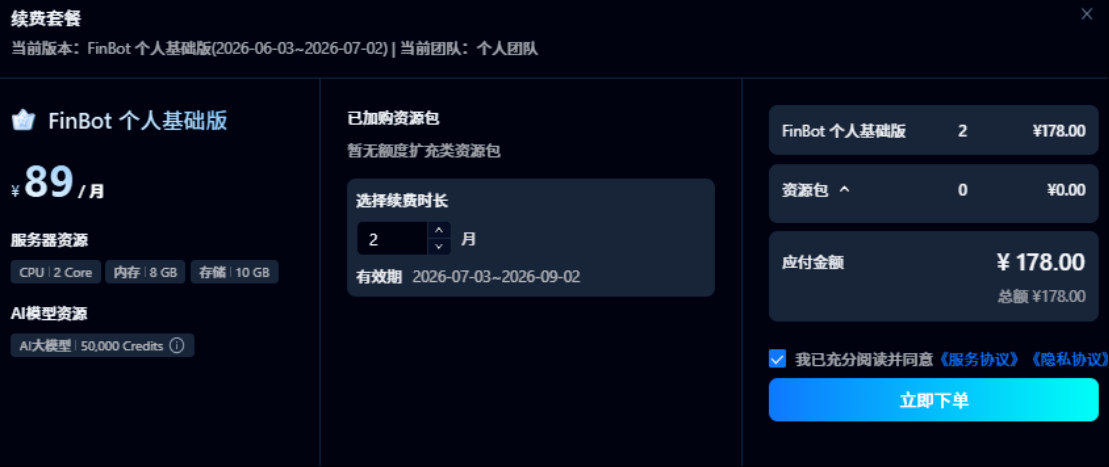
Purchased plans can be renewed to extend validity. Click the Renew button on the current plan to renew.
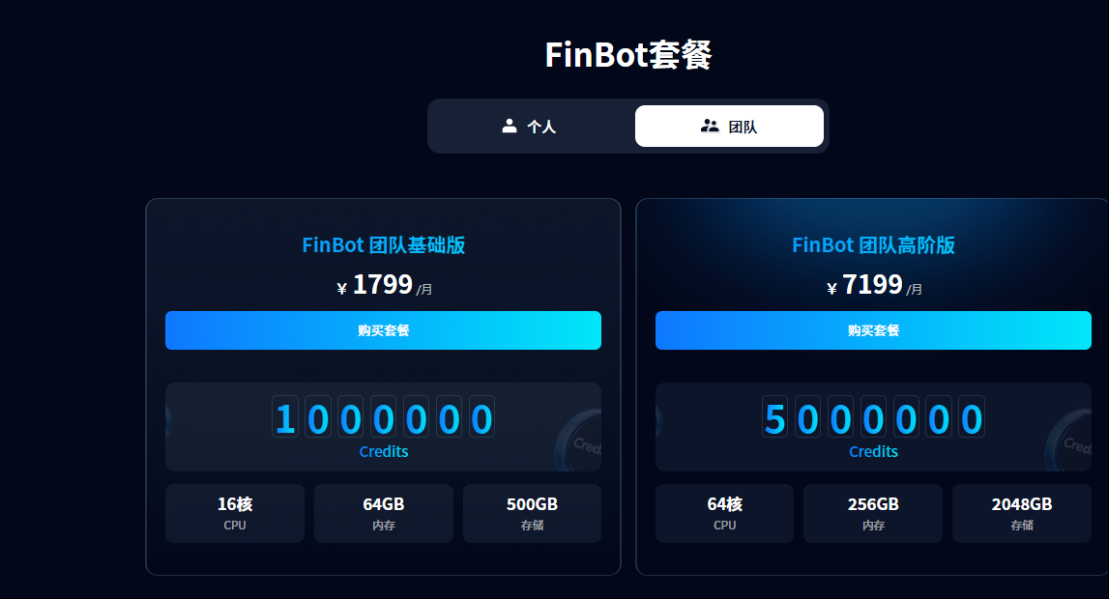
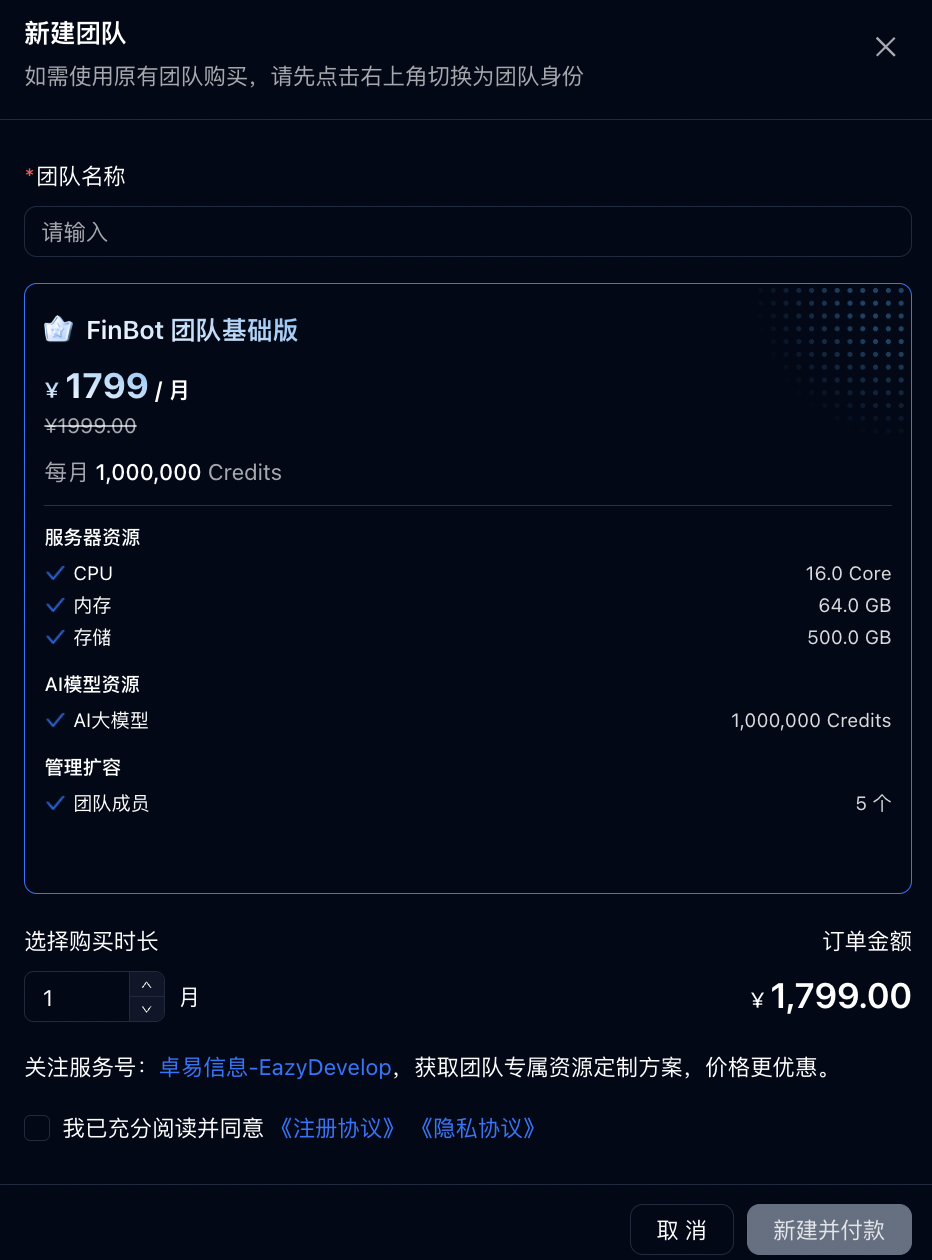
To purchase a team plan, select Team and click Purchase Plan to create a new team.
Team plans also support renewal and upgrade. 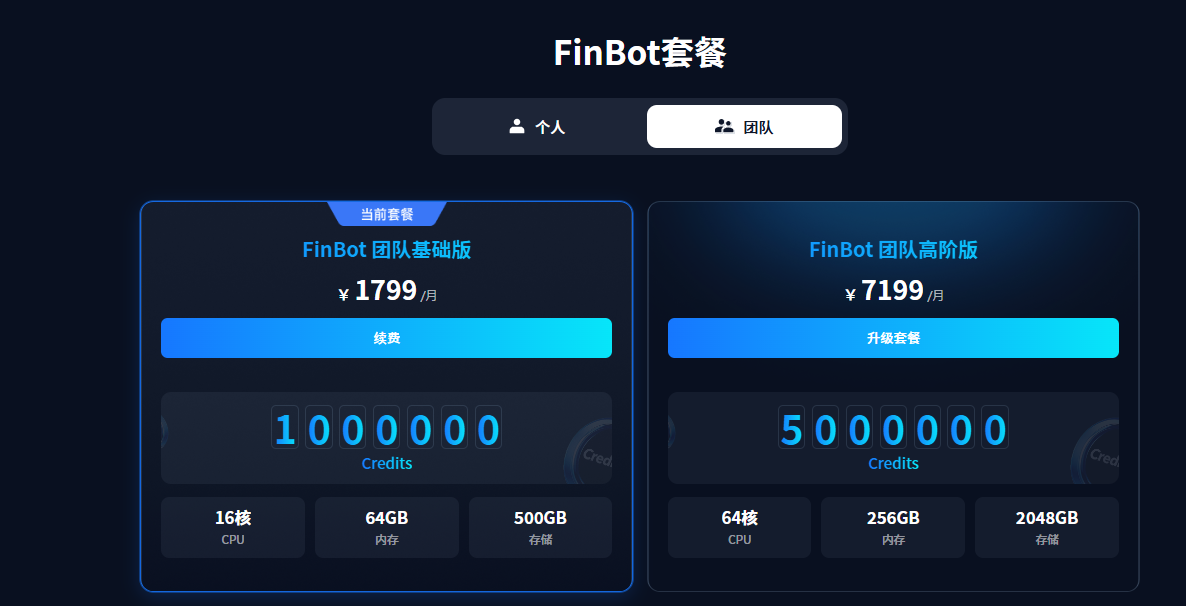
FinBot Credits Purchase
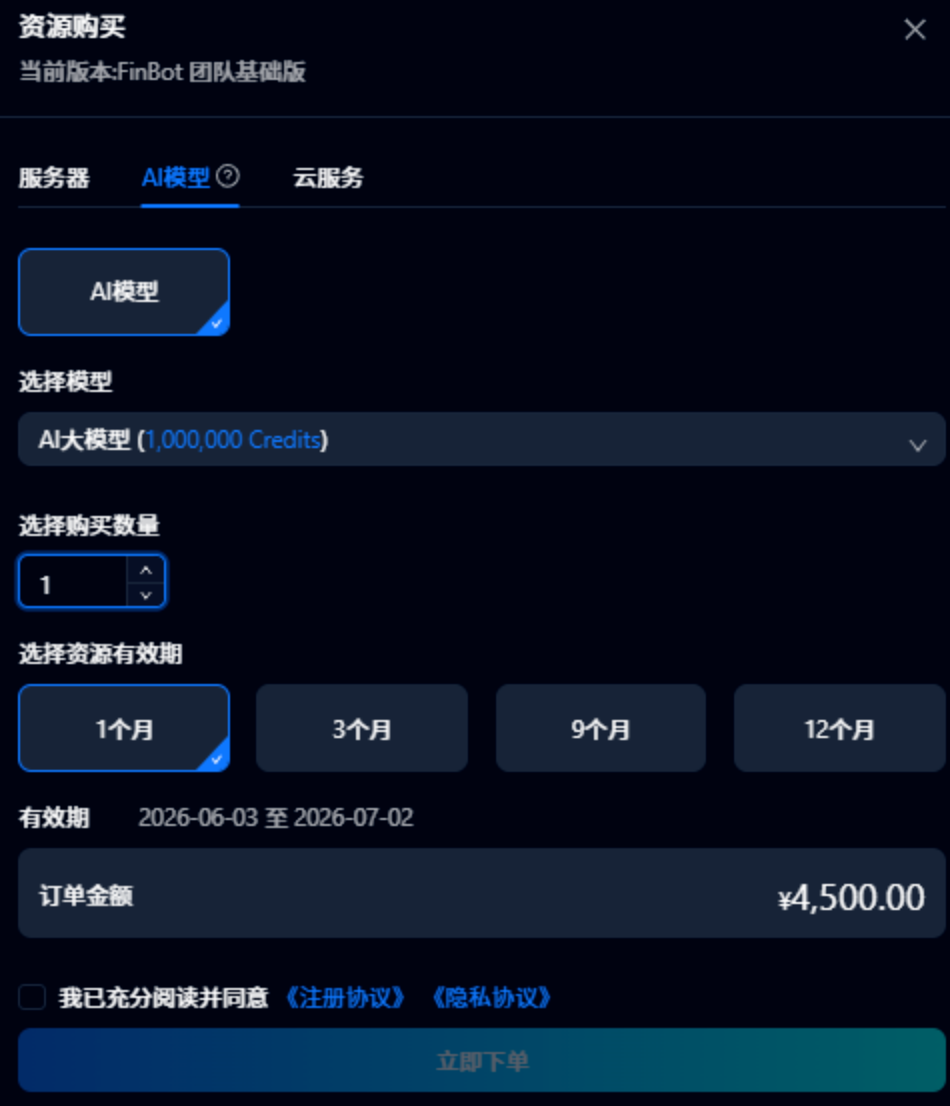
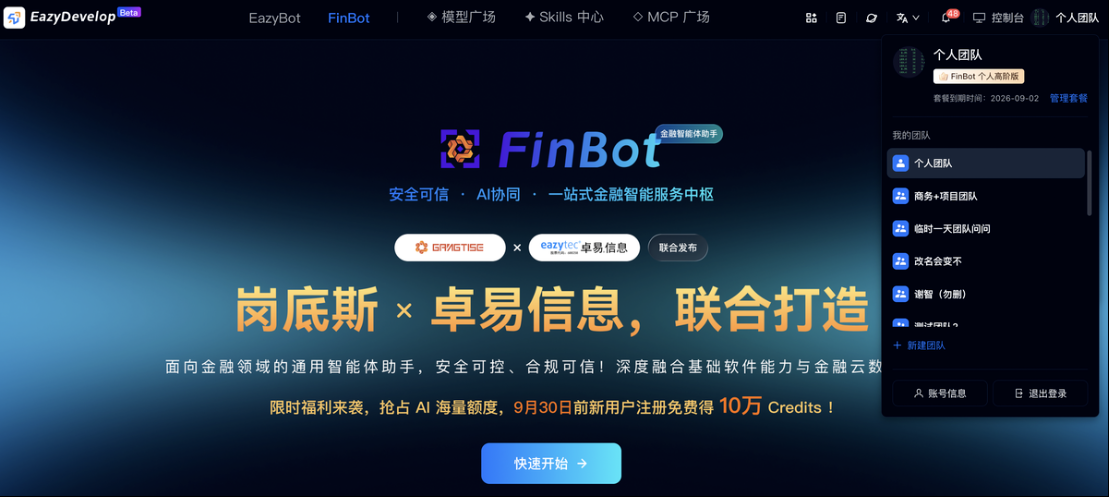
Both personal and team Credits can be purchased. Before placing an order, switch to the corresponding account identity by clicking the top-right corner.
Credits support multiple purchase periods of 1, 3, 6, and 12 months for flexible procurement as needed.