
Claude Code Integration Guide
Claude Code is an intelligent coding tool that runs in the terminal, helping developers quickly complete tasks such as code generation, debugging, and refactoring through natural language command interaction.
1. Obtain API Key
- Refer to Model Activation Help Documentation
2. Install Claude Code
Prerequisite: Node.js 18.0 or higher
1: Install Claude Code
npm install -g @anthropic-ai/claude-code2: Verify Installation
claude --version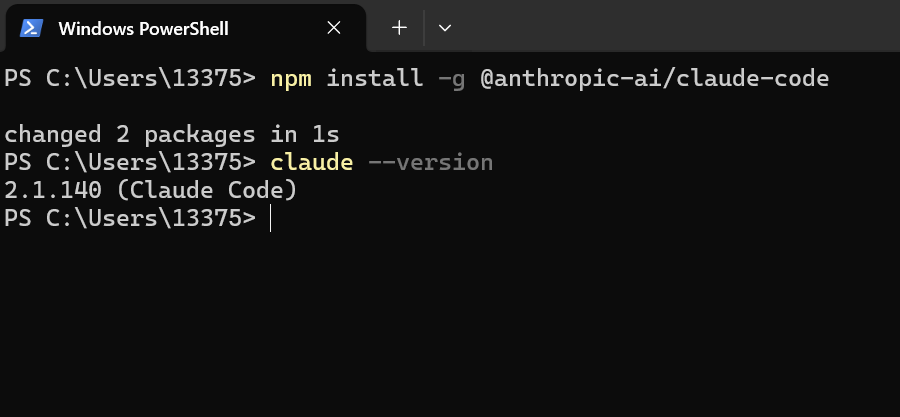
3. Install cc-switch
cc-switch is a desktop tool that can integrate desktop configurations from multiple CLI providers, providing unified management of MCP and Skills.
For detailed instructions, please refer to cc-switch GitHub
1: Download and Install
Visit the cc-switch download page to download and install the corresponding version.
2: Configure Claude
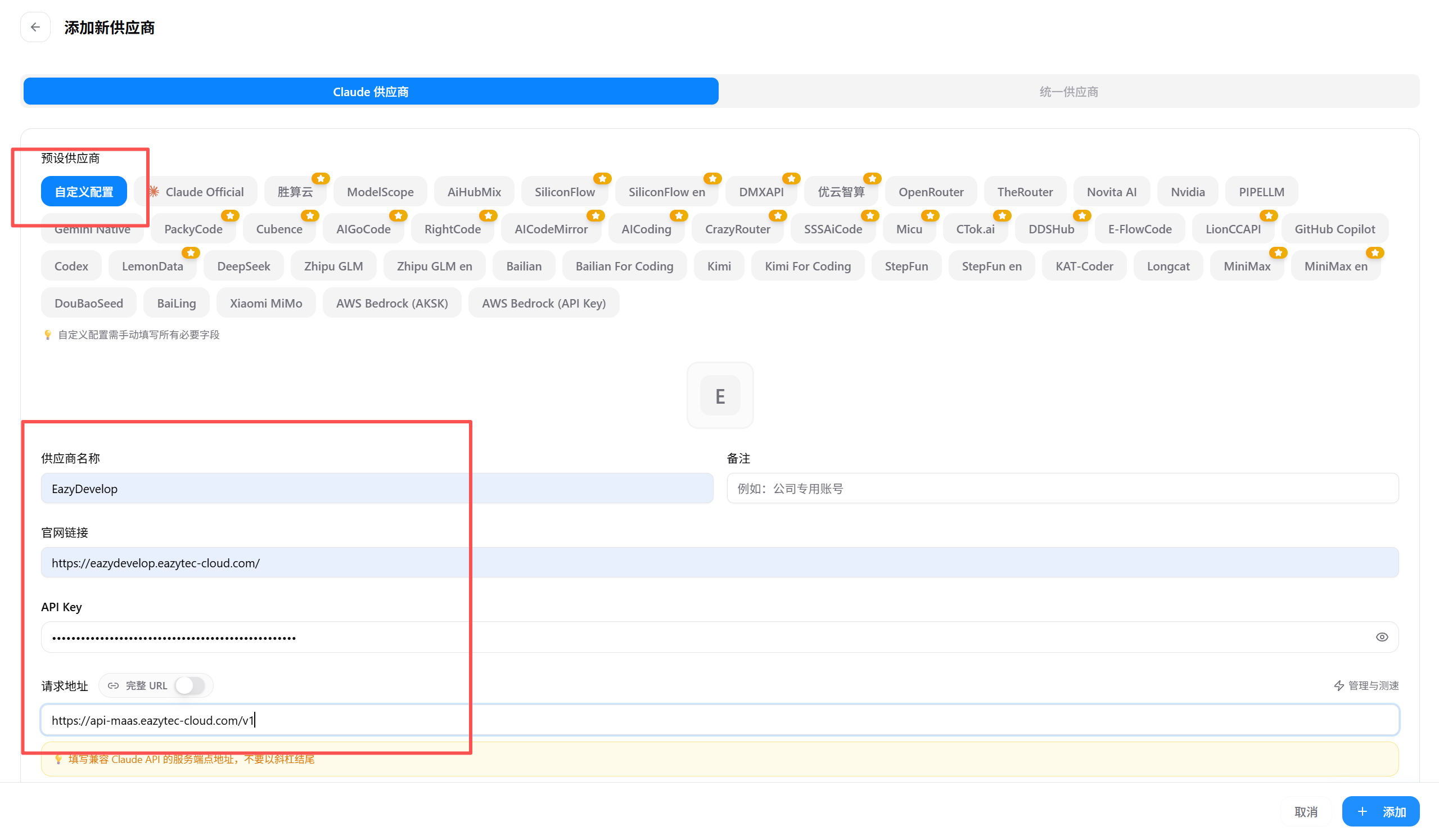
After installation, open cc-switch, select Claude, and click the + button on the right.

Select Custom Configuration and fill in the provider information:
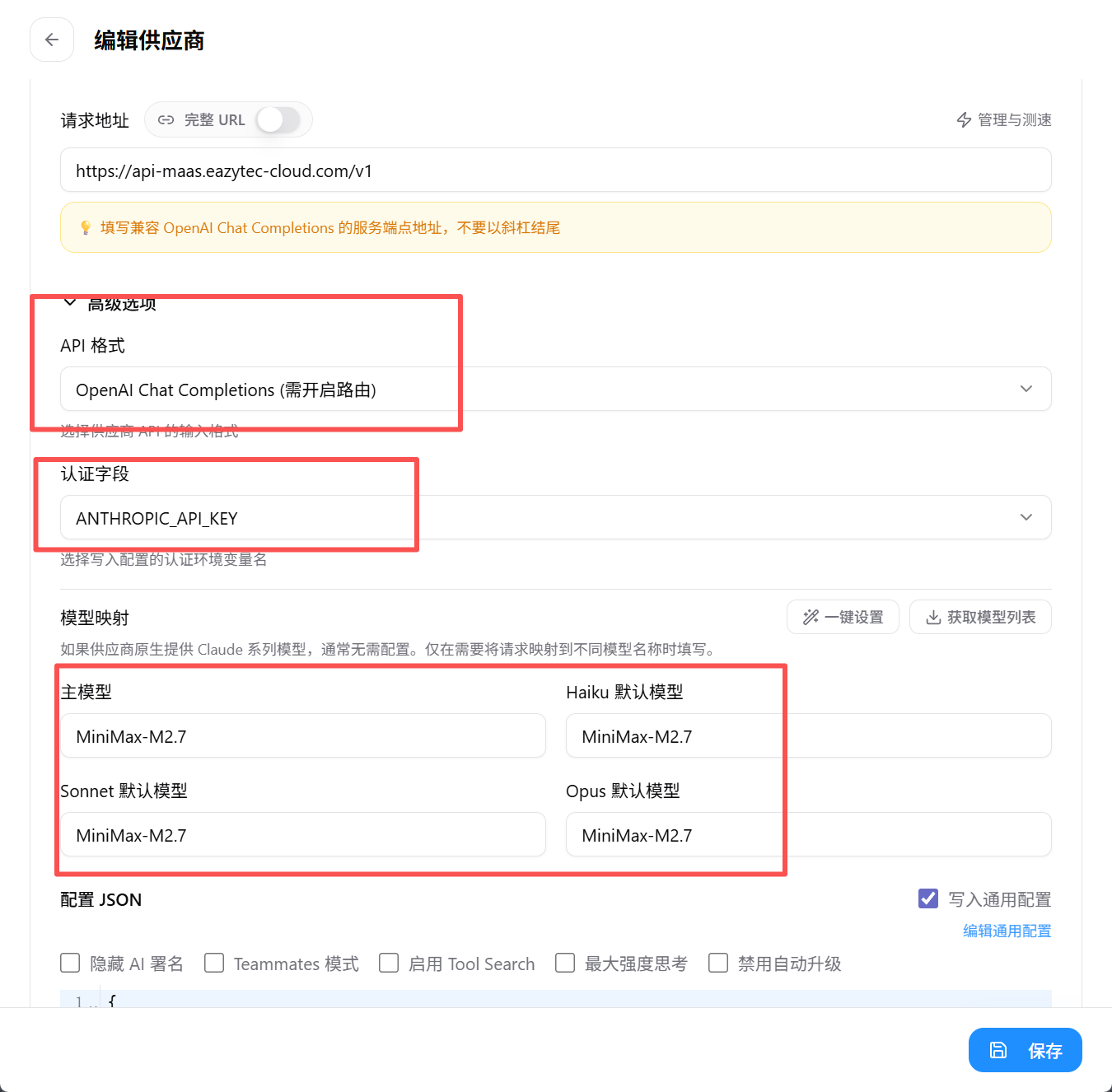
Expand Advanced Options and set up as shown in the image. Fill in the OPENAI_API_MODEL activated in EazyDevelop for all four model names:
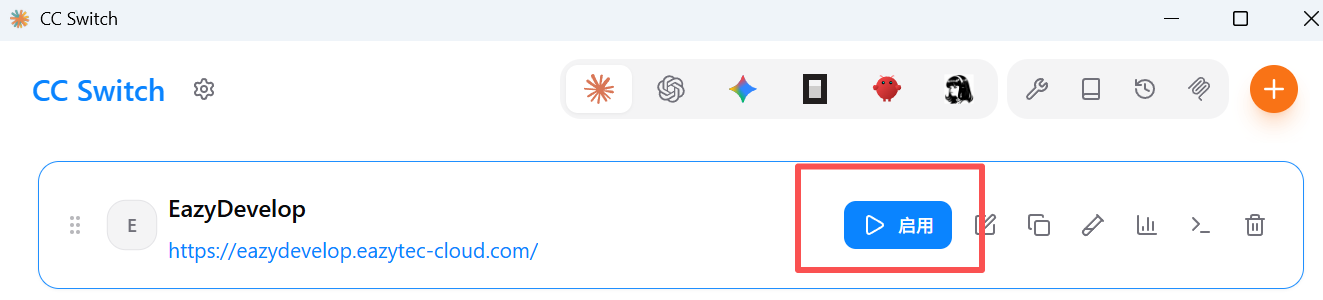
Return to the list and click Enable:
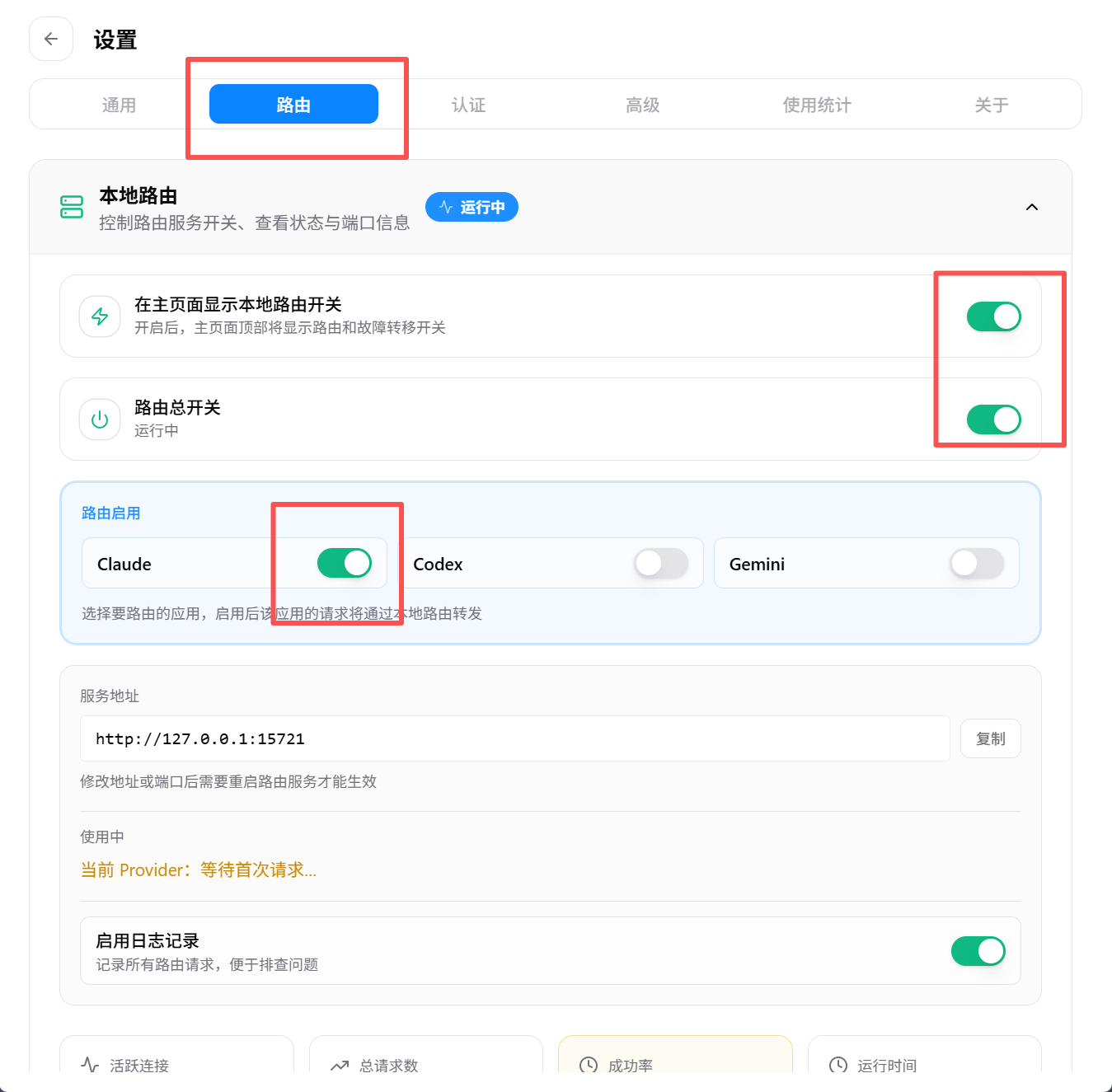
3: Enable Routing
Due to limitations of Claude Code itself, the routing feature must be enabled.
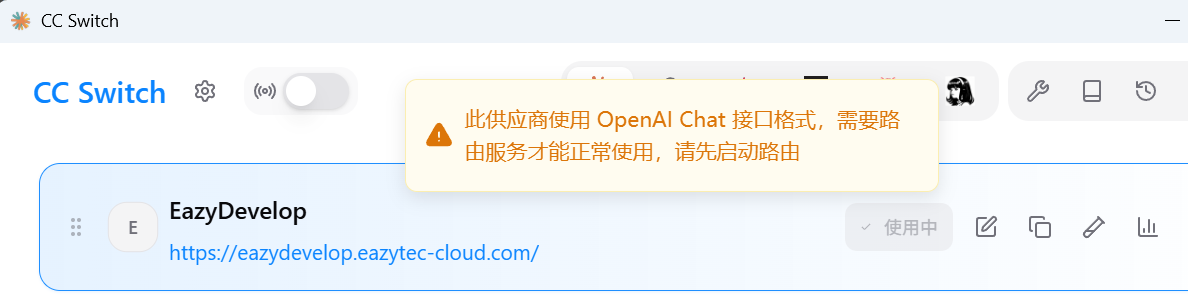
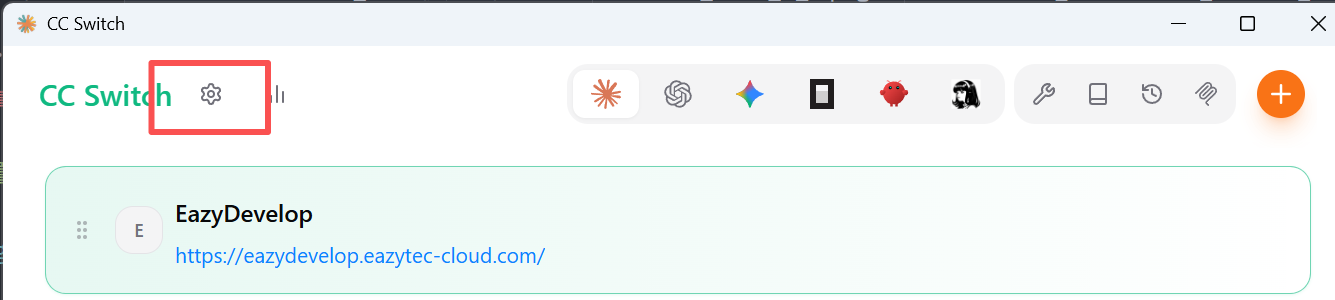
Click Settings:
Select the Routing tab and enable routing:
4. Start Using
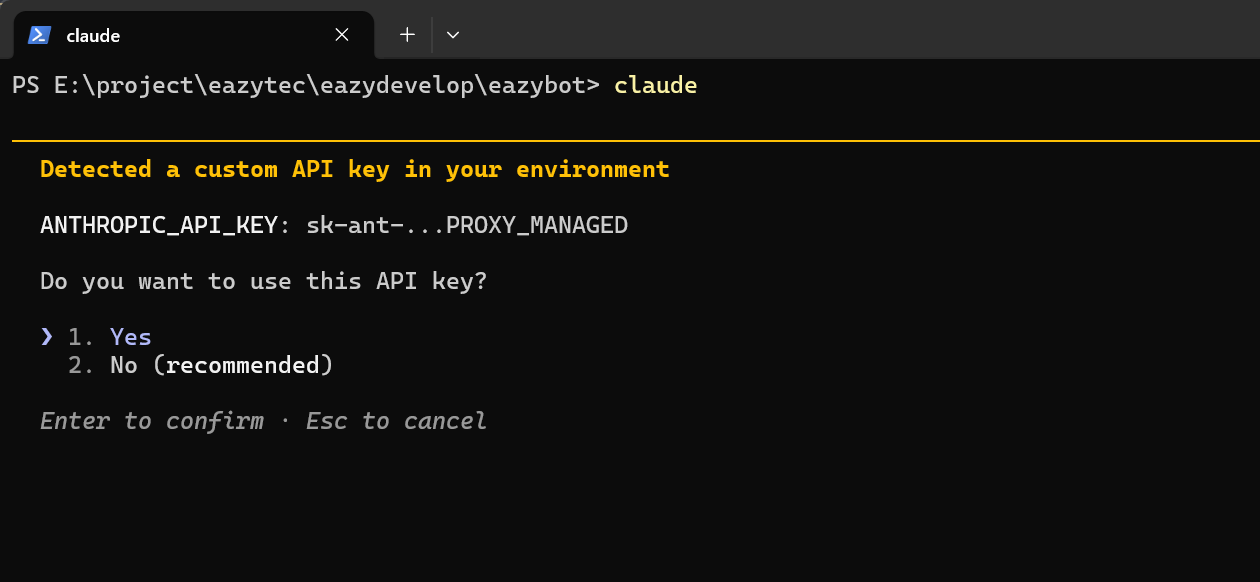
Navigate to your code working directory and run in the terminal:
claudeSelect Yes to start the conversation:
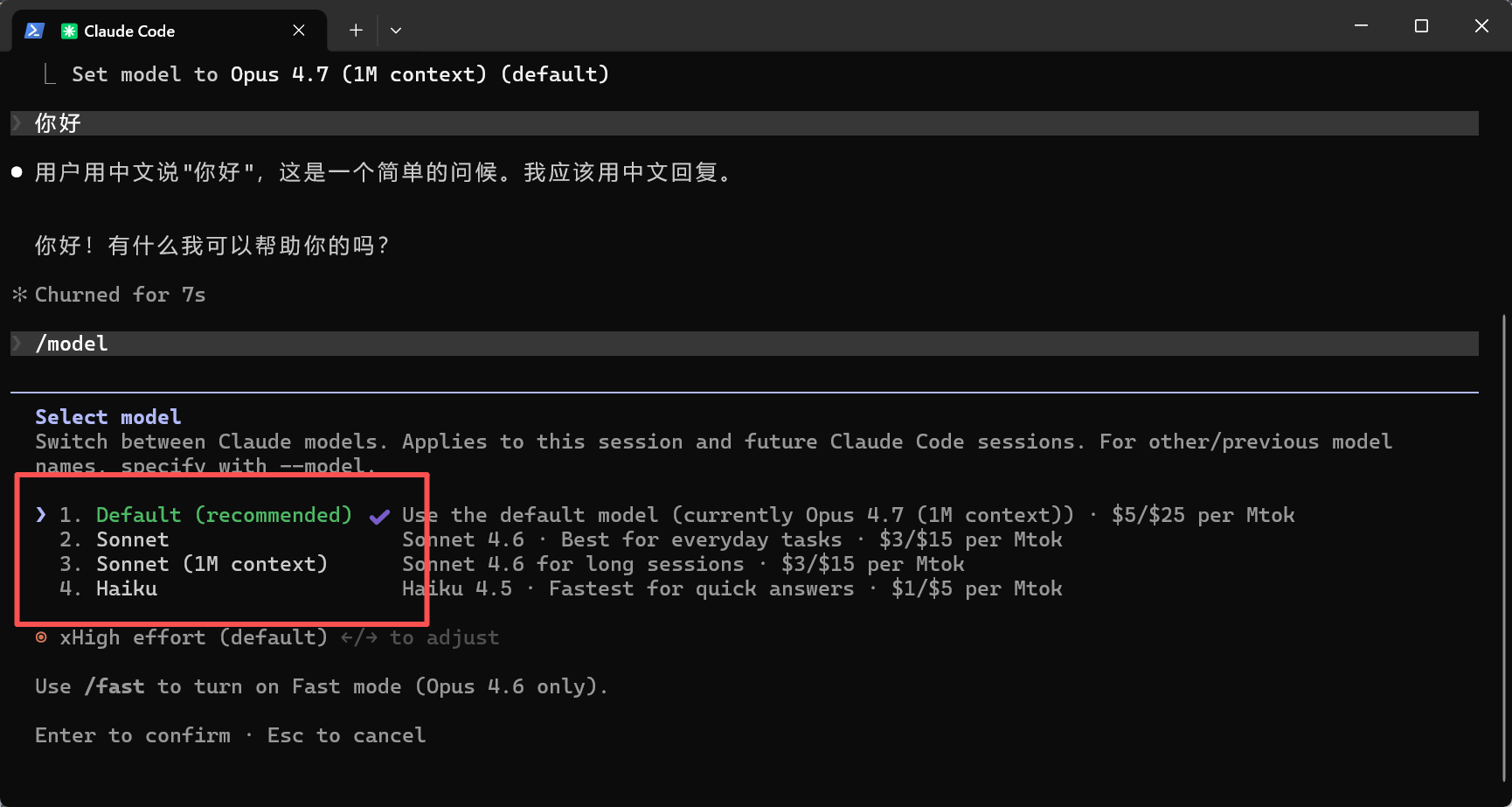
Done! The four models actually point to the OPENAI_API_MODEL you configured:
Notes
- The cc-switch routing feature must be enabled, otherwise Claude Code will not work properly