
Member Management
Displays all team personnel.
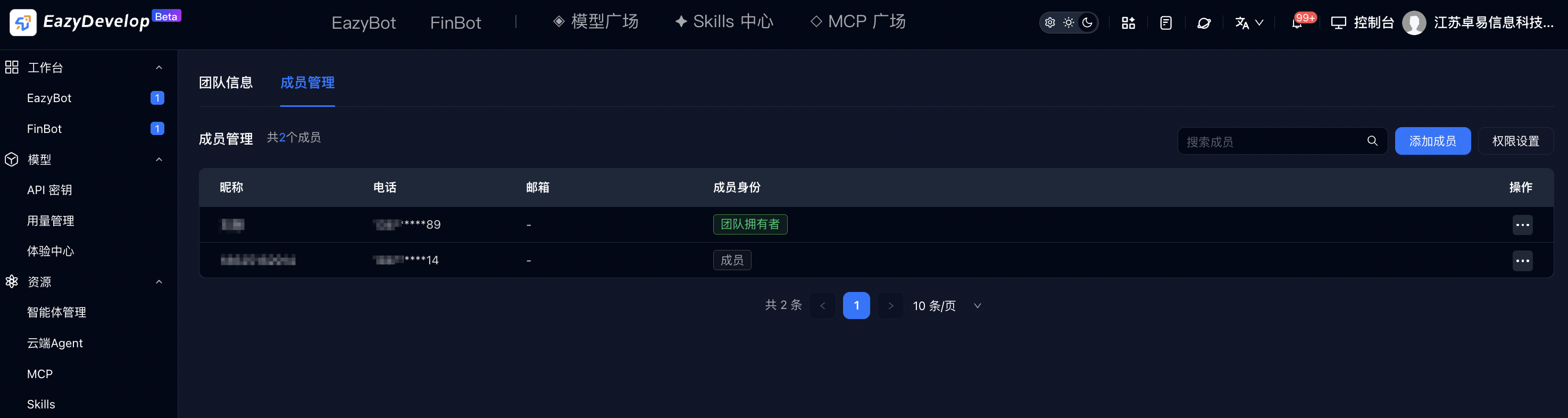
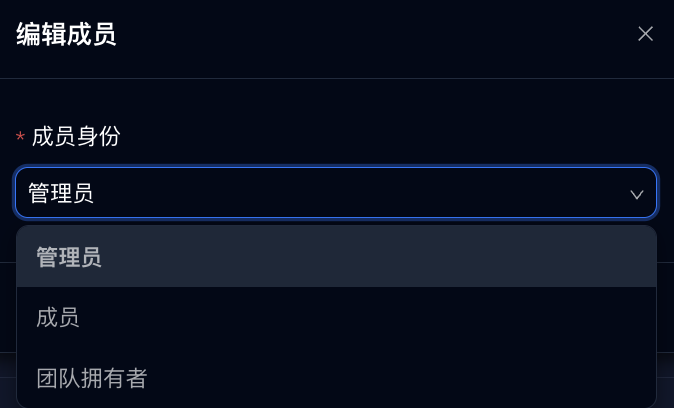
- Edit: Can set member identity information.
- Remove member: Second confirmation dialog. After confirmation, the account immediately leaves the team and all resource access permissions are revoked.
- Add member
- a. Click the blue Add Member button in the top-right corner.
- b. In the dialog, enter the invitee's phone number/email. The employee must already be registered on EazyDevelop.
- c. Select assigned identity: Administrator / Member.