Beginner Tutorial
Login and Plan Viewing
Login
Click https://eazydevelop.eazytec-cloud.com/ to enter the homepage, click [Free Login] in the upper right corner to log in
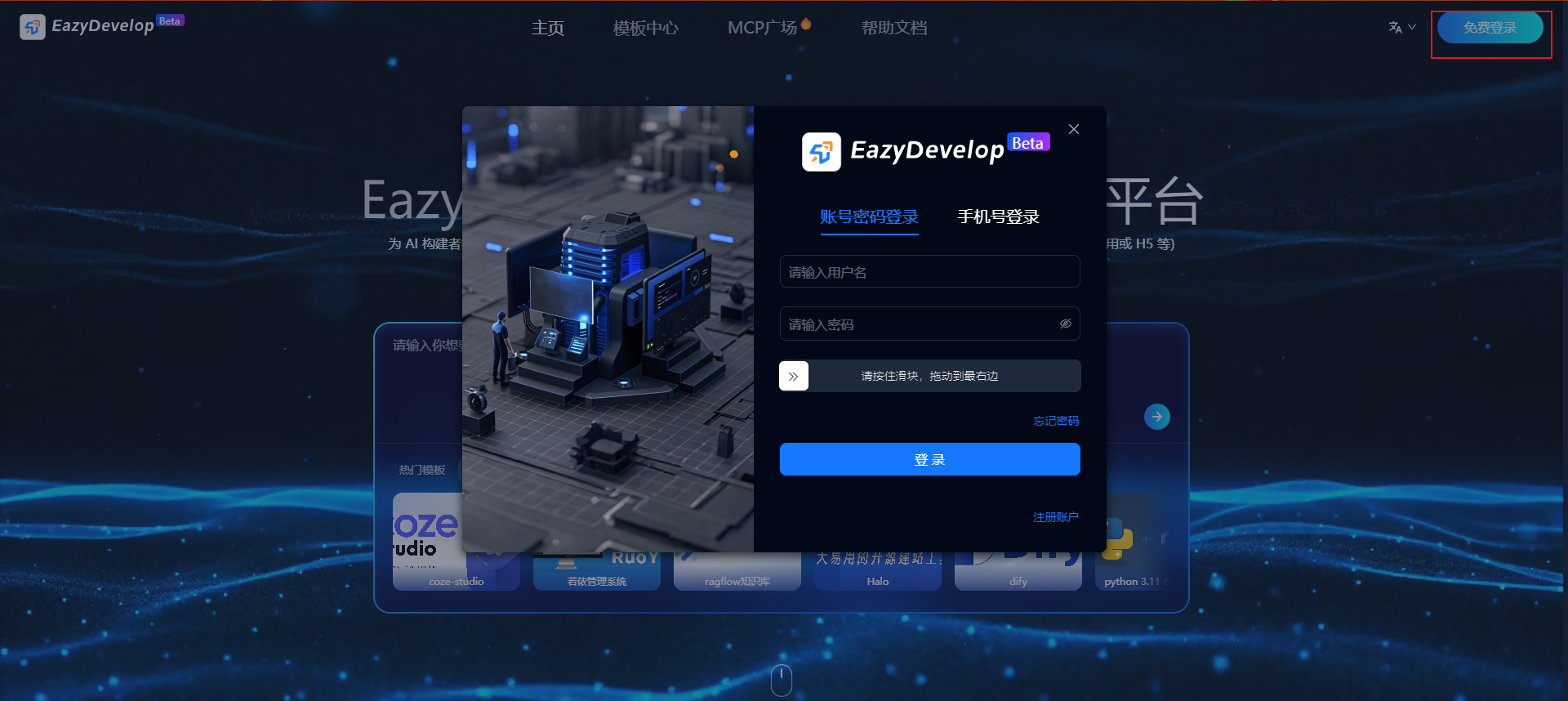
You can log in with phone number + verification code, or account + password, email + verification code If you haven't registered an account, logging in with phone number/email will automatically create an account
Plan Viewing
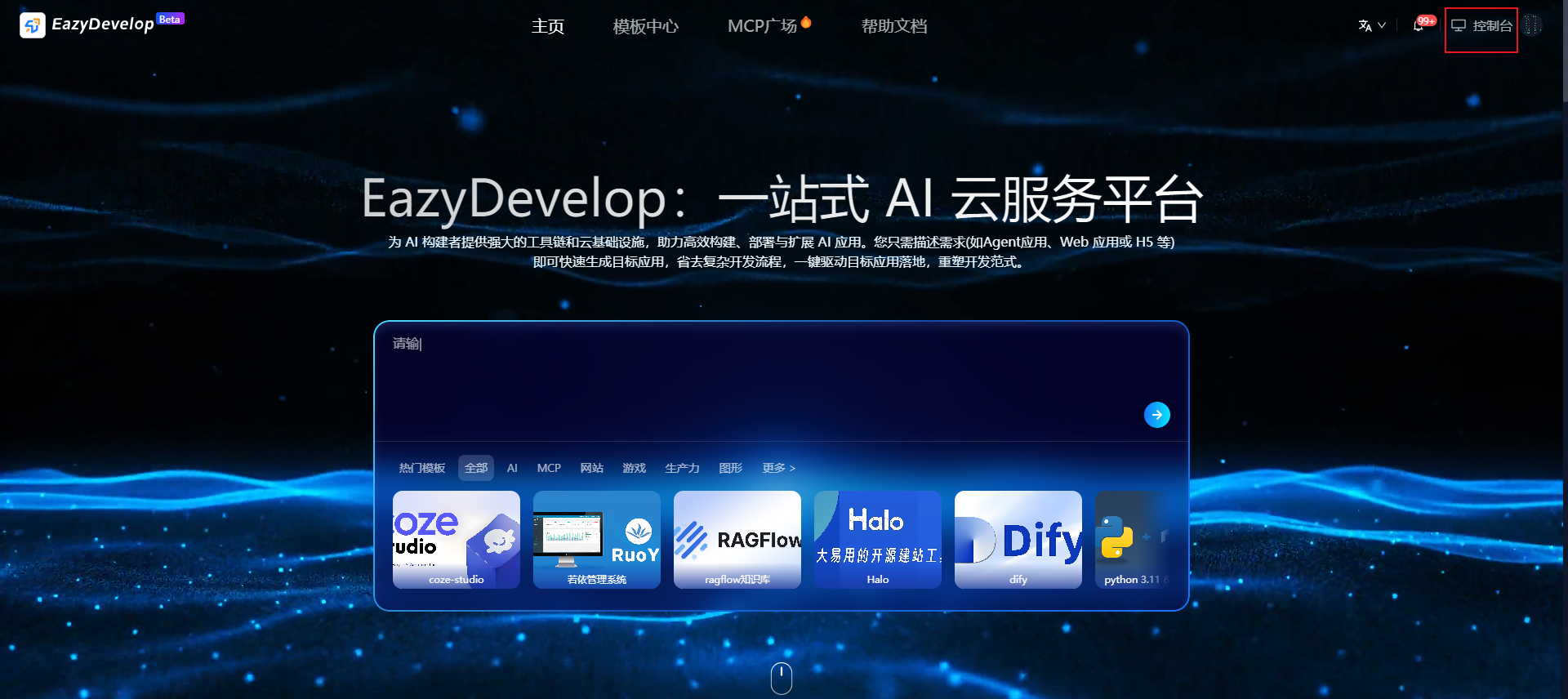
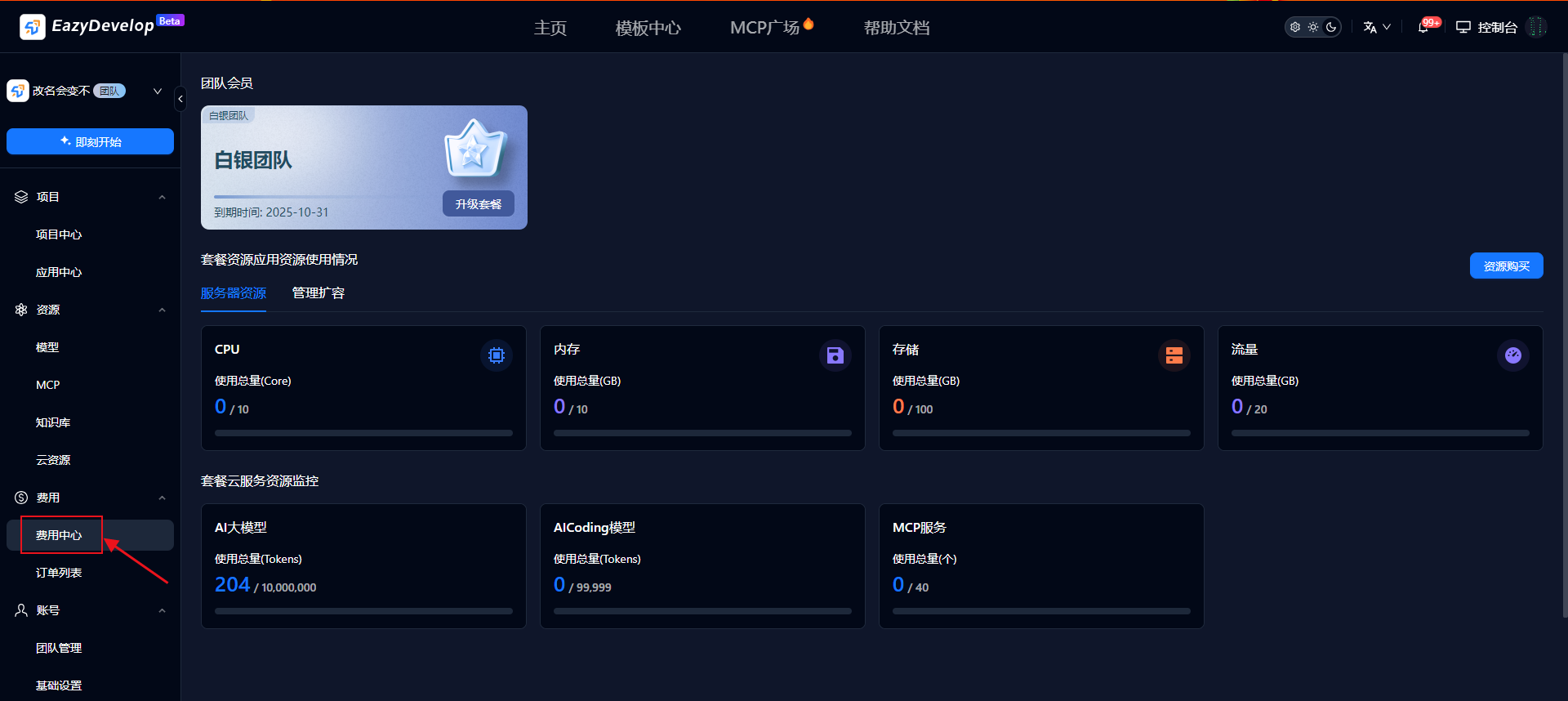
To ensure usage experience, during promotional periods, registration gives AI programming membership and free computing power. You can claim personal registration福利 packages in [Console - Cost Center]
Quick Project Creation
The system provides natural language interaction functionality. Just input one sentence, AI can intelligently parse your requirements, automatically identify application scenarios, core functions and technical directions, quickly matching the most suitable development templates and solutions.
Whether it's "create an employee clock-in and leave management system" or "want to develop a handicraft shopping website", the system can precisely extract key elements through natural language understanding and AI semantic analysis technology — such as user roles, business processes, data structures and interaction logic, and automatically recommend or generate corresponding application frameworks.
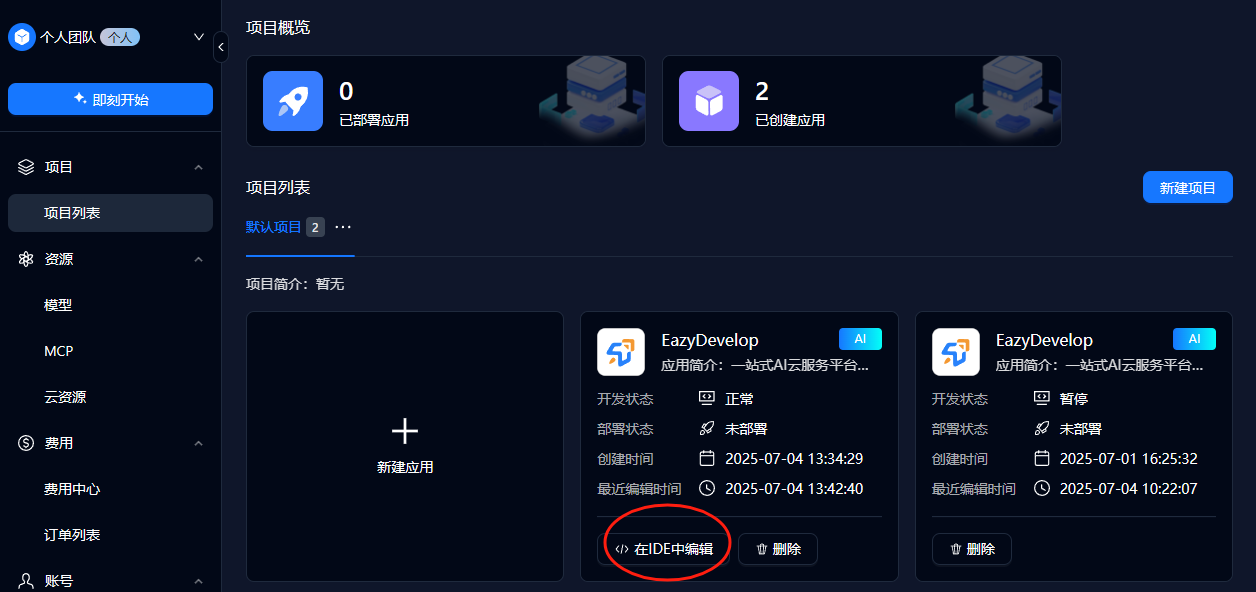
For example, input "Design a simple responsive web calculator with flat design style, vertically centered layout, using warm color scheme. Include display screen and 4x4 buttons, support mouse/keyboard operations, with simple addition, subtraction, multiplication, division and continuous calculation capabilities."
The system enters the analysis and thinking phase
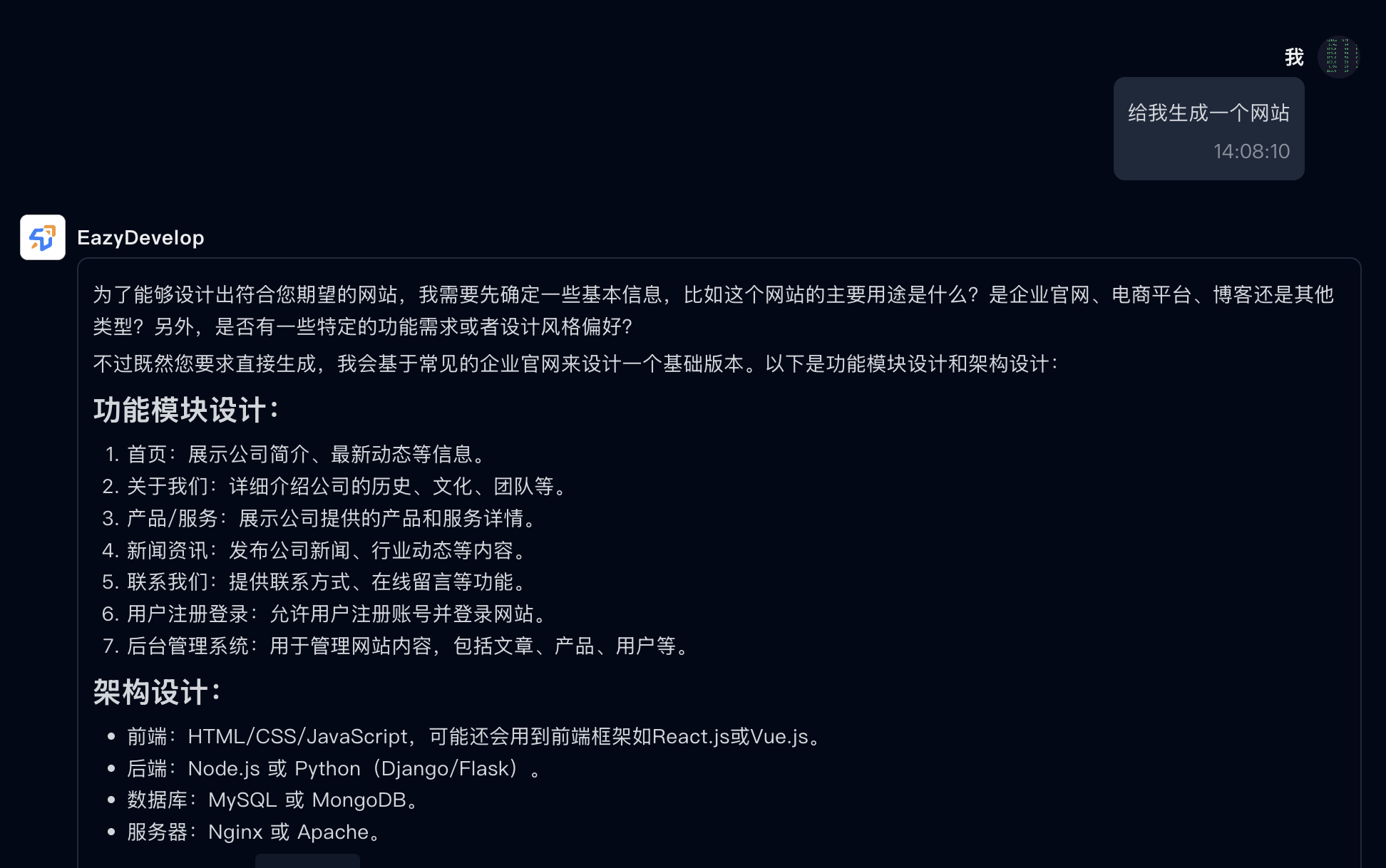
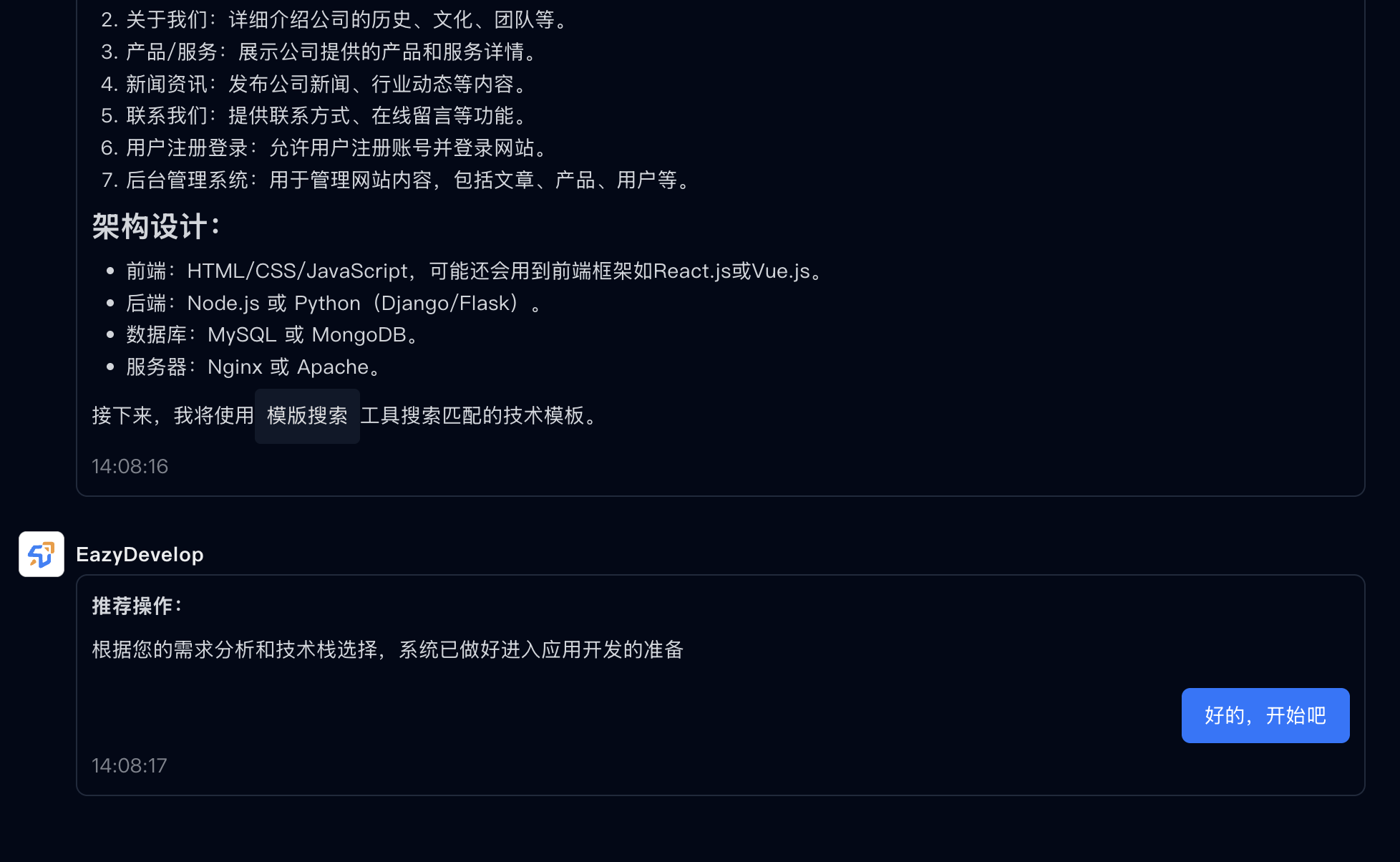
The system will perform detailed requirement analysis, click "OK, let's start" to create the application