Cline Integration Guide
Cline is a powerful VS Code extension that helps you directly use AI models in the editor for code generation, file operations, and other tasks.
1. Get API Key
- Refer to Model Activation Help Documentation
2. Install Cline Extension
Cline is a VS Code extension. After installation, a chat window will appear on the right side of the editor, no additional startup required.
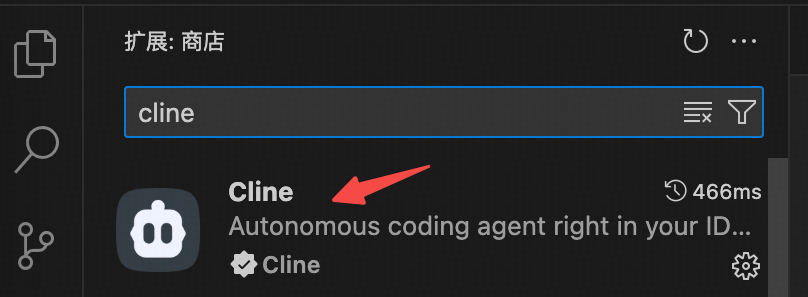
Open VS Code, click the extension marketplace icon on the left, search for cline, find the Cline extension, and click Install.
3. Configure API Settings
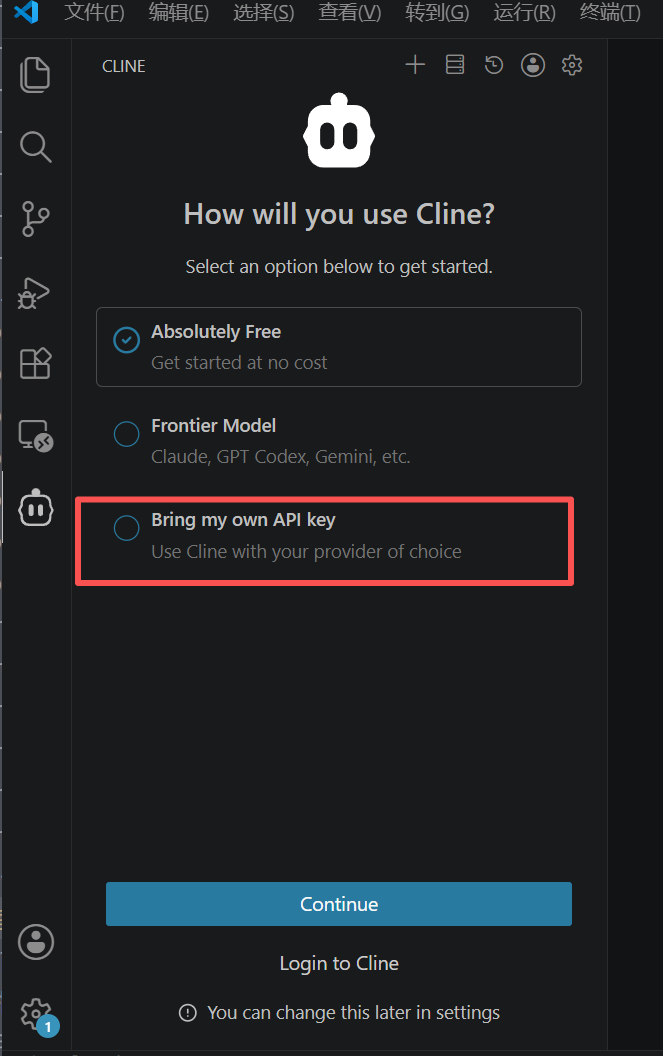
Step 1: Select API Key Method
Select Bring my own API Key, click Continue:
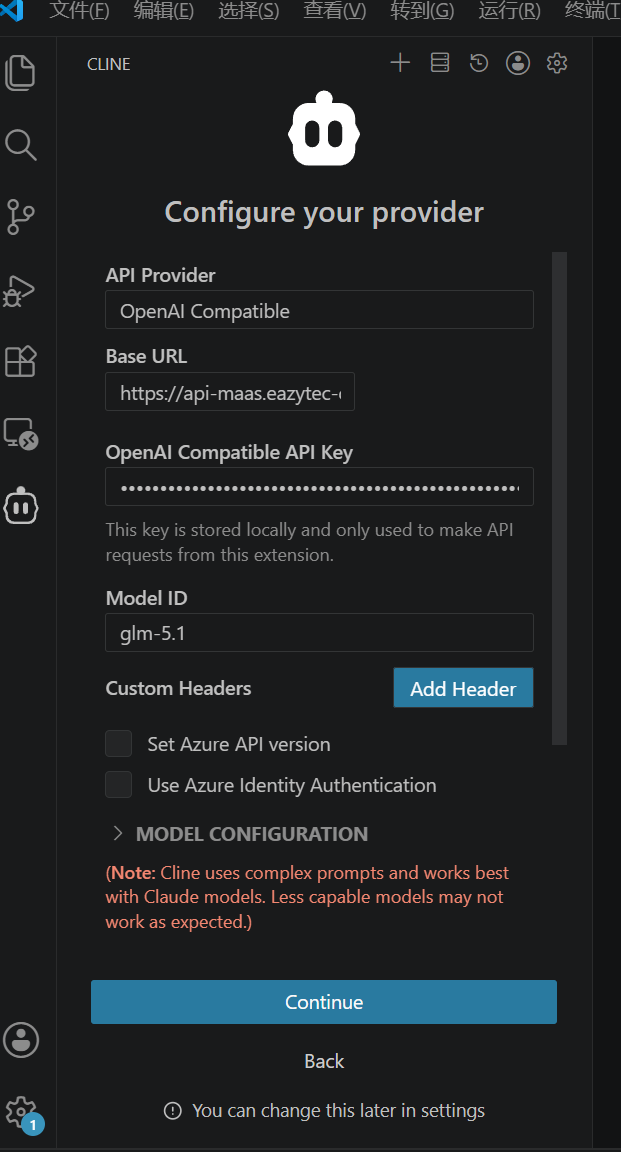
Step 2: Fill in Configuration Information
| Configuration Item | Description |
|---|---|
| API Provider | Select OpenAI Compatible |
| Base URL | Enter https://api-maas.eazytec-cloud.com/v1 |
| API Key | Fill in your API Key activated on EazyDevelop |
| Model ID | Enter model name (e.g., MiniMax-M2.7) |
4. Start Using
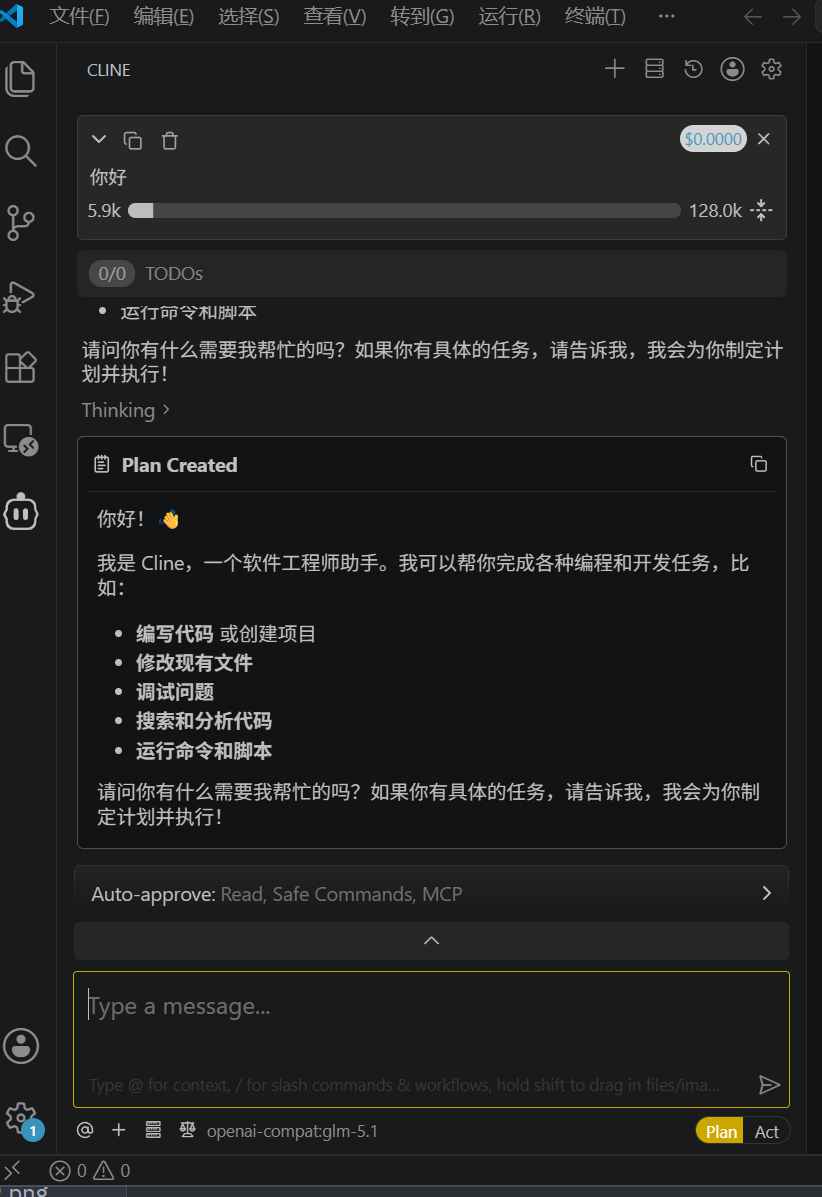
After configuration is complete, enter requirements in the input box and let the model help you complete various tasks.