Project Center
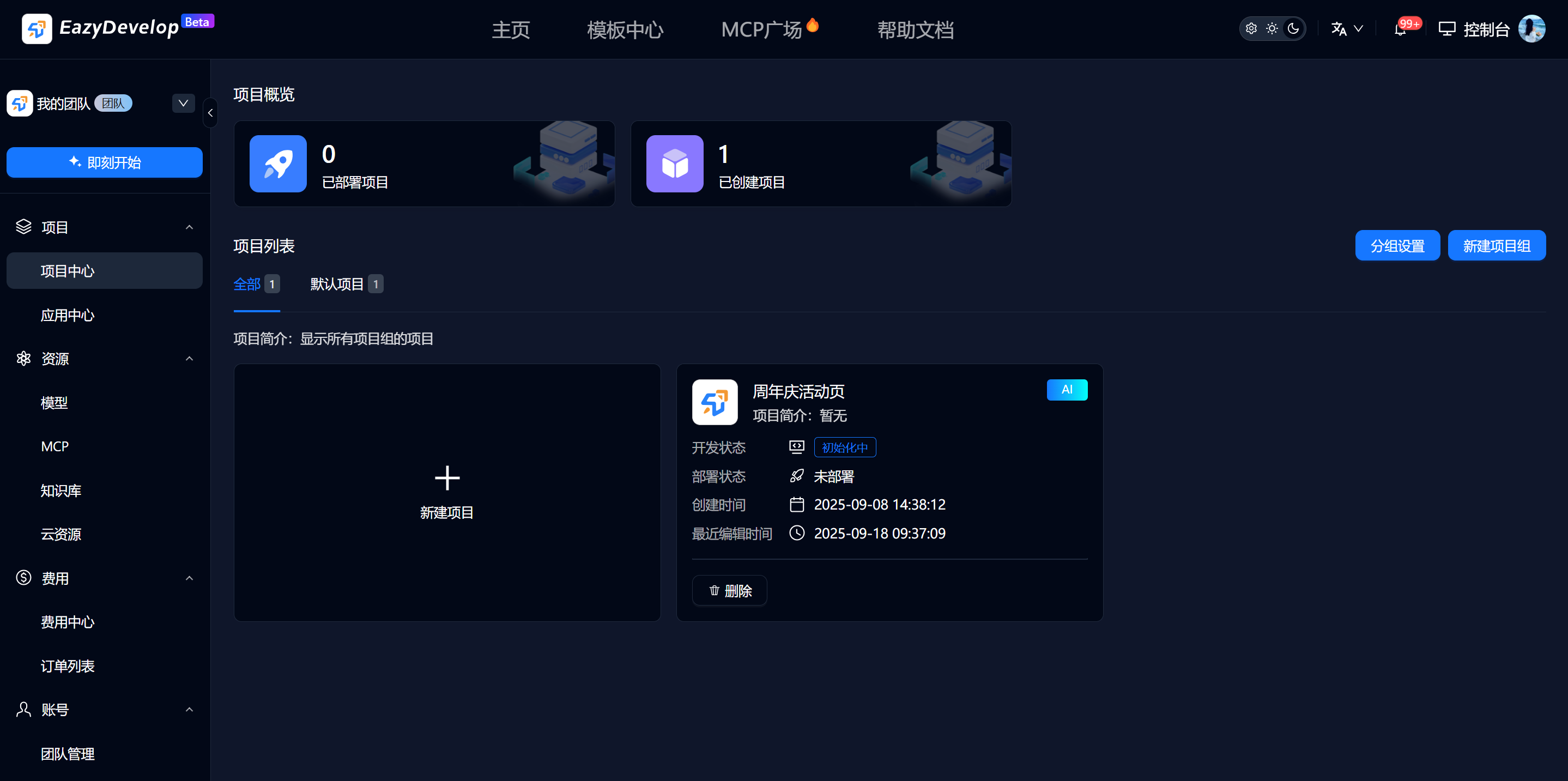
The system manages projects through project groups and provides the function to create projects. Projects can be created in three ways: AI creation, git import, and creation from templates.
Project Management
Click [New Project Group] to create a project group. In team mode, you can set member permissions for application groups.

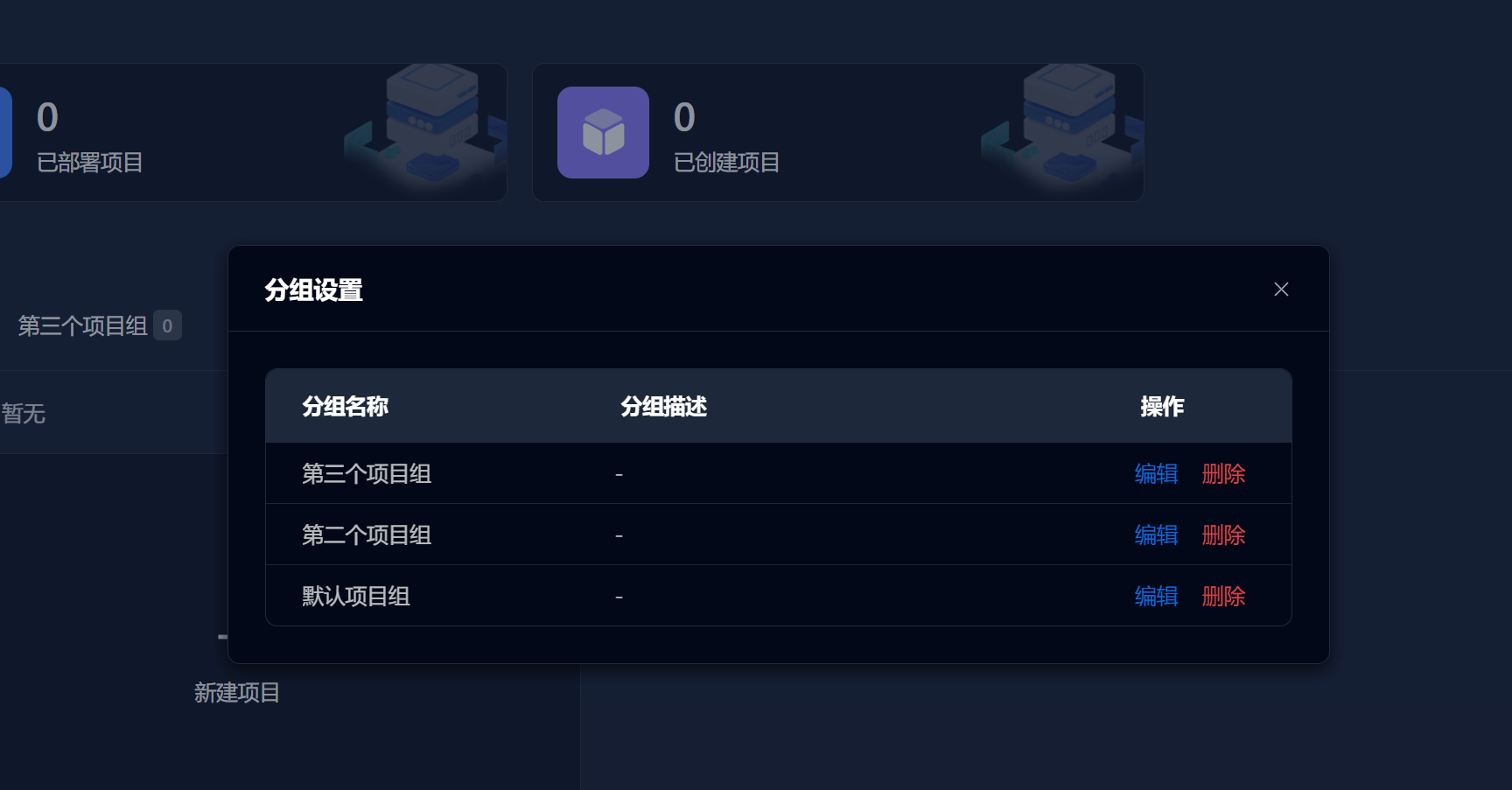
Click [Group Settings] to set or modify project group information.
Create New Project
On the project center, project group page, click the [New Project] button to open the popup window.
This system provides three ways to create: AI Create Application, Import from Git, Create from Template
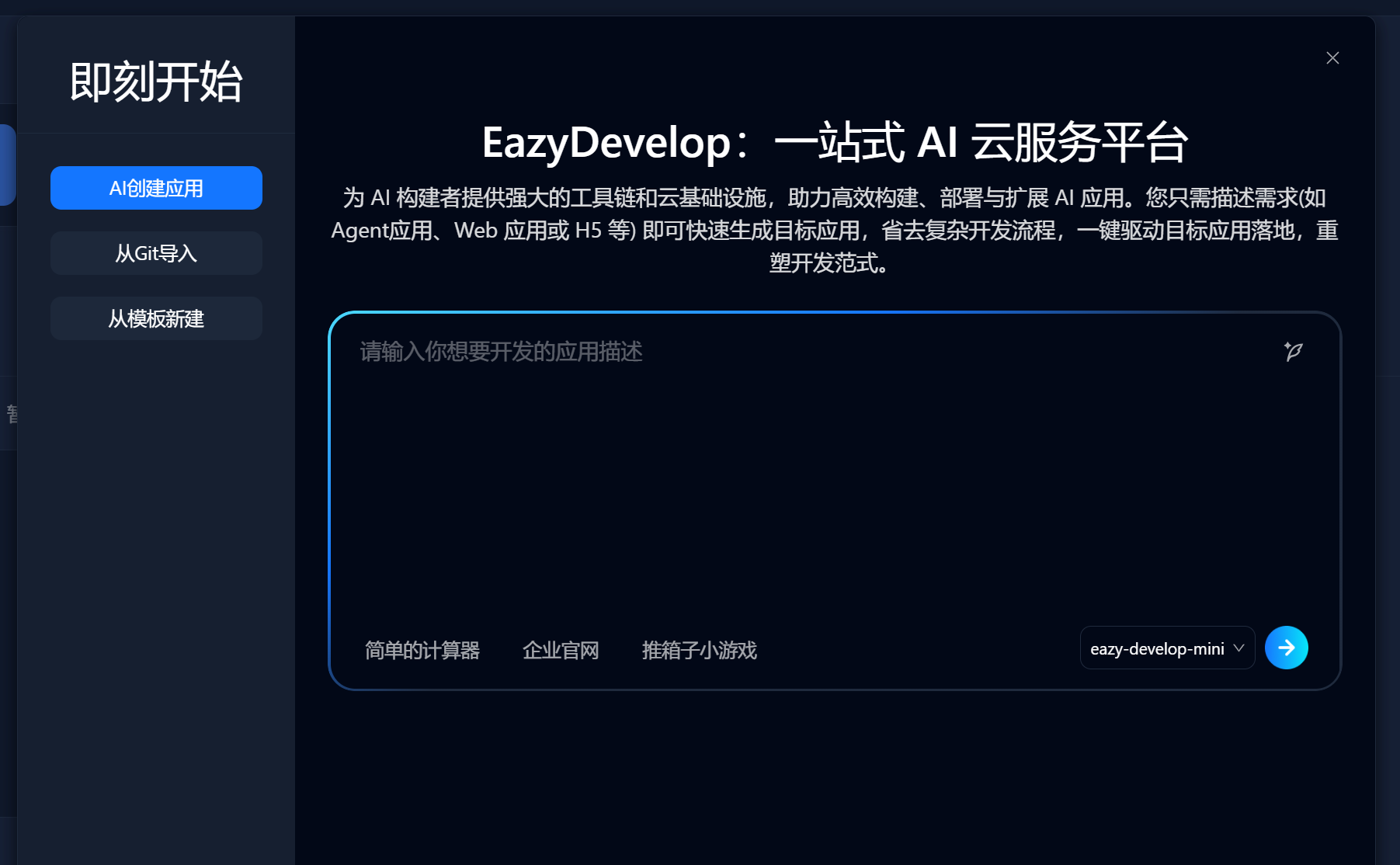
The specific steps are exactly the same as Start Now;
Project Details
In the project list, click [Project Card] to view project details. The project details page displays basic project information, development information, deployment information, resource information, etc.; you can view project content at any time;
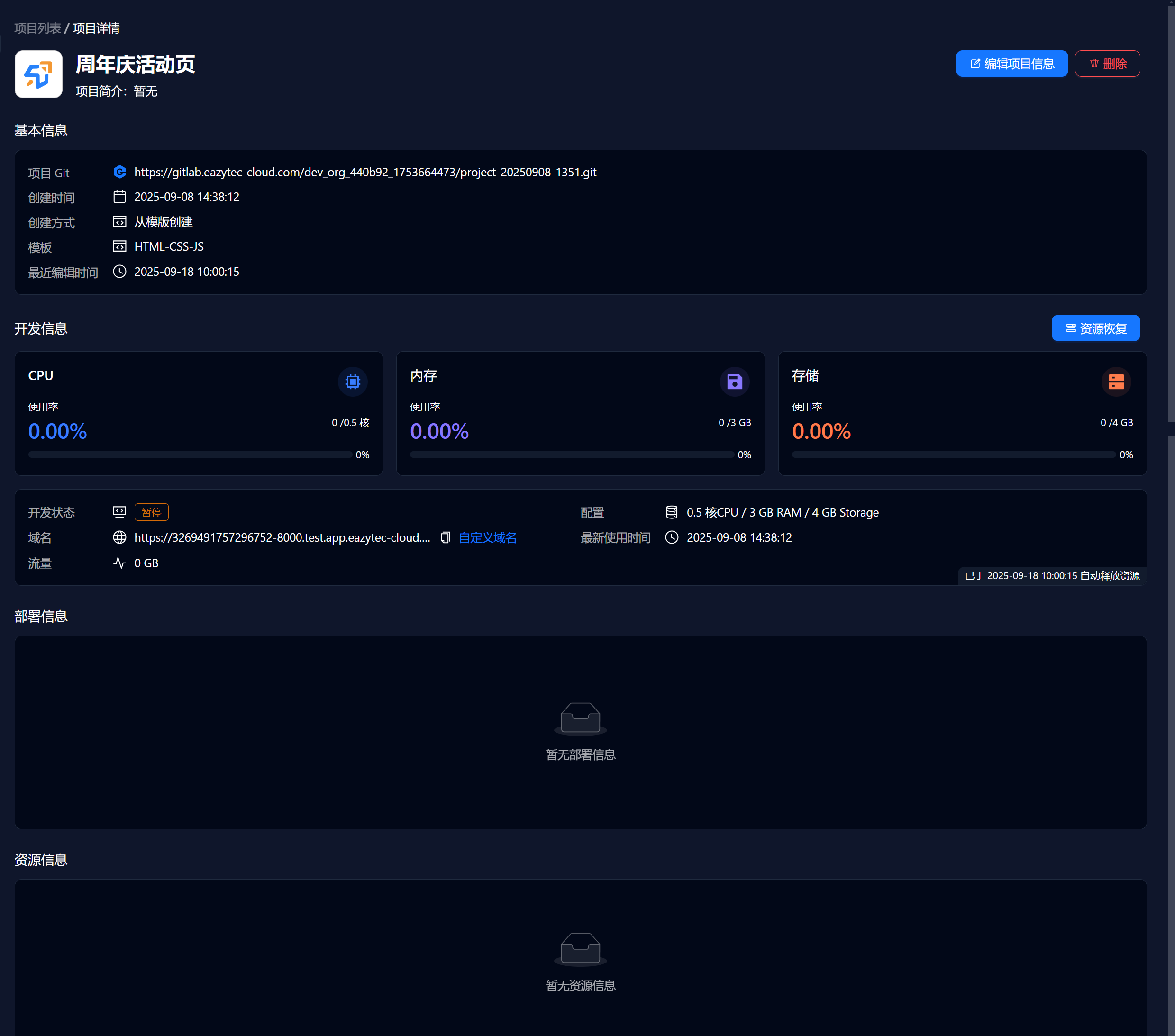
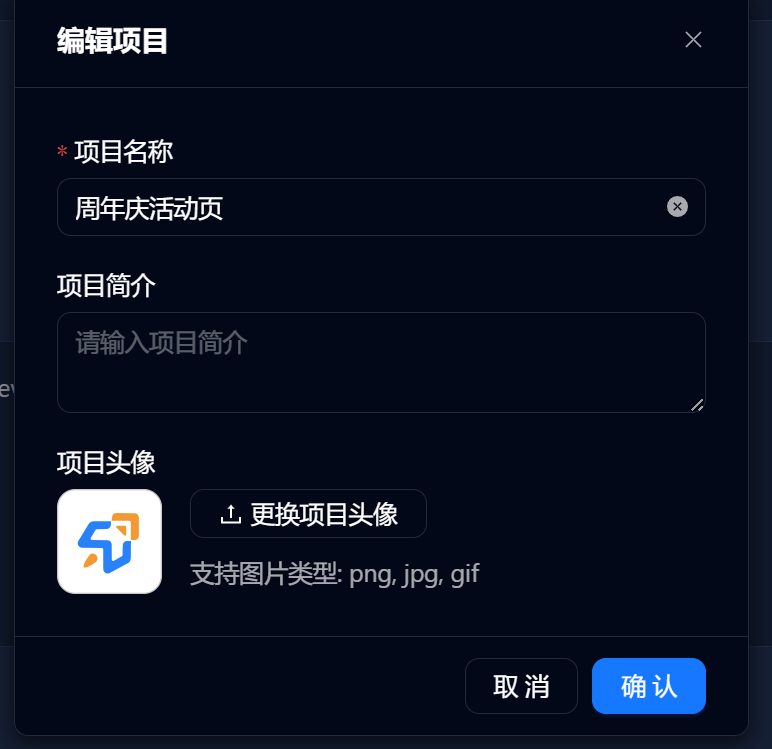
At the top of the project details page, display project avatar, project name, project introduction and other information, which can be edited through the [Edit Project Information] button;