
Template Center
EazyDevelop Template Center, where you can select the project template you want to develop. Choosing a project template can help you avoid complex description processes and make the final result closer to the expected application; you can also choose out-of-the-box application templates. Choosing out-of-the-box templates requires no development, zero-code deployment, and worry-free launch.
Main Features of Template Center
- Rich Template Library: Covers practical templates in various fields such as enterprise, lifestyle, and education, facilitating quick creation of similar applications
- Efficient Reuse: By referencing or directly using existing templates, reduce design time from scratch and improve development efficiency
Using Templates for Development
Requirement Description
Briefly describe your requirements in the input box, combining text and charts
Intelligent Matching
AI will recommend suitable templates based on the description and generate preliminary solutions for your confirmation
Customization and Optimization
Adjust details based on templates, such as adding functional modules or modifying layouts, to meet specific requirements
One-click Deployment
After completing editing, you can test and publish the application, with the entire process automated
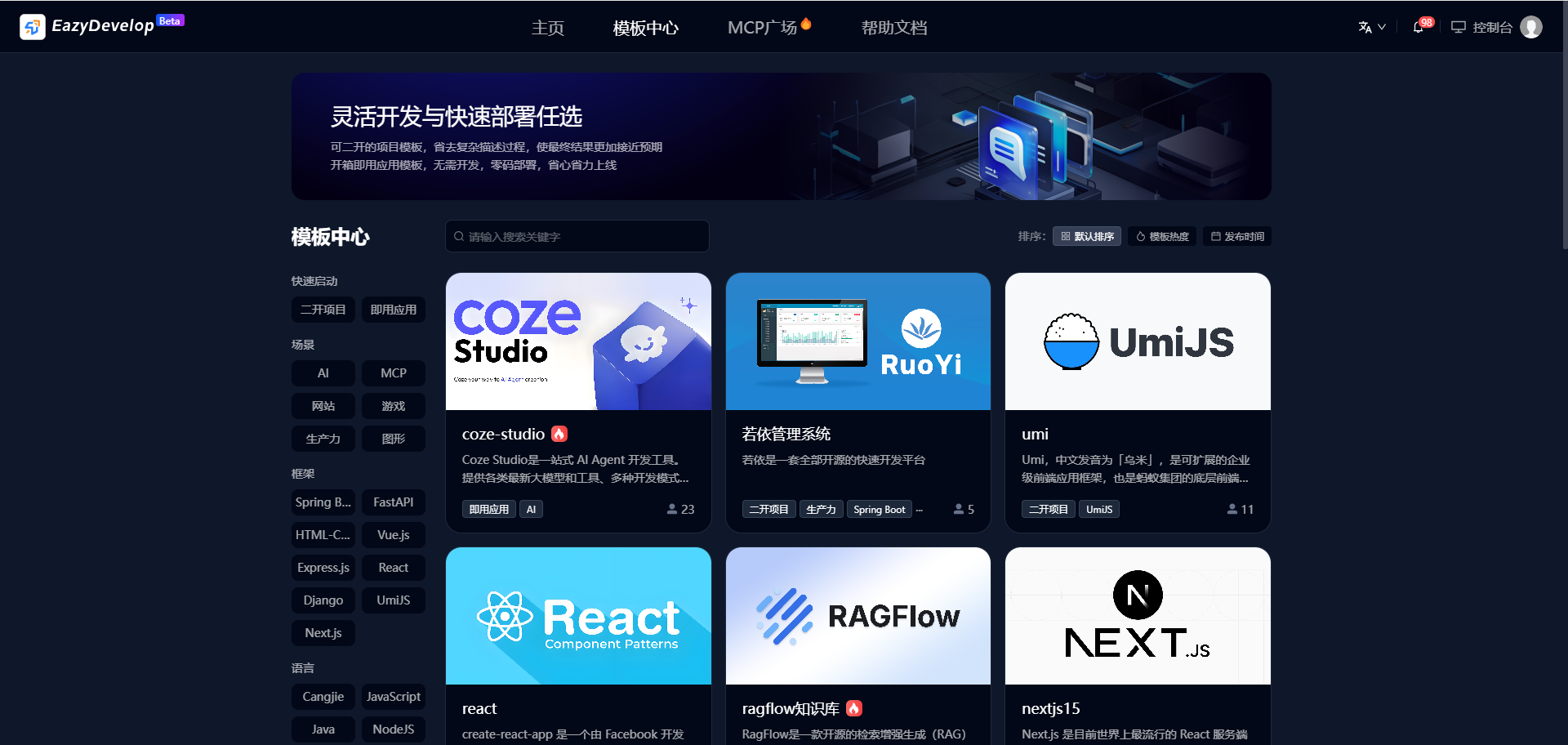
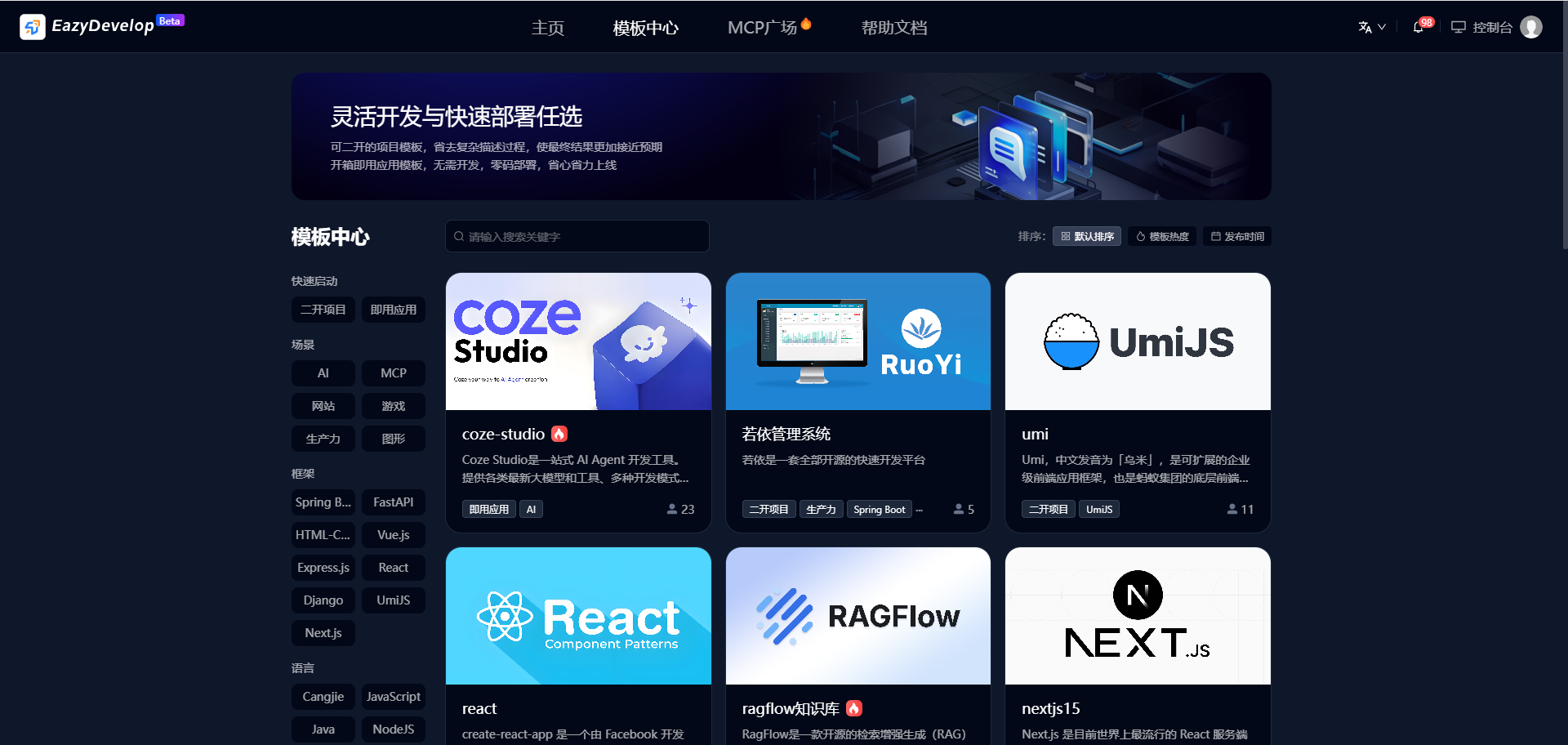
Template Query
The platform provides two efficient ways to locate templates, flexibly adapting to users' usage habits:
Intelligent Category Filtering
- Click preset categories such as "Scenario", "Framework", "Language" to quickly target the scope, avoiding blind searches in massive templates
- Supports multi-level tag stacking (e.g., "Education + PPT Template + Minimalist Style") for precise matching of specific needs
Keyword Semantic Search
- Enter any keywords in the search box (e.g., "Summer Promotion Poster", "Financial Analysis Dashboard"), the system automatically suggests high-frequency related words, supporting fuzzy matching (e.g., entering "Resume" can retrieve "Personal CV", "Job Application Template")
Efficient Combination Technique
First narrow down through categories like "Medical → ERP System", then search for "Ophthalmology", completing target filtering in three steps!
Template Details
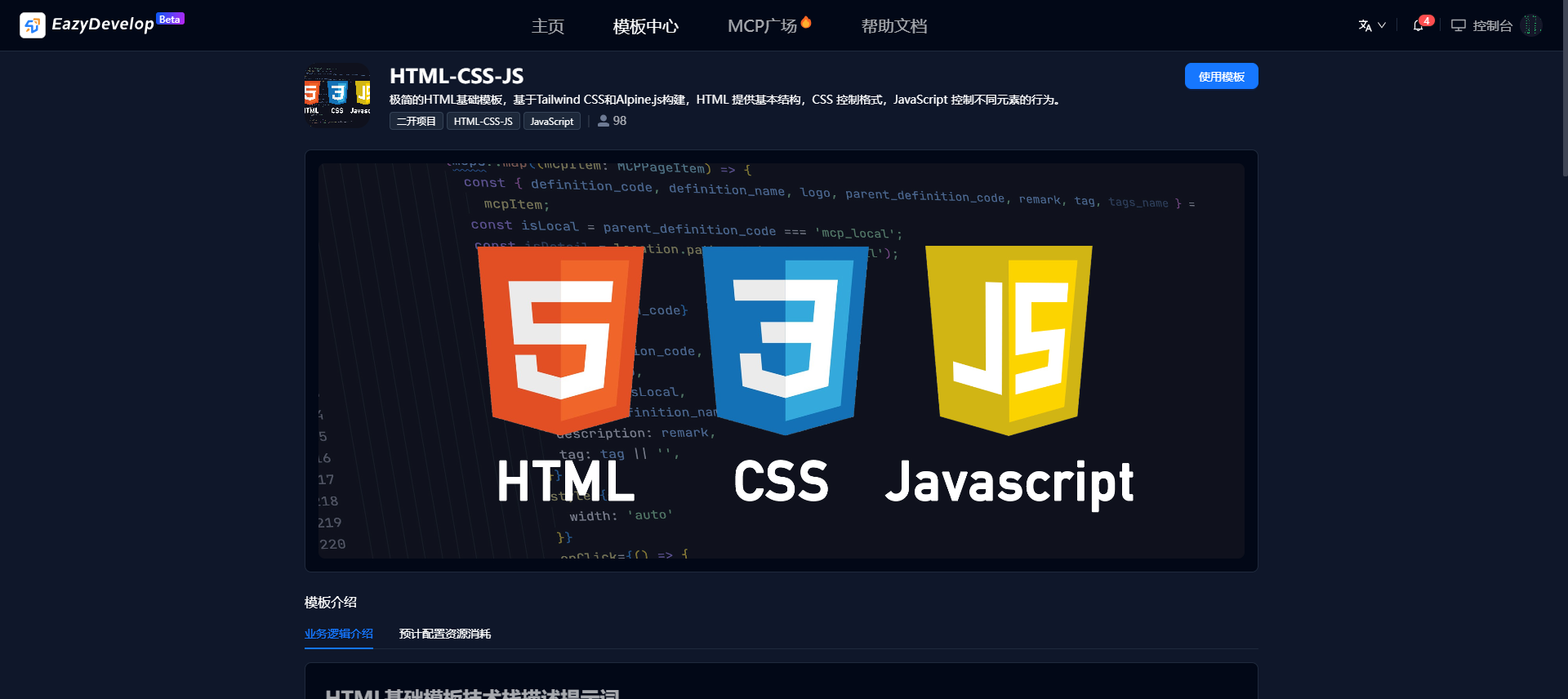
Click on a template to enter template details and view detailed template information. The template details page displays the core information of the template, including:
Industry Adaptation Description
Labels the industries suitable for the template (e.g., retail, medical, government) and typical scenarios (e.g., membership management, elderly subsidy application systems), and explains how pre-built functional modules meet industry needs
Example: The gym membership management system template details page will label "Suitable for fitness industry" and display modules like member information management and attendance records
Functional Modules and Data Structure
Clearly lists the functional modules included in the template (e.g., "Customer Information Management", "Sales Management"), and displays backend data structure (e.g., field types, relationships). Users can directly edit fields or logic
Example: CRM system templates will display fields like customer name, contact information, sales opportunity priority, etc. Users can delete redundant fields or adjust data association rules
Interface Layout and Interaction Preview
Provides AR visual interface preview, users can view UI layout (e.g., left navigation bar, search module position), operation流程 (e.g., form path for adding new customer information), and supports click simulation interaction
Example: The login page layout and member information table filtering functions displayed in test cases can be directly experienced on the details page
Technical Documentation and Extension Capabilities
Attached technical documentation templates, including PRD (Product Requirements Document), system architecture diagrams, API interface descriptions, and test cases for developer reference or secondary development
Labels extensible components (e.g., payment interfaces, data statistics dashboards) and supported API integrations (e.g., integrating with Baidu Wenxin Yige to generate images)
Custom Configuration Options
Allows users to adjust template parameters, such as login methods (username/password, third-party authorization), interface language (Chinese/English switching), permission levels (administrator and regular user roles)