
DT Fixed Asset Asset Management System
Login and Registration
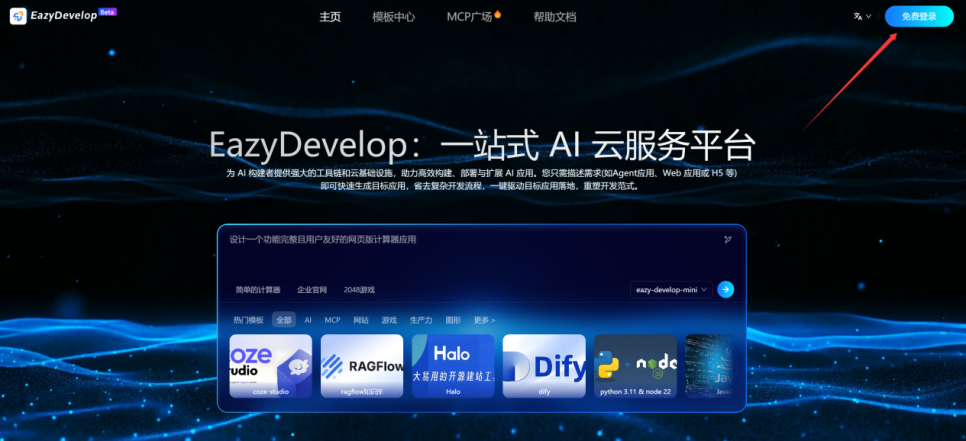
Click https://eazydevelop.eazytec-cloud.com/ to enter the homepage, click [Free Login] in the upper right corner of the homepage to log in
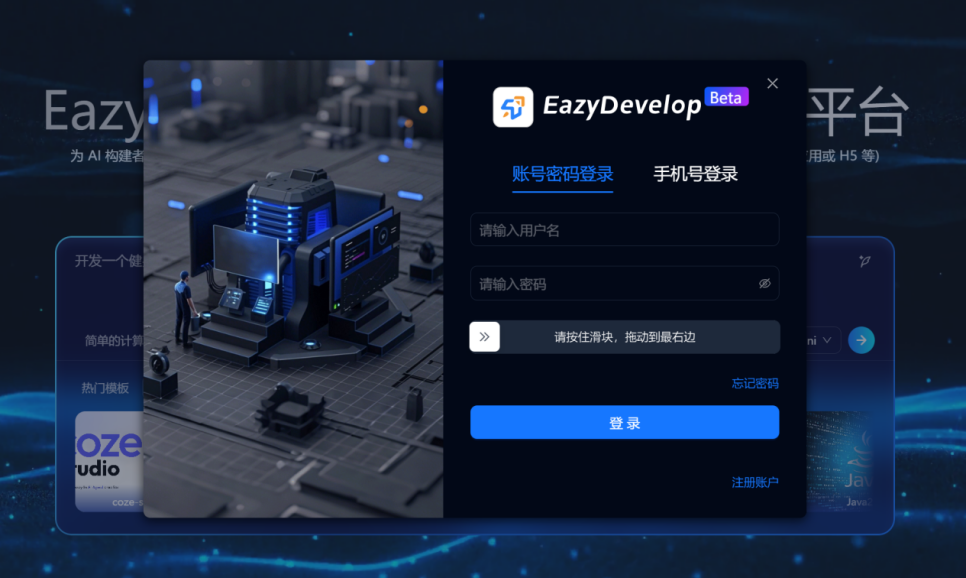
You can log in with username + password
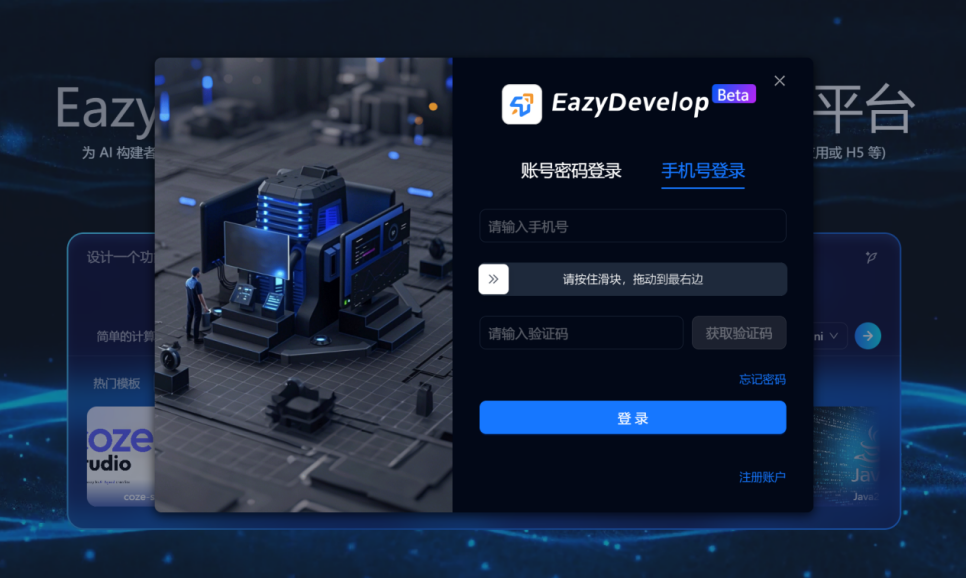
You can also log in with mobile phone number + verification code
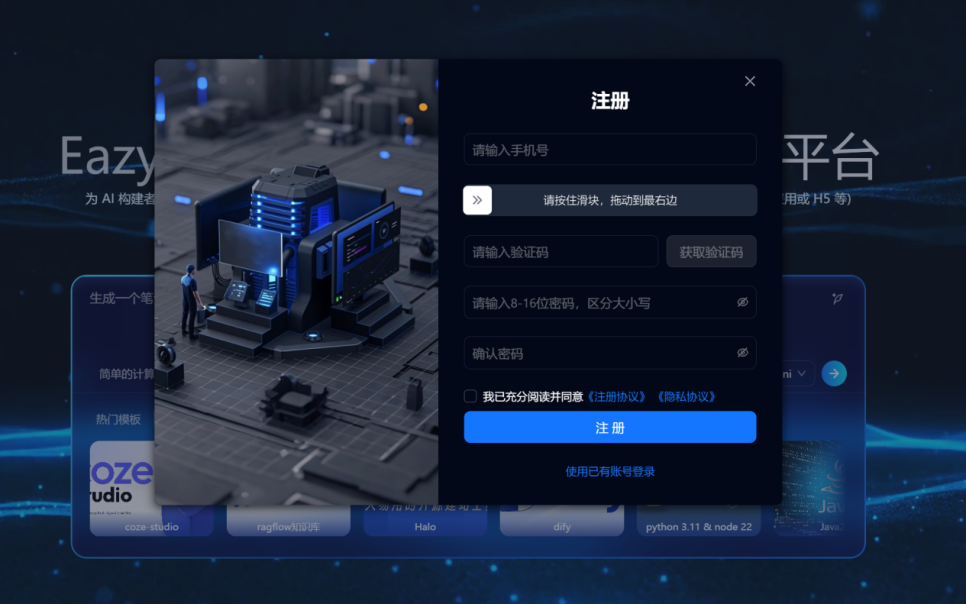
If you haven't registered and don't have an account, click [Register Account] to register
Search Templates
The system provides ready-to-use application templates that don't require secondary development and can be directly deployed for immediate use.
Enter the EazyDevelop Template Center
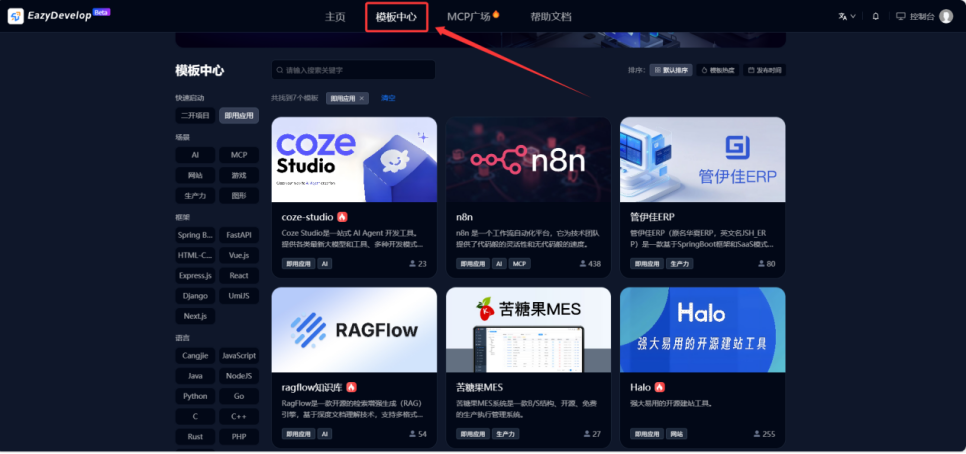
Search by category or keyword by entering the system you want to deploy in the search box (using Halo as an example here) to complete the filtering.
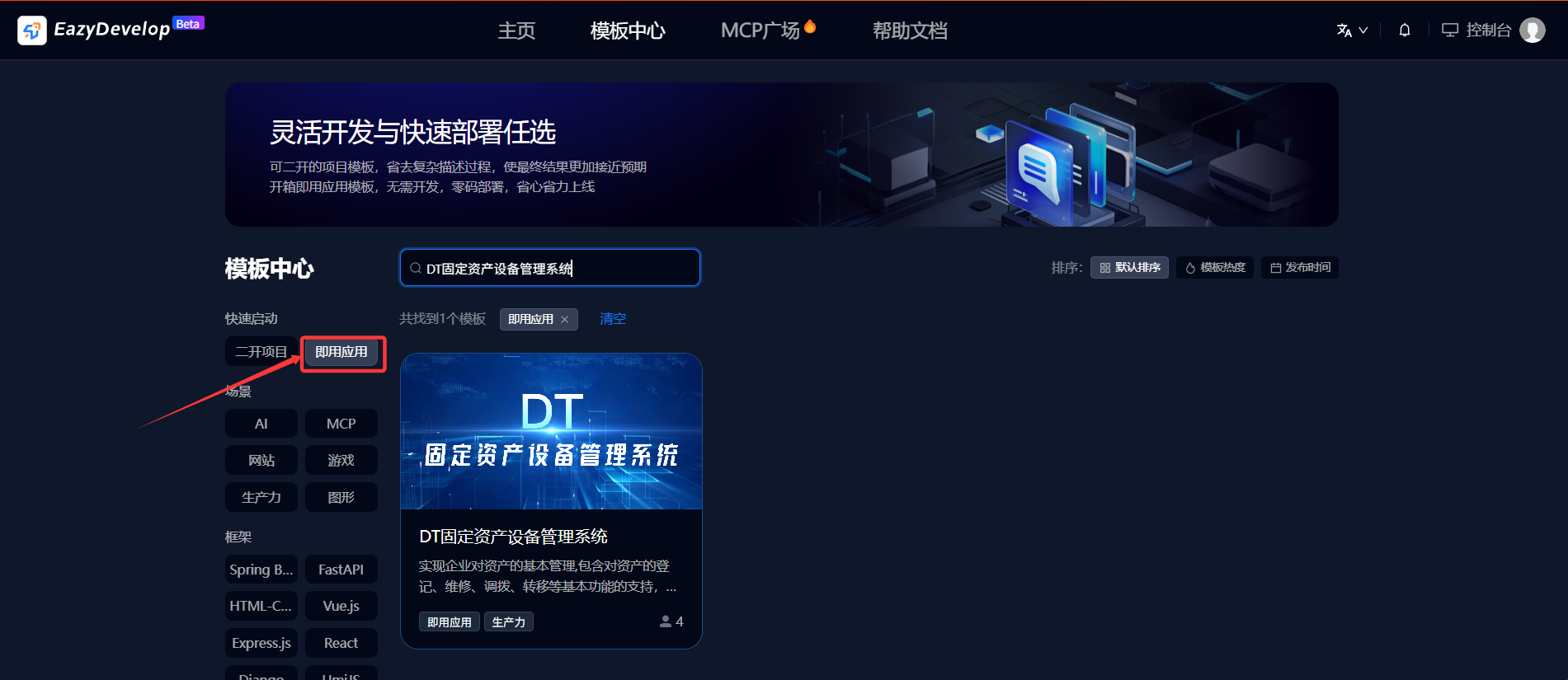
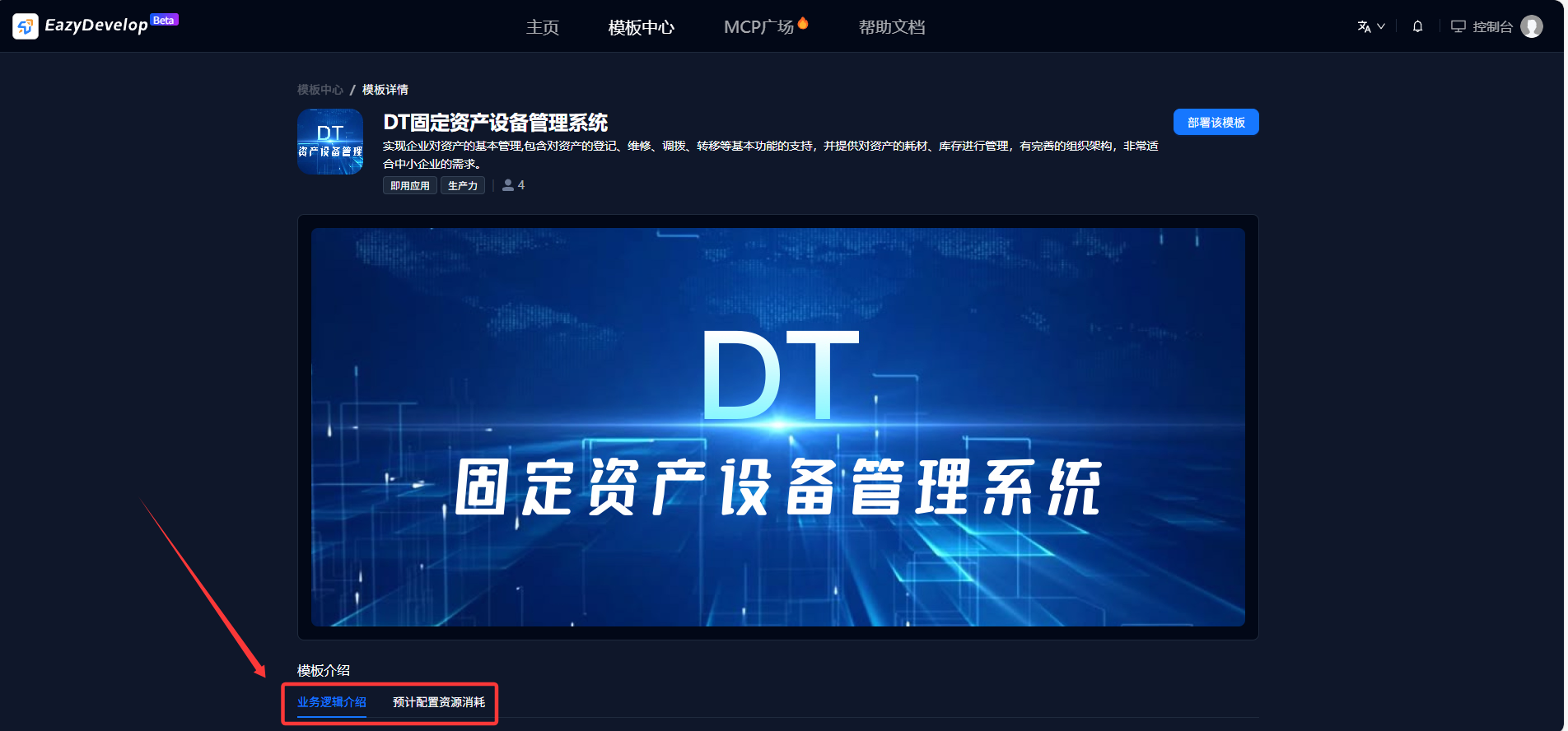
Template Details
Click on the template to enter the template details page and view detailed information. The template details page displays the core information of the template.
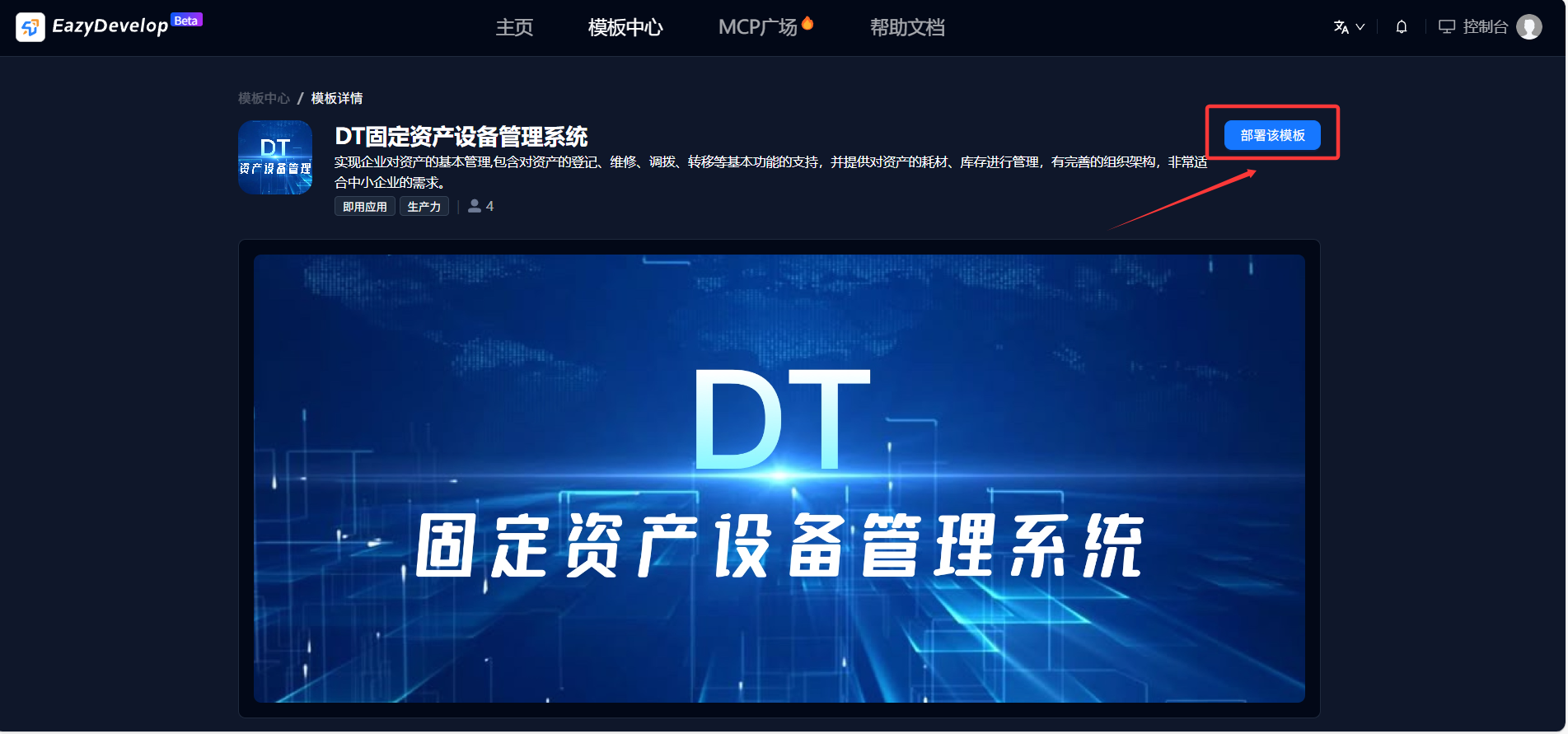
Deploy Application
Click the "Deploy this template" button in the upper right corner of the application to automatically jump to the Console - Application Center - Application Details to view the application deployment status.
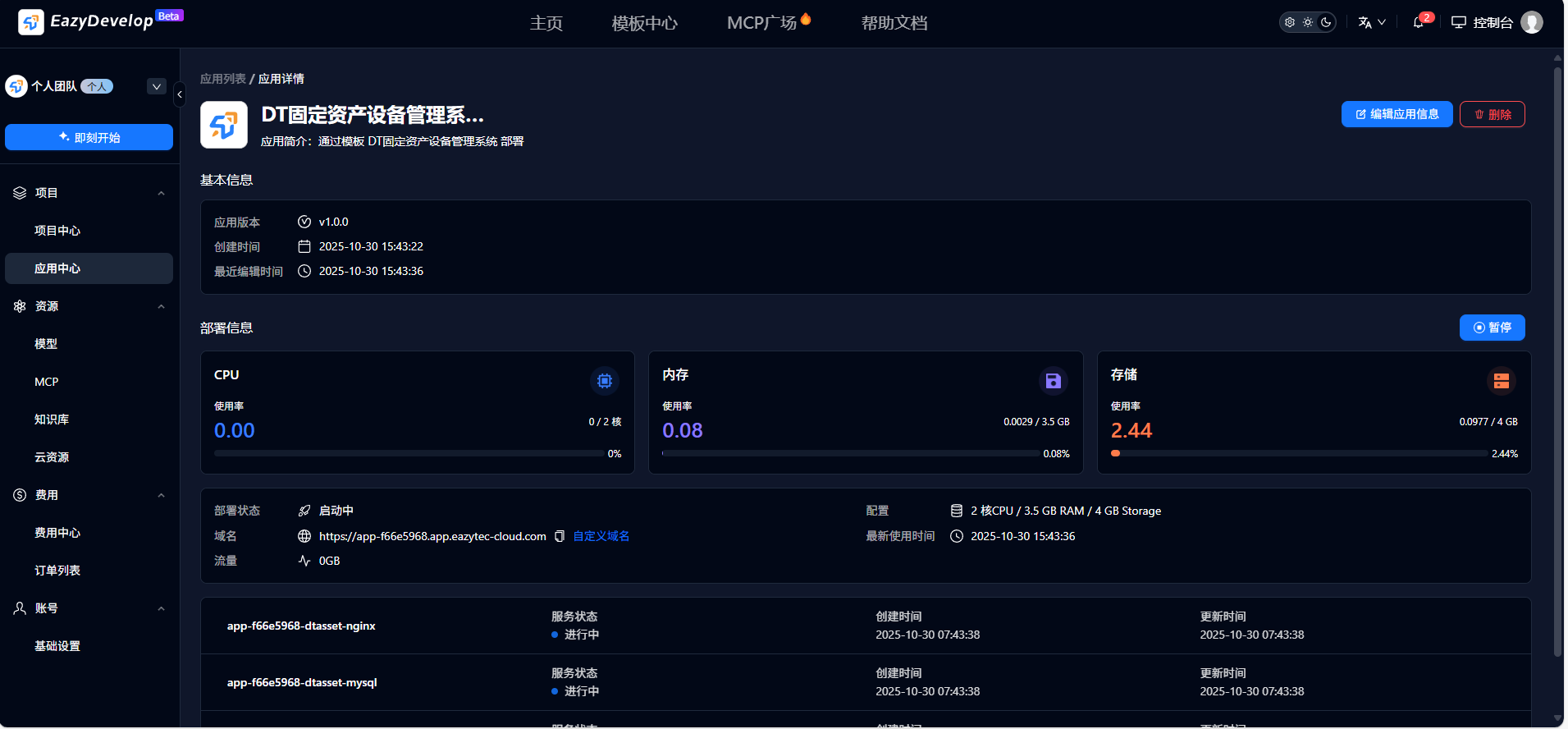
Use Application
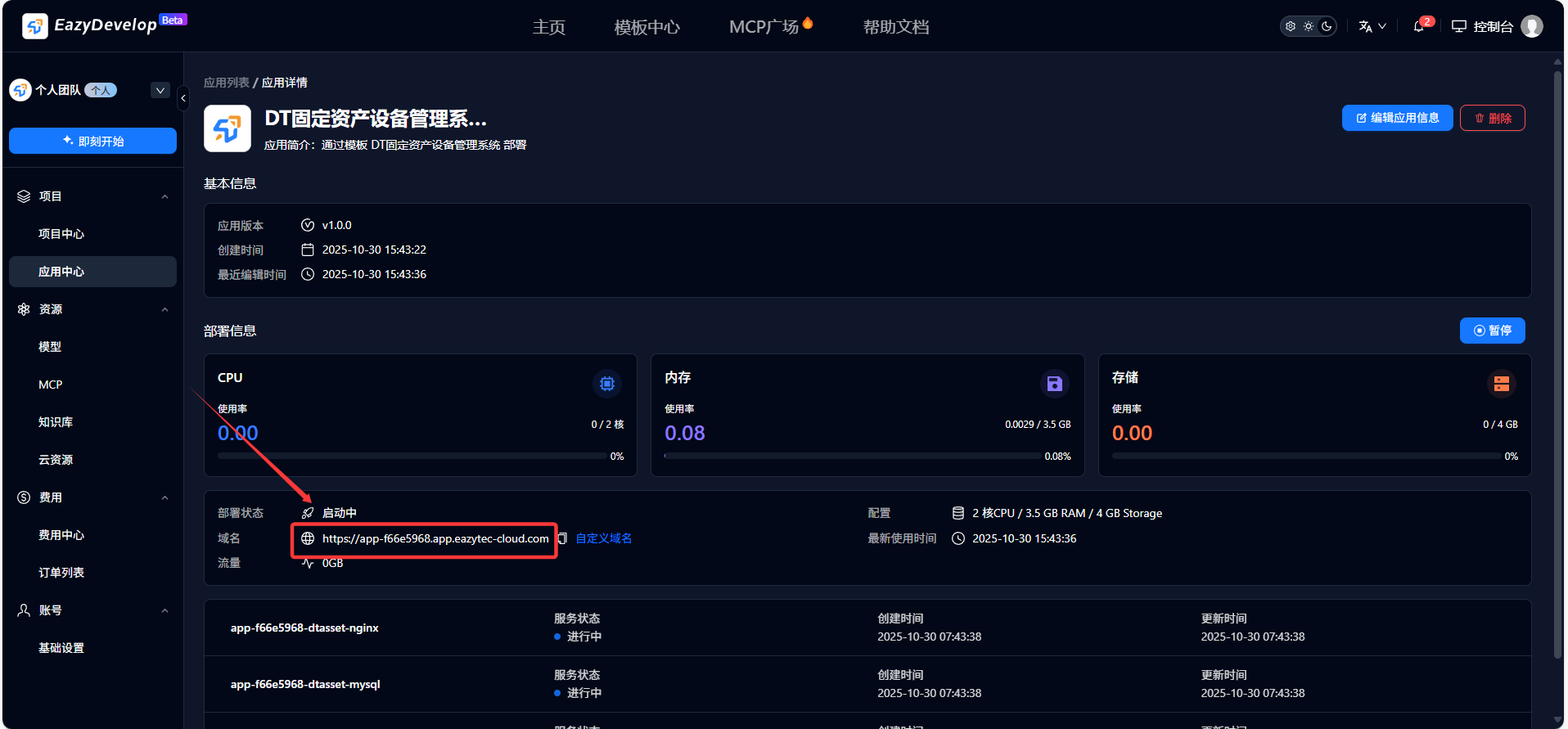
After the application deployment is complete, copy the domain name and open it to start using the application
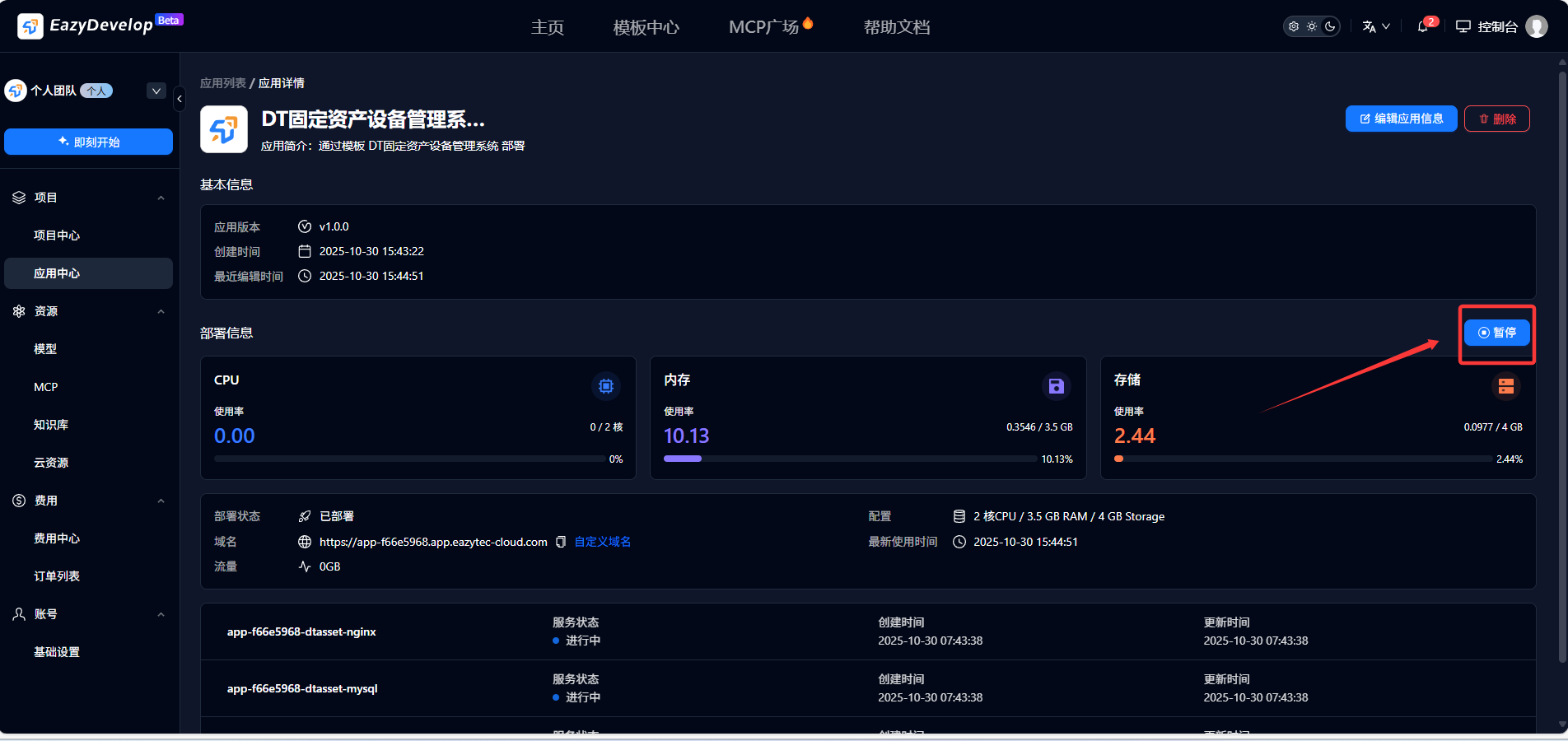
If you need to pause usage, click [Pause]
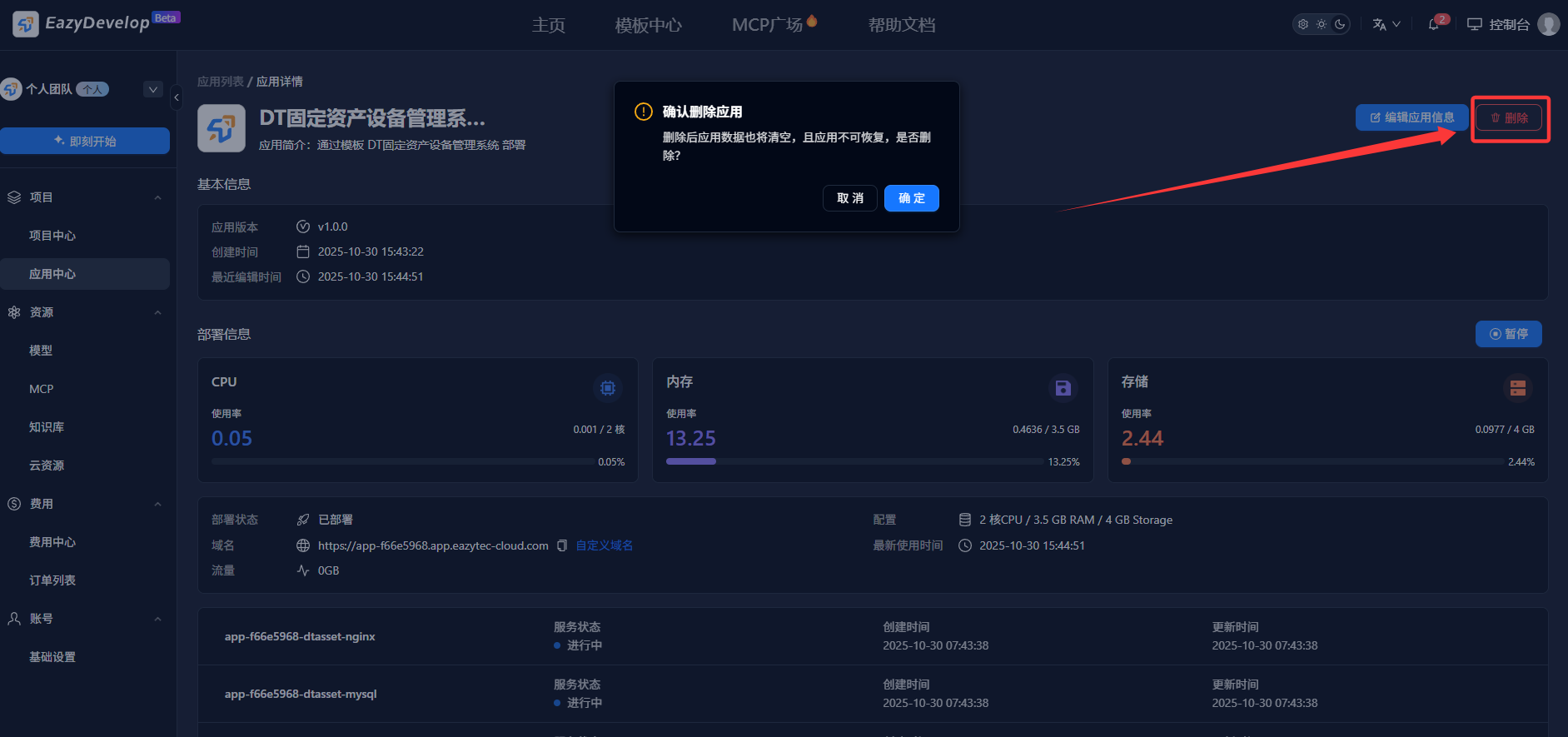
If you no longer need this application, you can click [Delete] to destroy the application. After deletion, the application data will also be cleared, and the application cannot be recovered (use with caution!!!)
Manage Applications
Enter Console - Application Center to manage applications
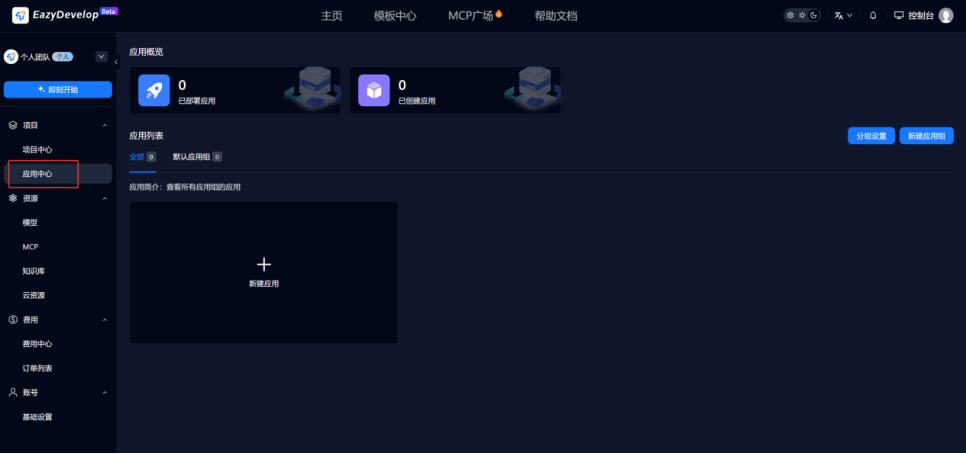
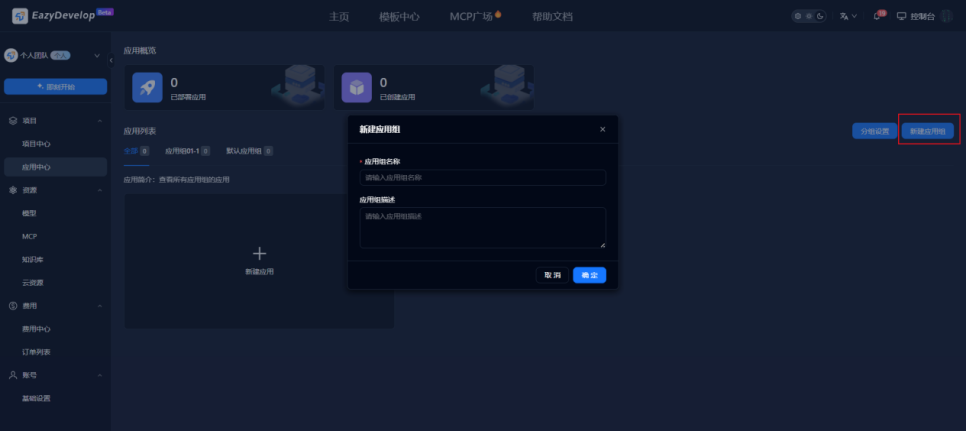
Click [Create Application Group] to create an application group
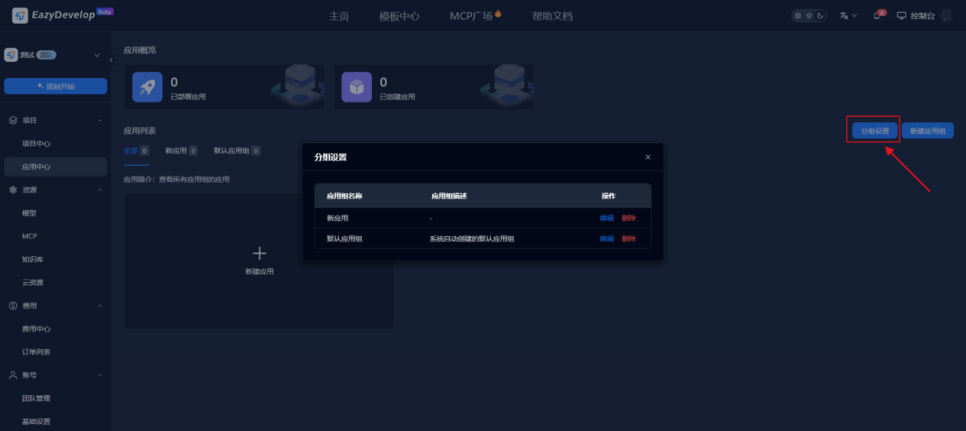
Click [Group Settings] to set application group information
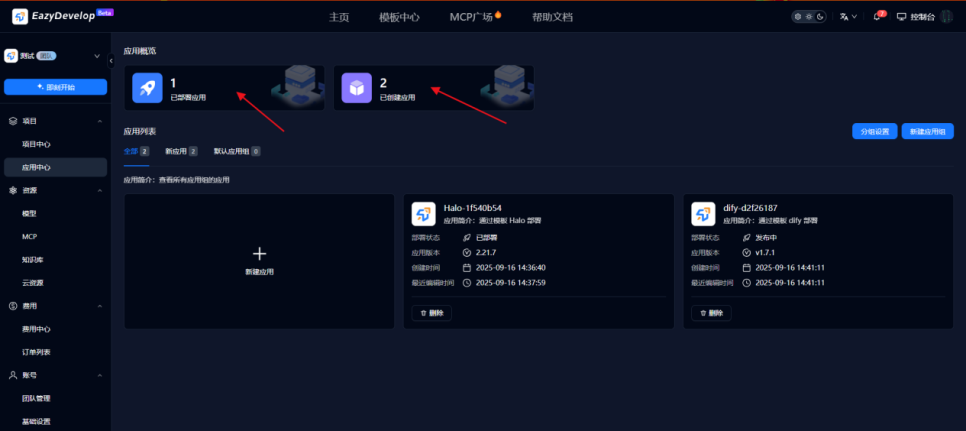
The top statistics show the number of deployed applications and created applications, click to filter accordingly
EazyDevelop Communication Group
QQ Group: 527082643
WeChat Service Number: EazyDevelop-Eazytec