
FinBot Installation
Open FinBot Solution Page
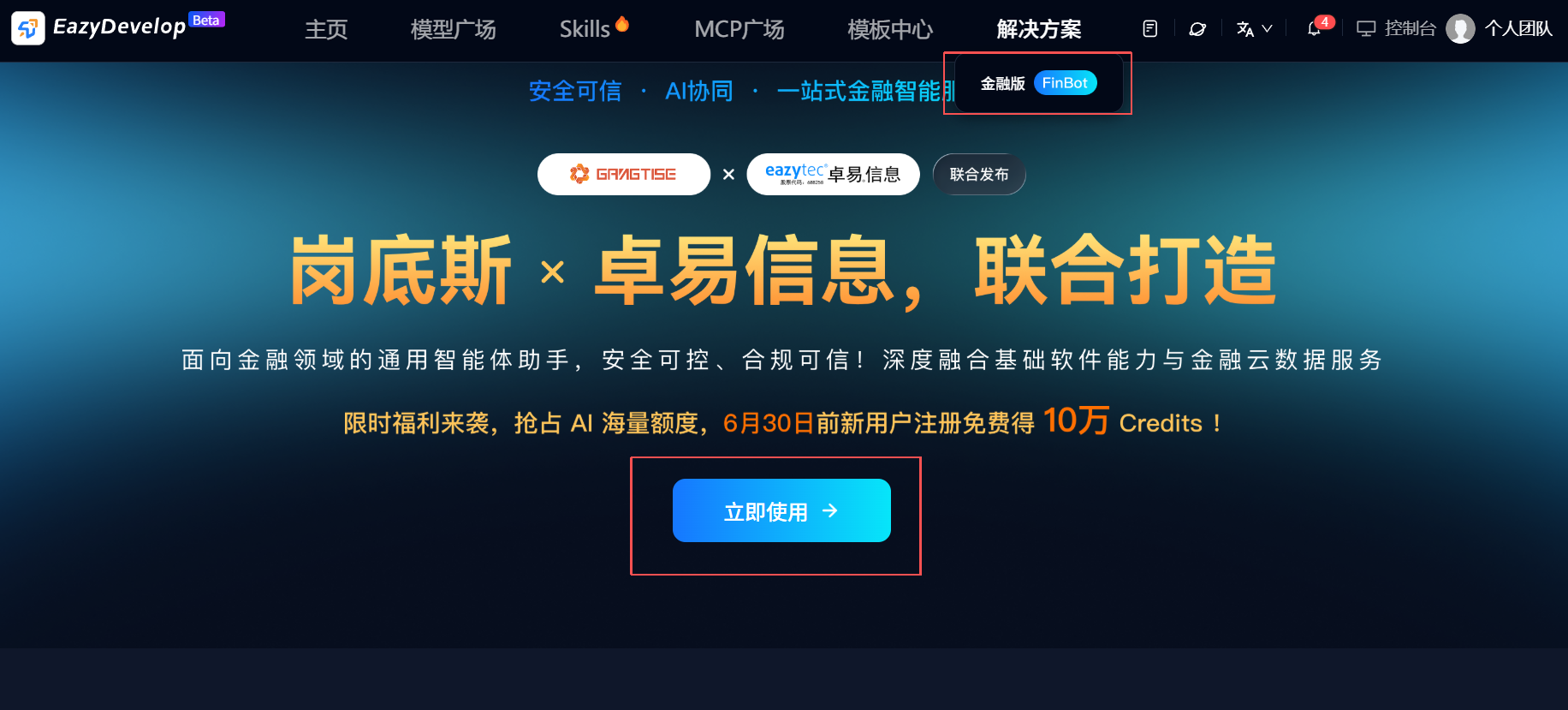
Click "Financial Version FinBot" under "Solutions" in the top navigation bar to open the FinBot solution page.
Log In / Register
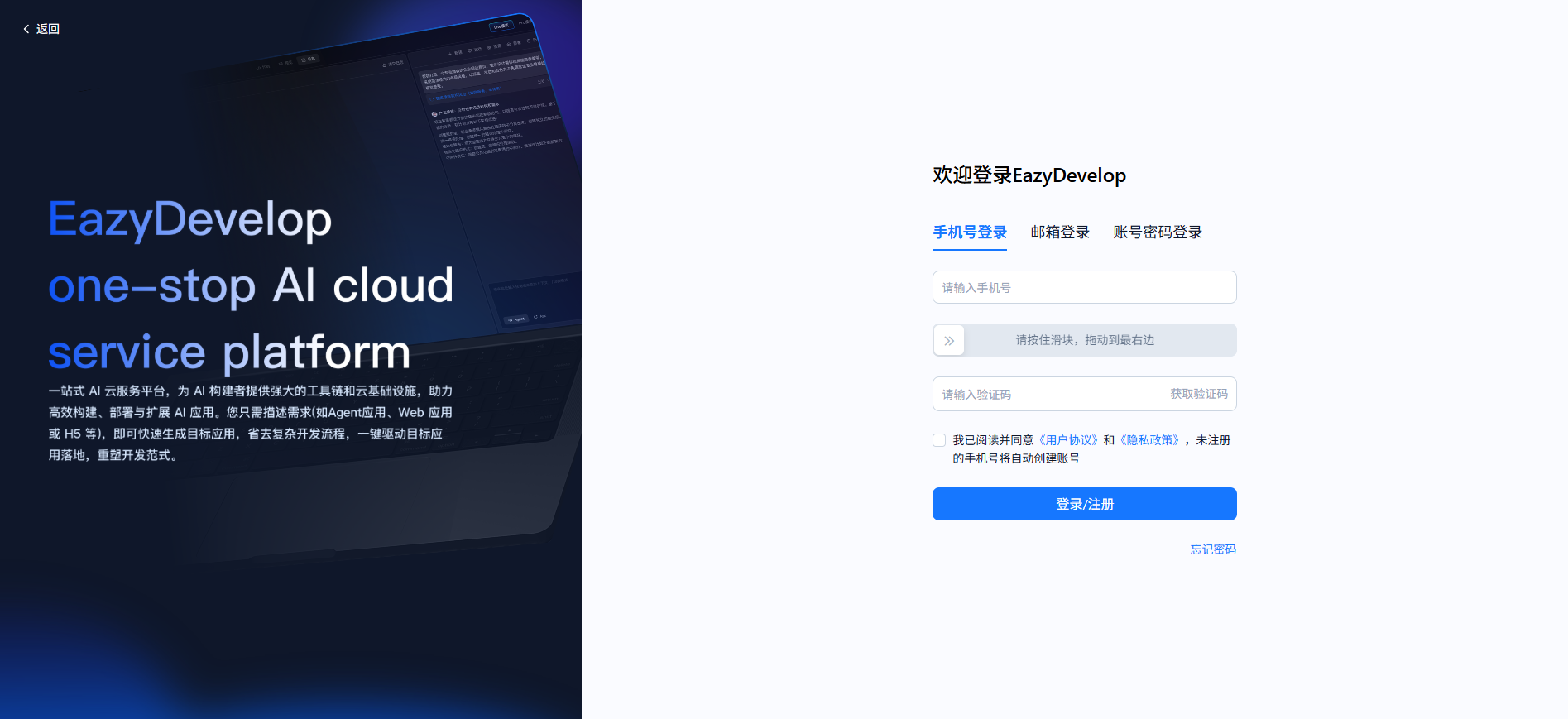
Click "Use Now" to log in or register.
Claim Free Package
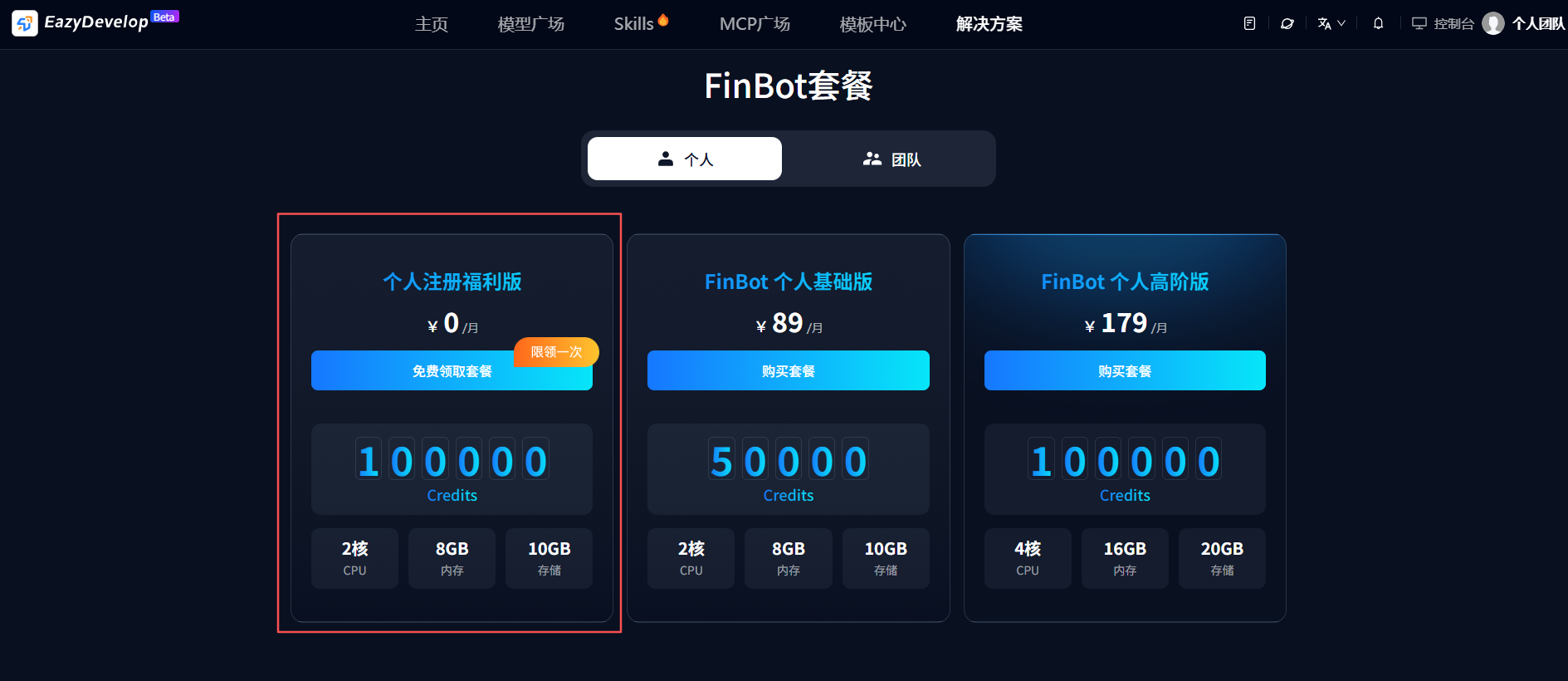
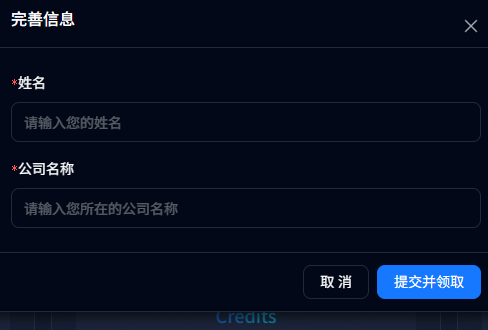
After logging in, go to "FinBot Package - Personal" to claim the free package. You need to complete your profile information first. After completing the information, successfully claim the free package.
Deploy FinBot
After claiming, click "Use Now" to deploy FinBot. Multiple FinBot instances can be deployed.
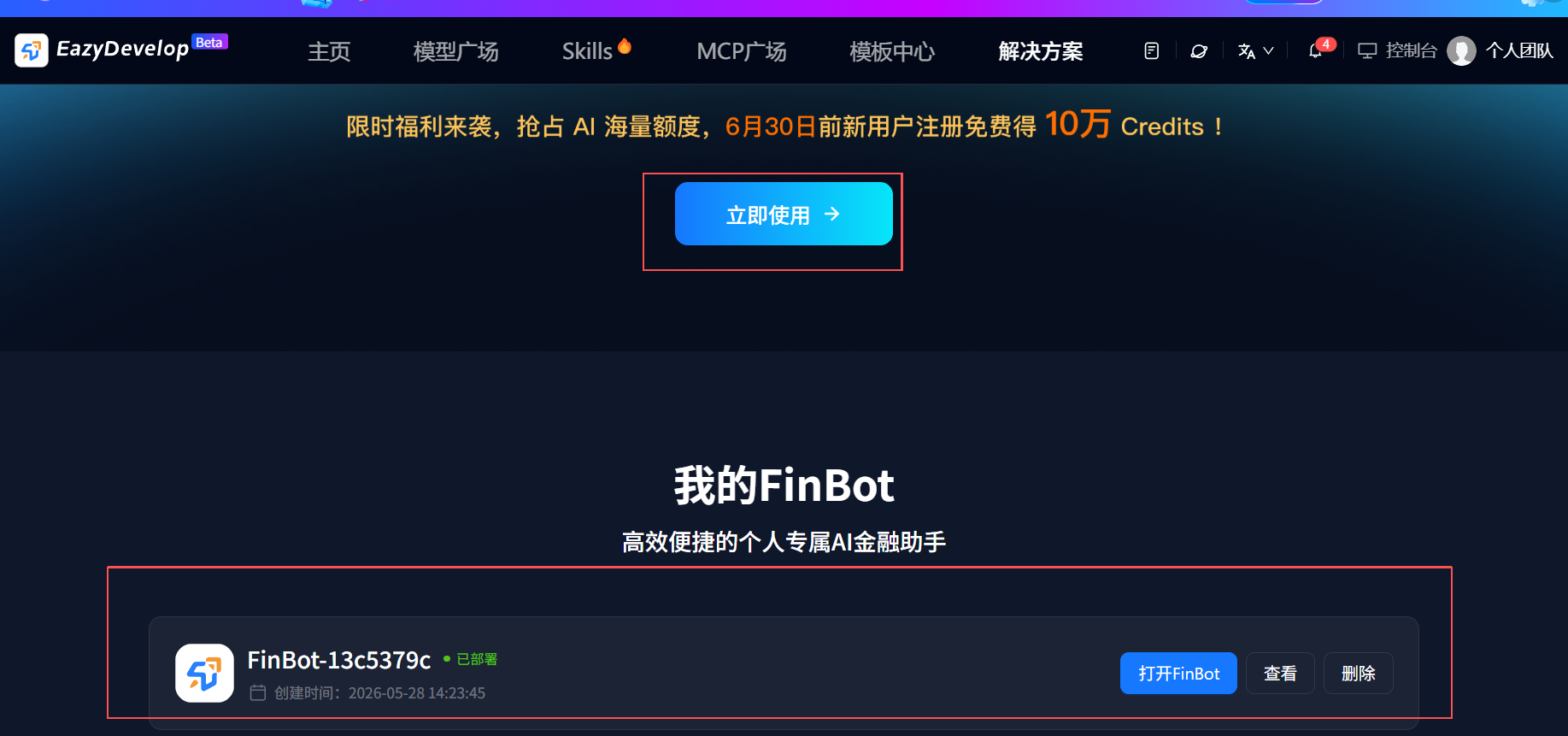
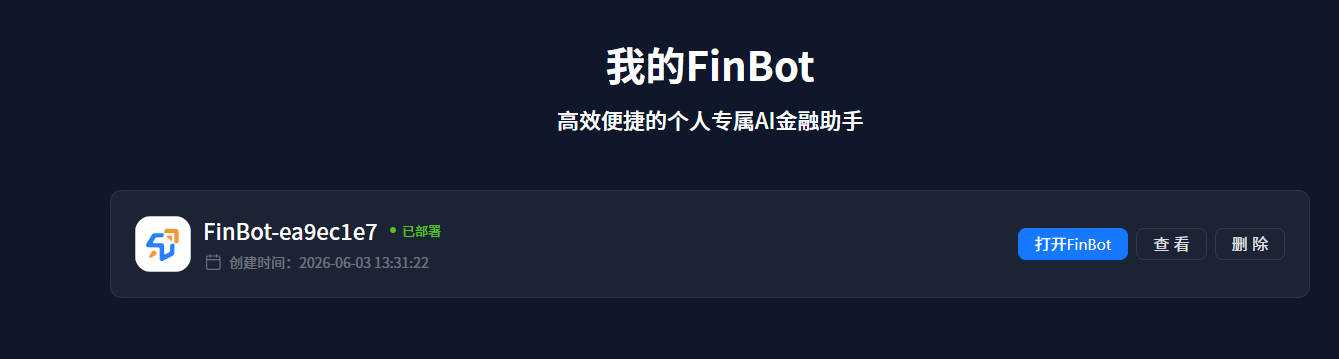
When the status changes to "Deployed", click the "Open FinBot" button to access FinBot.
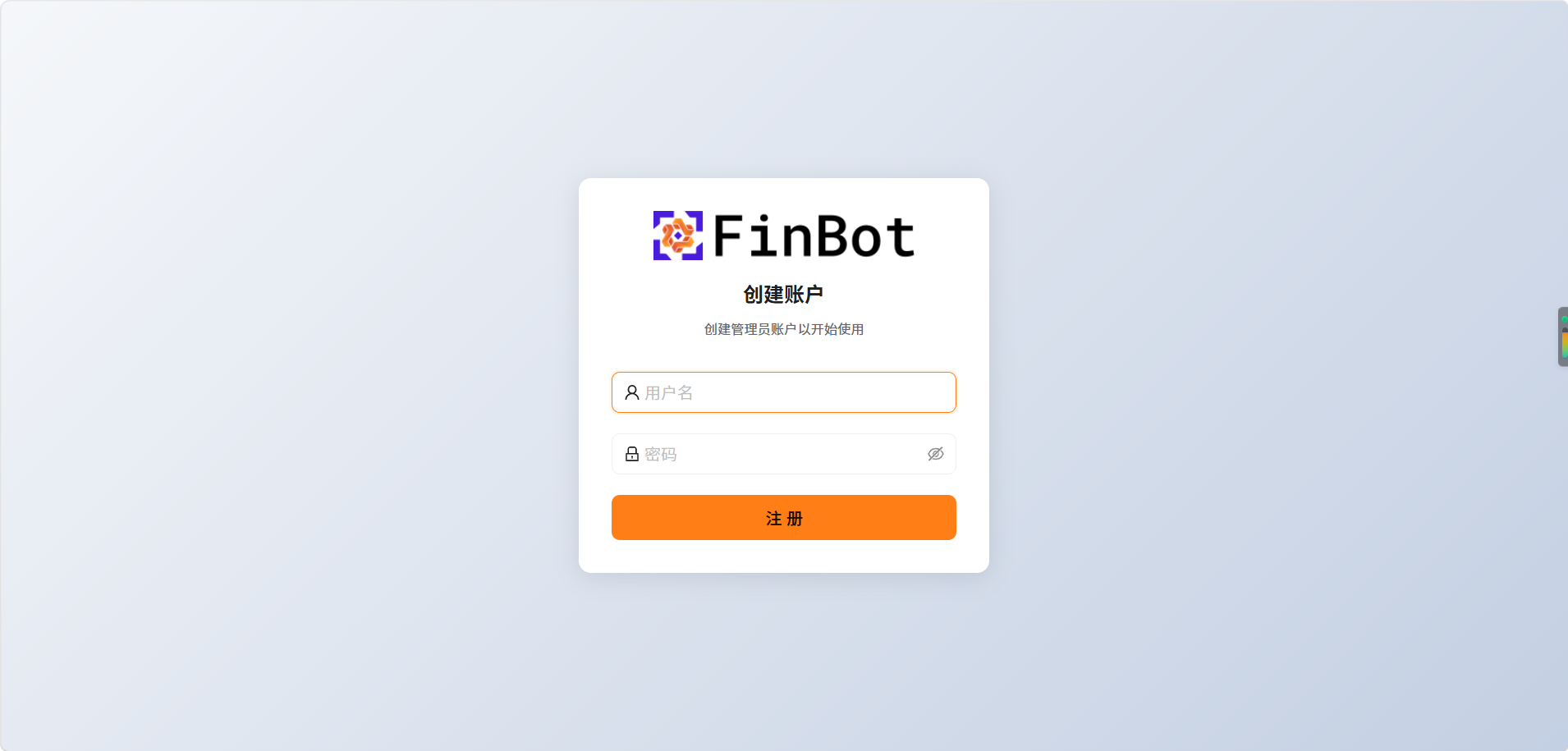
Register FinBot Account
After opening, enter a username and password to register. Please save your credentials to your memo to avoid losing account information when logging in later.
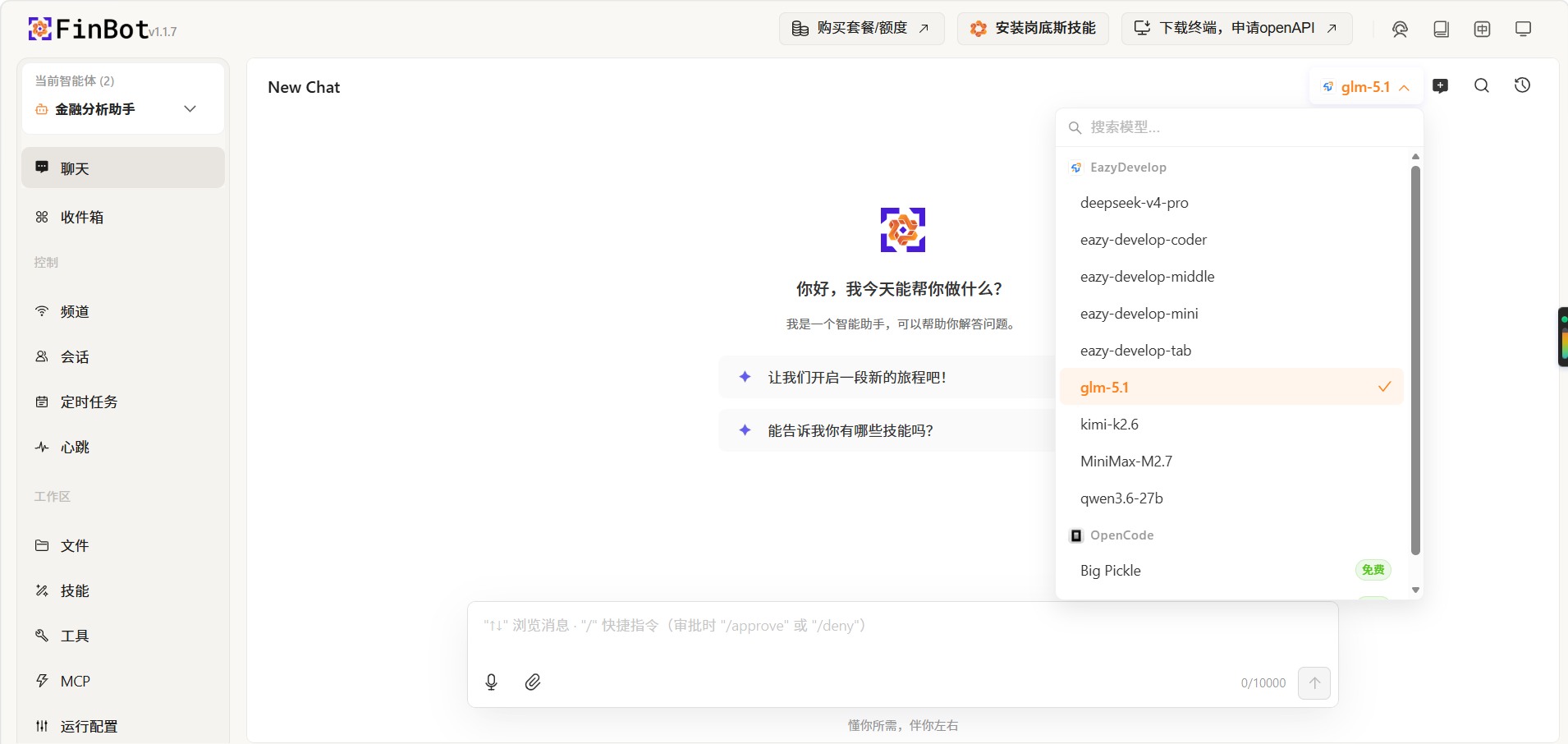
Start Using
After registration, you will enter the FinBot chat page. A model is pre-configured, so you can start chatting right away.
View Deployment Info
Click the "View" button to see detailed FinBot deployment information.
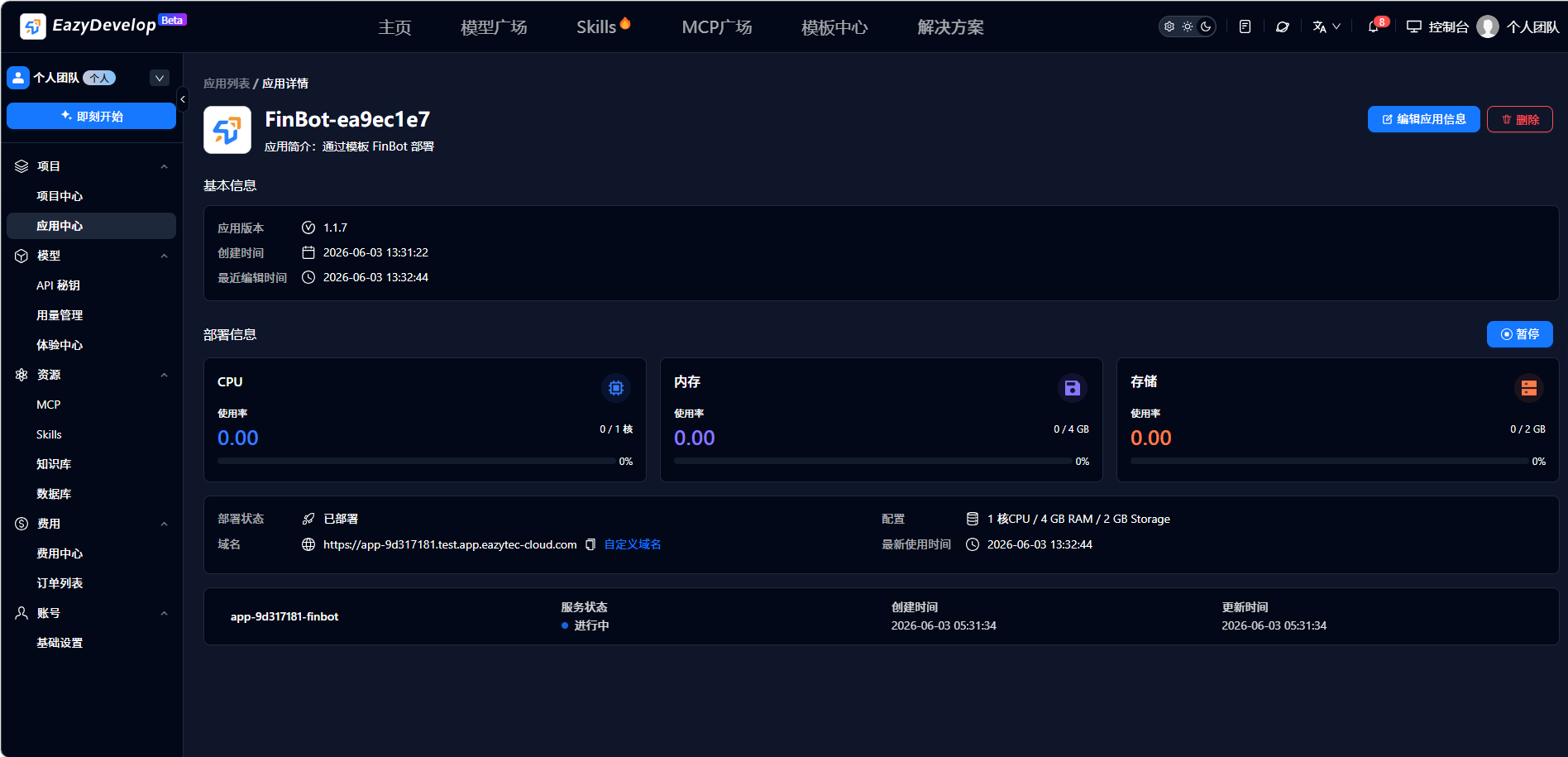
Delete Application
Click "Delete" to remove the application. All data will be cleared and the application cannot be recovered. Please delete with caution.