
Skills
If you want FinBot to have more professional knowledge or answer according to specified processes and formats, you can use skills.
Skill Management
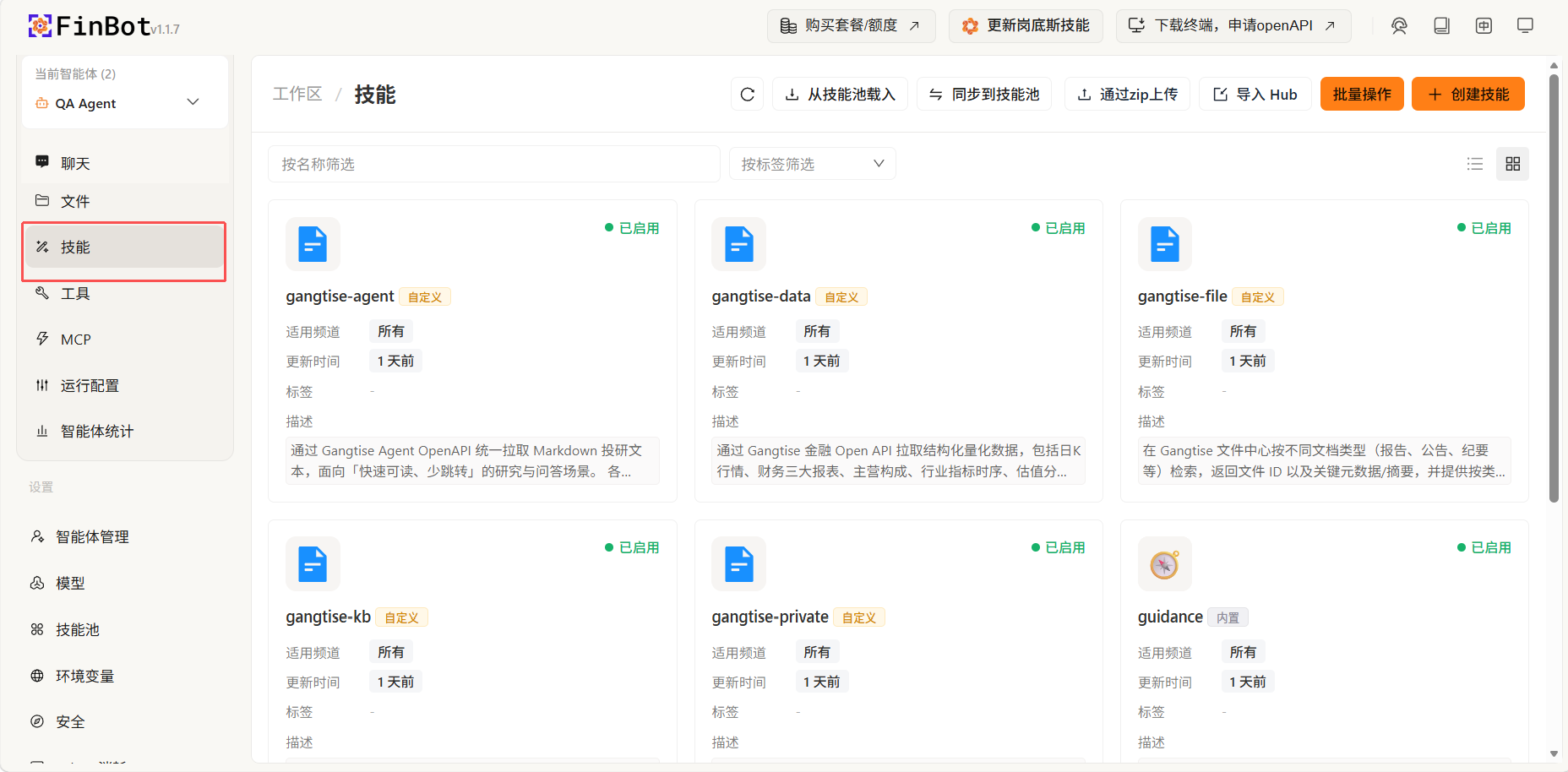
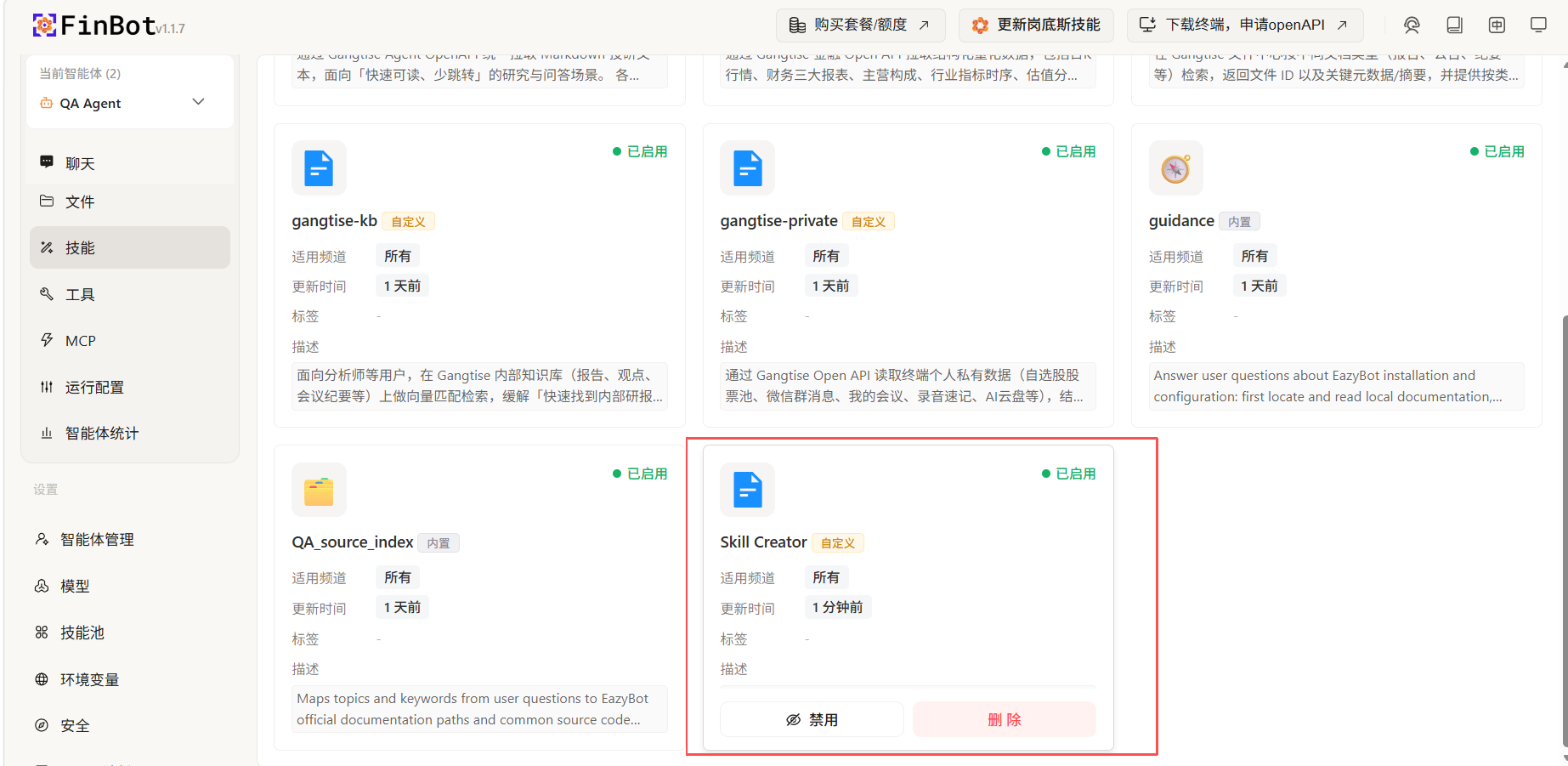
Click Skills on the left to view and manage installed skills.
Adding Skills
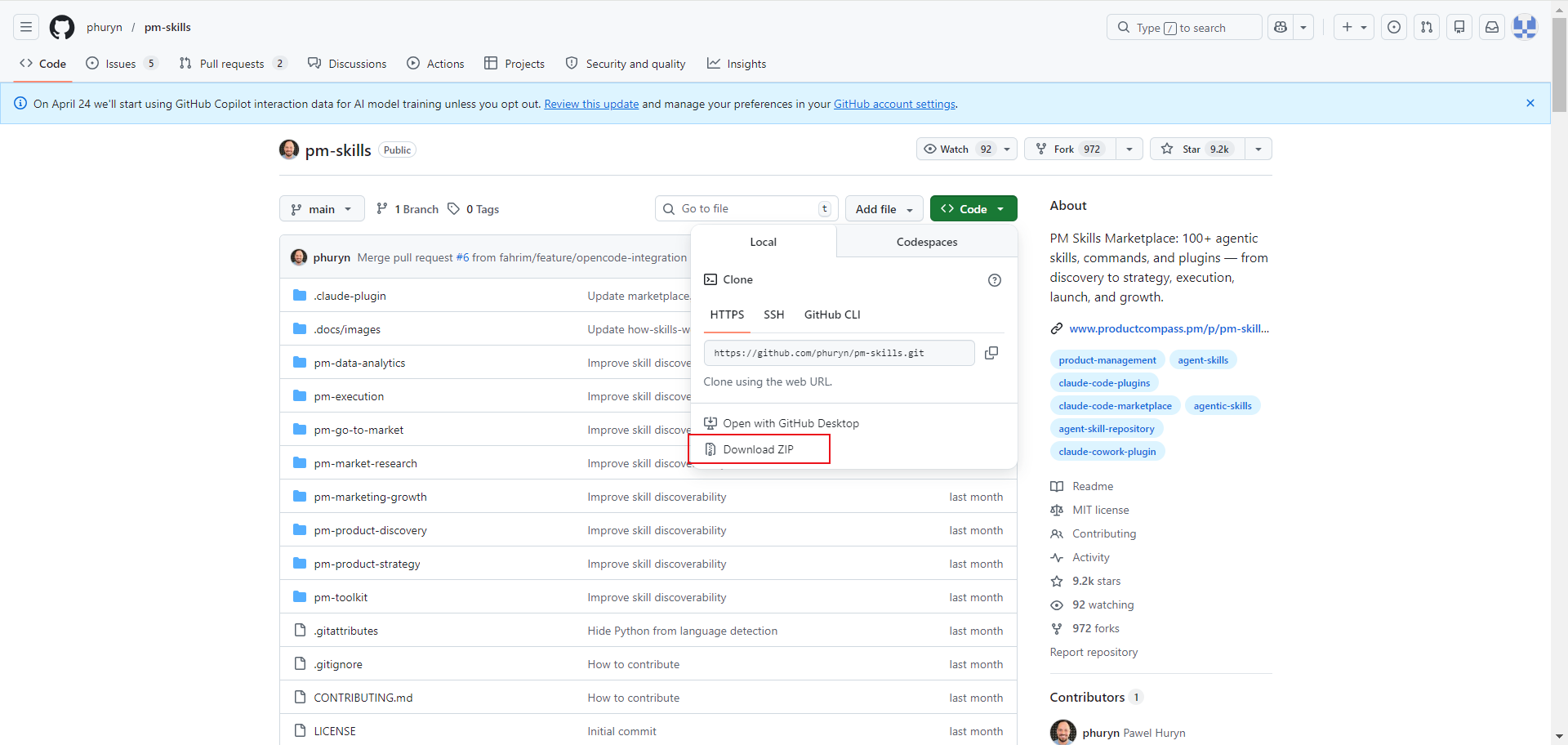
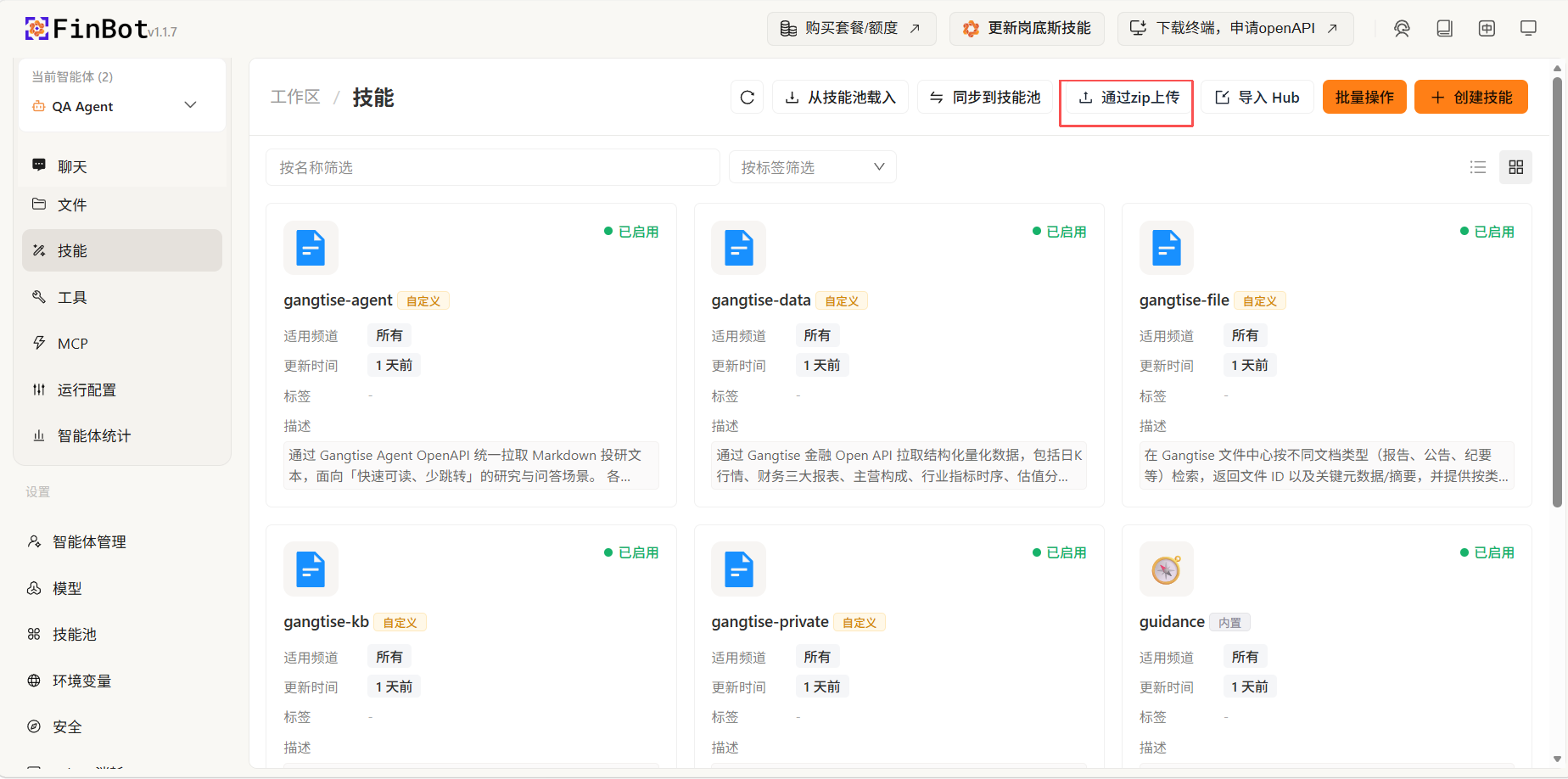
Upload Skill
Directly upload a skill archive file downloaded from somewhere. For example, after downloading from GitHub, select the archive file to import.
Import from Hub
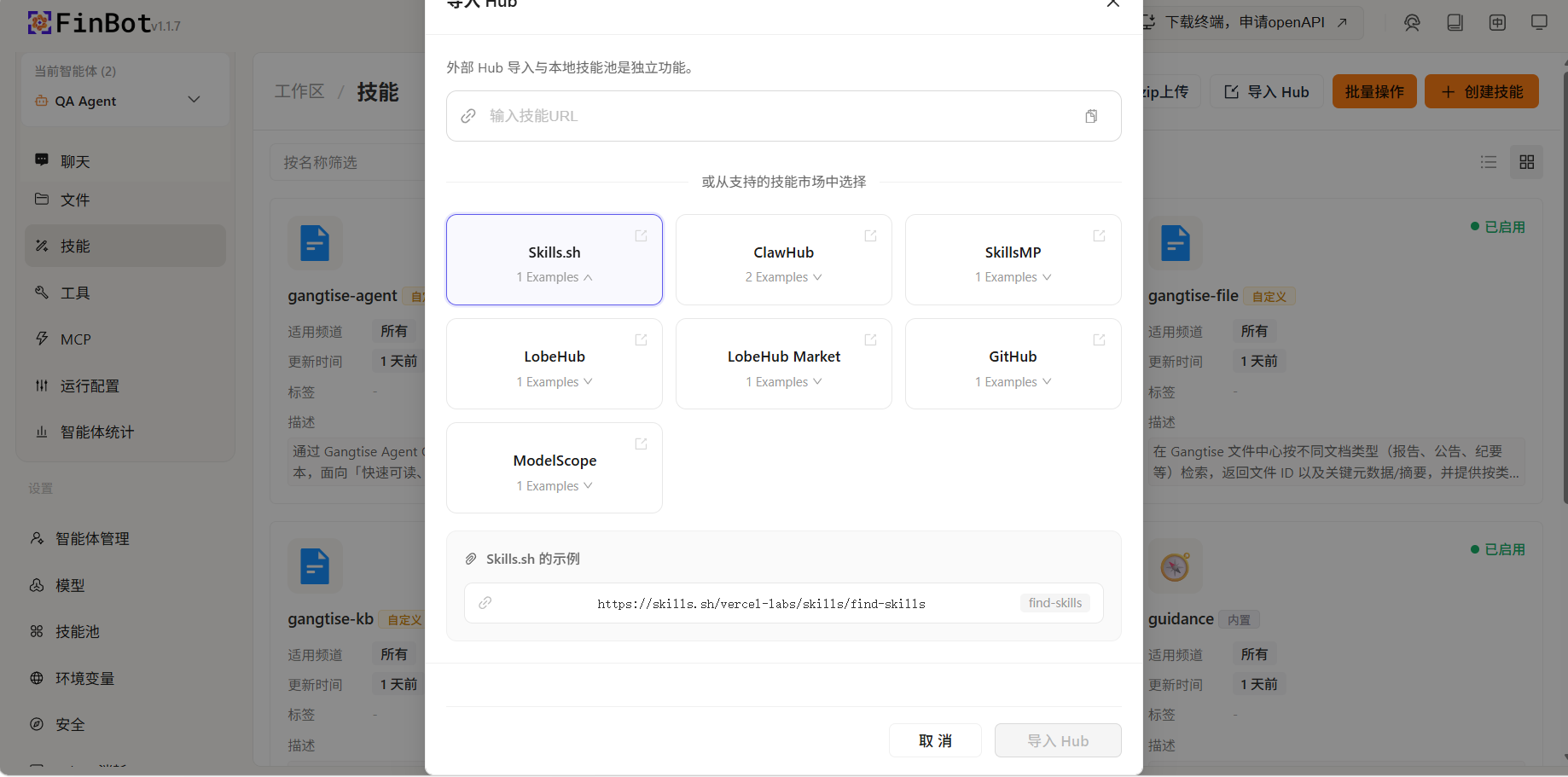
Select and import from supported skill markets, such as Skills.sh, ClawHub, SkillsMP, LobeHub, GitHub and other skill markets. After selection, it will automatically fill in the example URL, click import to complete installation.
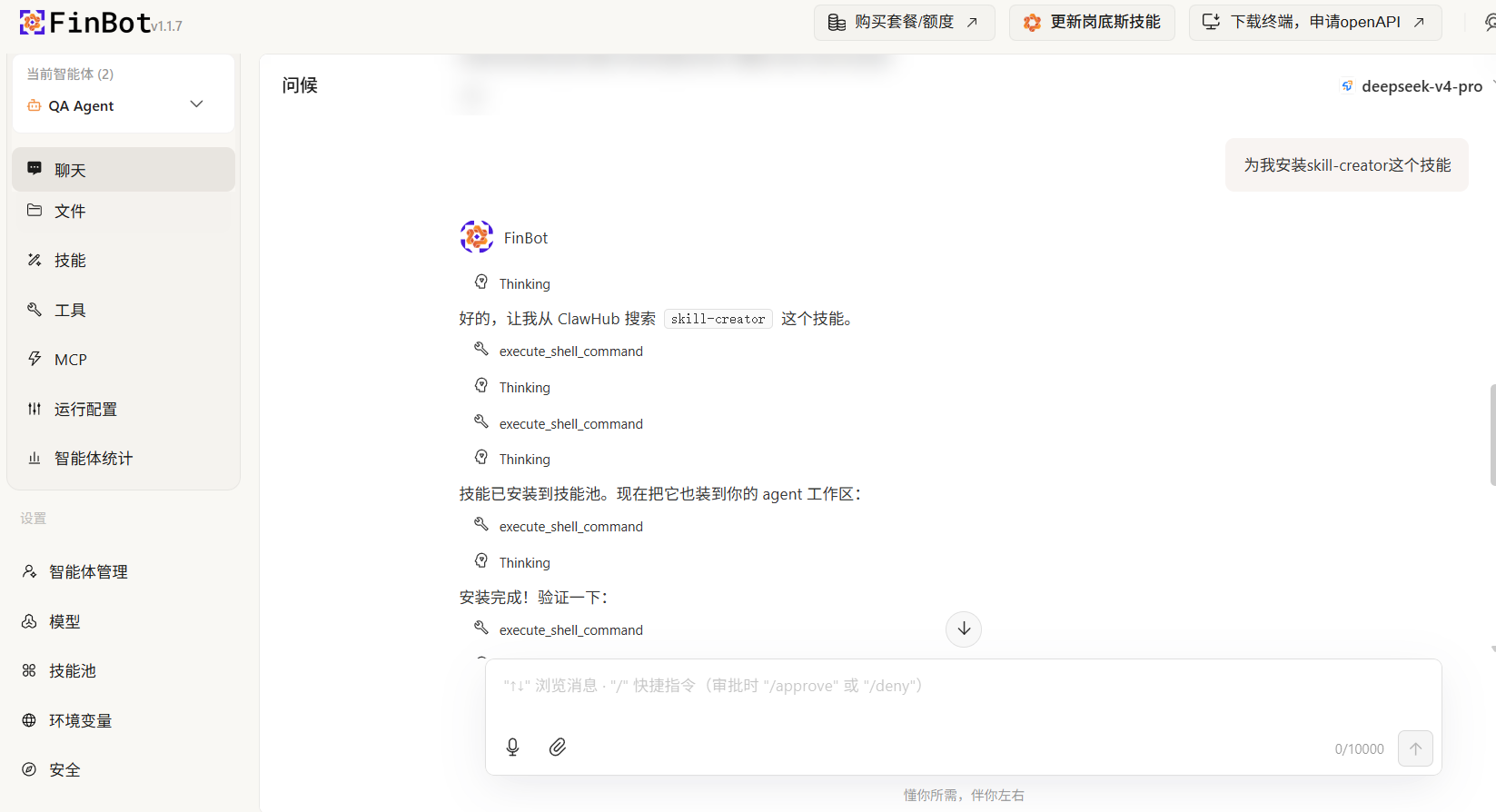
Install via Conversation
Request the agent to install skills in the chat conversation, and click the refresh button on the skills page after installation is complete.
Load from Skill Pool
Load skills that have been saved in the skill pool into the current workspace for quick reuse and sharing:
- Click the Load from Skill Pool button on the skills page
- The system will display a list of all available skills in the skill pool
- Select the skills you want to load
- After confirming, the skills will be automatically installed and enabled in the current workspace
- If a skill with the same name already exists in the current workspace, the system will prompt a conflict and suggest a new name
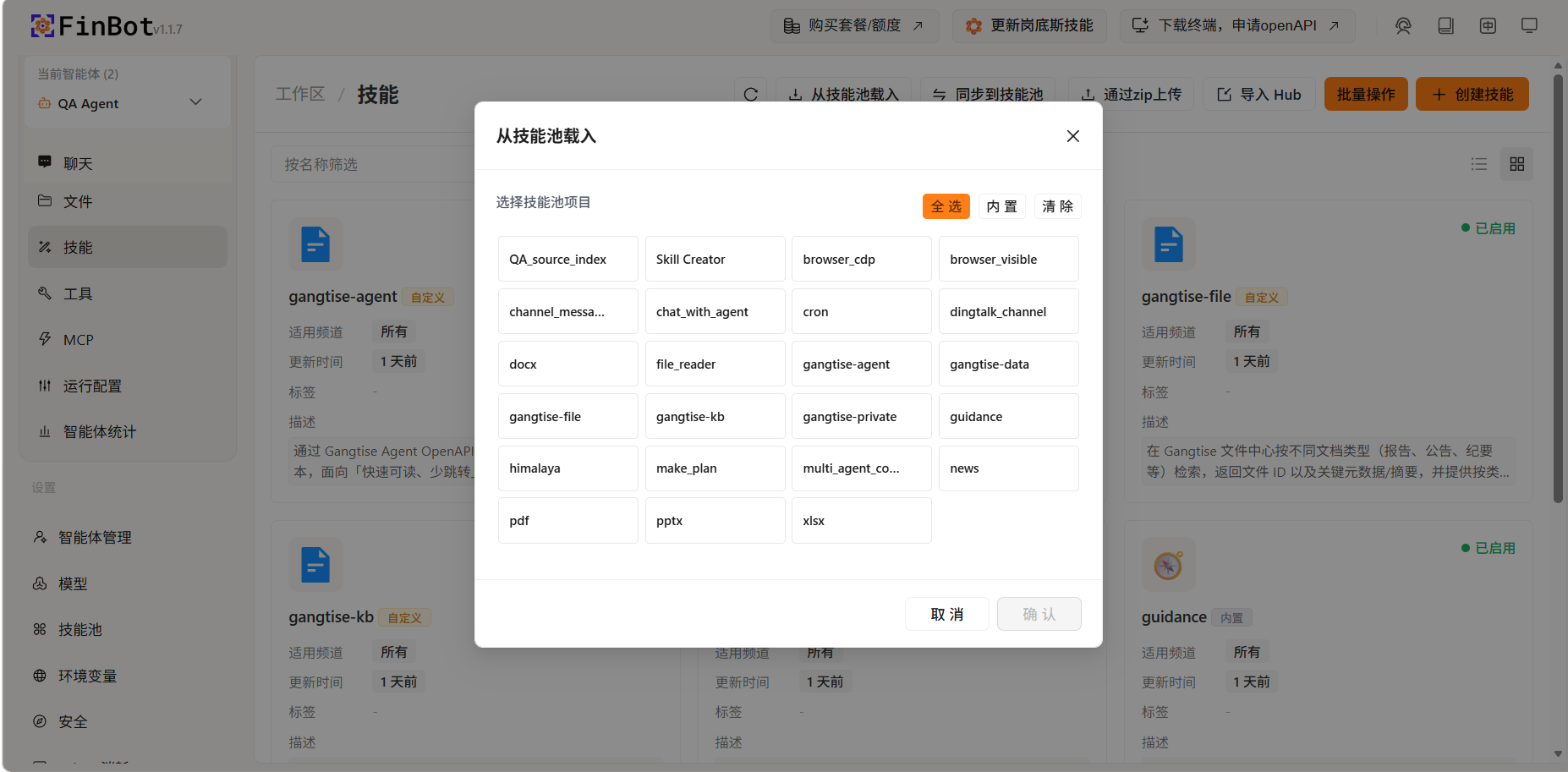
Tip: Loading skills from the skill pool avoids redundant configuration and is especially suitable for sharing commonly used skills across multiple agents.
Batch Operations
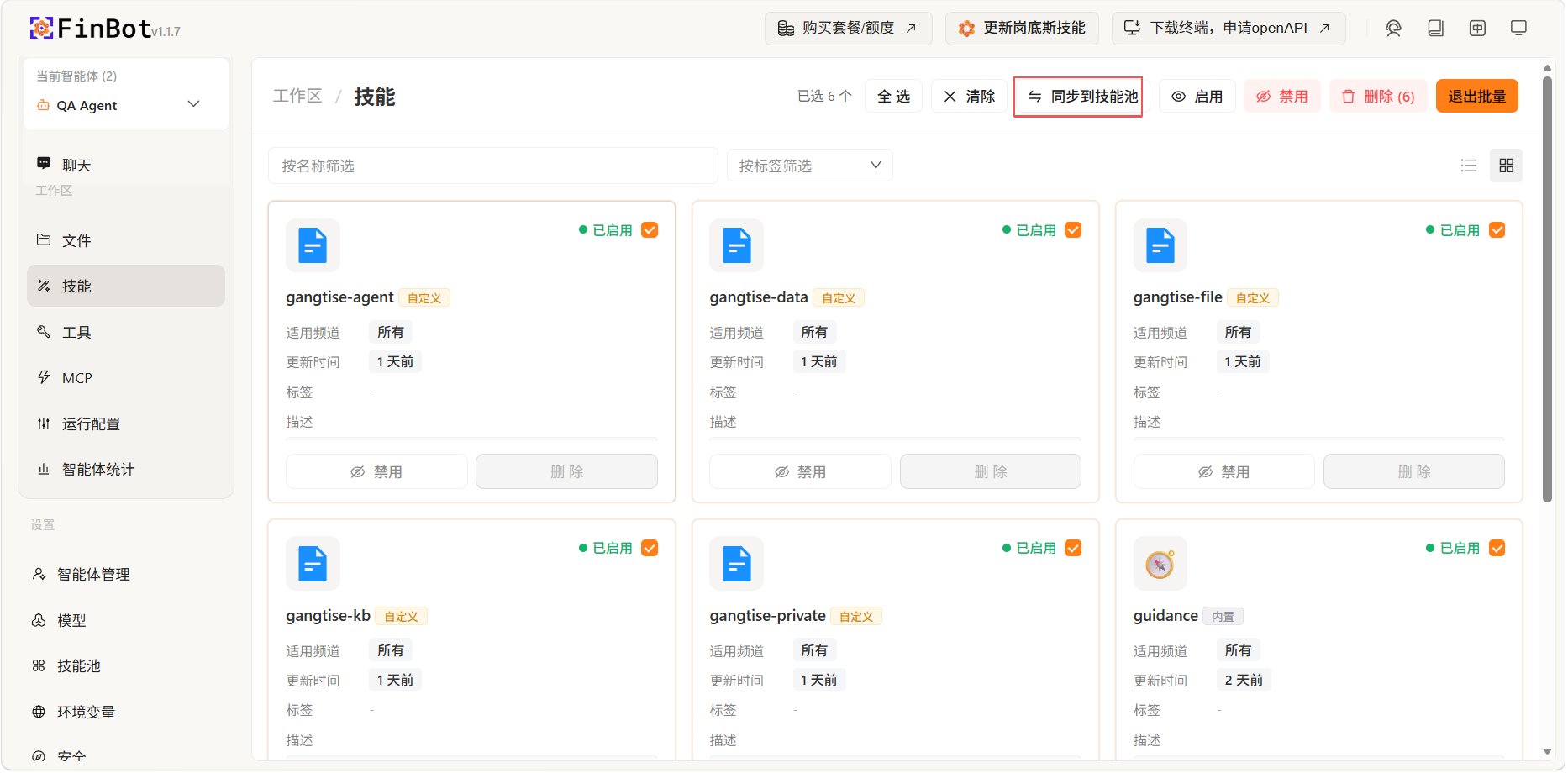
Click the Batch Operations button to enter batch management mode, where you can perform unified operations on multiple skills at the same time.
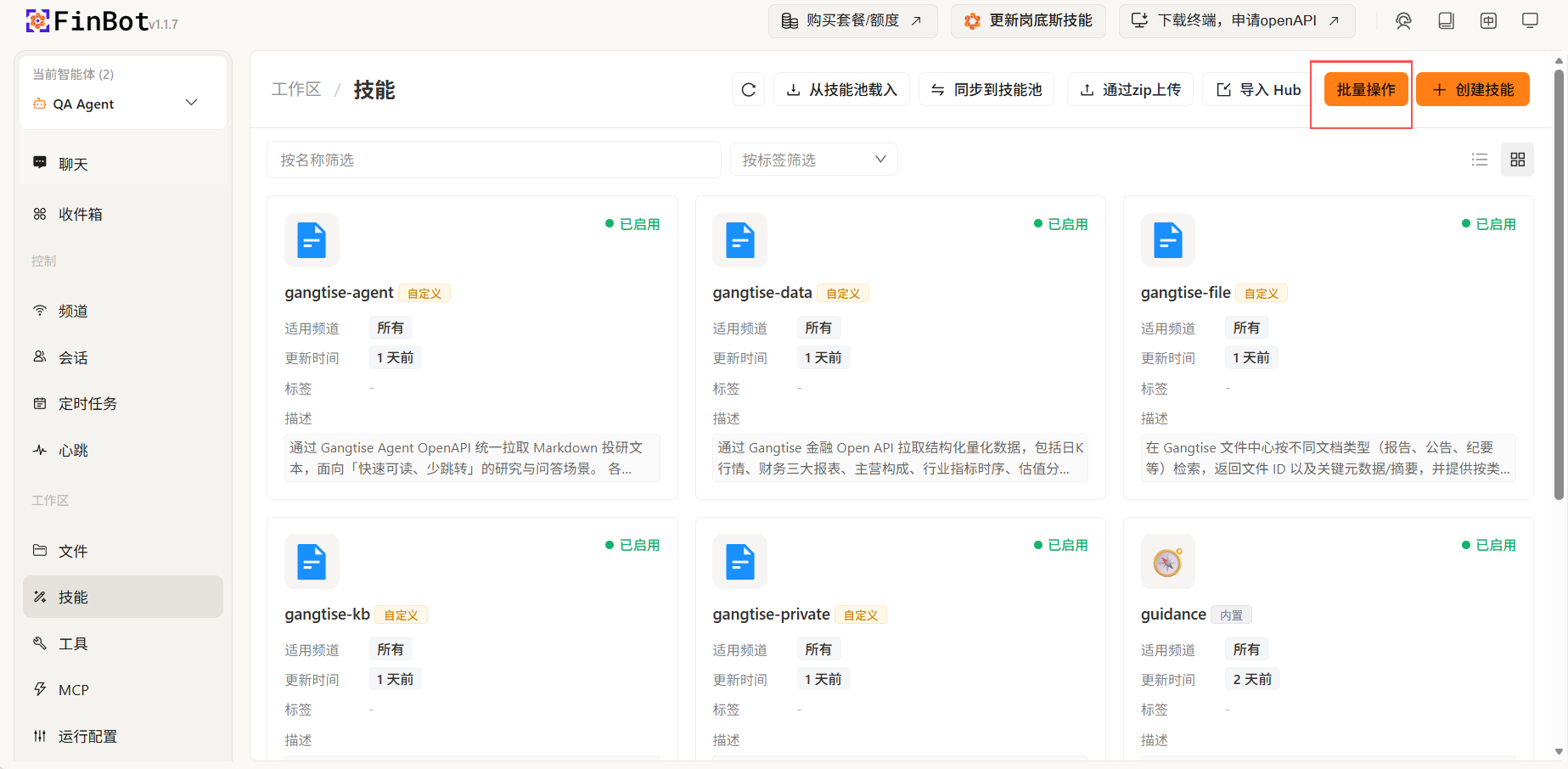
In batch operation mode, you can sync selected skills to the skill pool for saving.
Notes
- Skills enable FinBot to answer according to specified processes and formats
- You need to refresh the skills page to see newly installed skills
- It is recommended to sync frequently used skills to the skill pool for reuse